· career · 6 min read
The Role of AI in Modern JavaScript Development: Portfolio Showcase
Learn how to integrate AI tools into JavaScript projects, build portfolio-ready demos, and showcase real user impact-complete with code examples, architecture tips, UX considerations, deployment strategies, and ethical guidance.
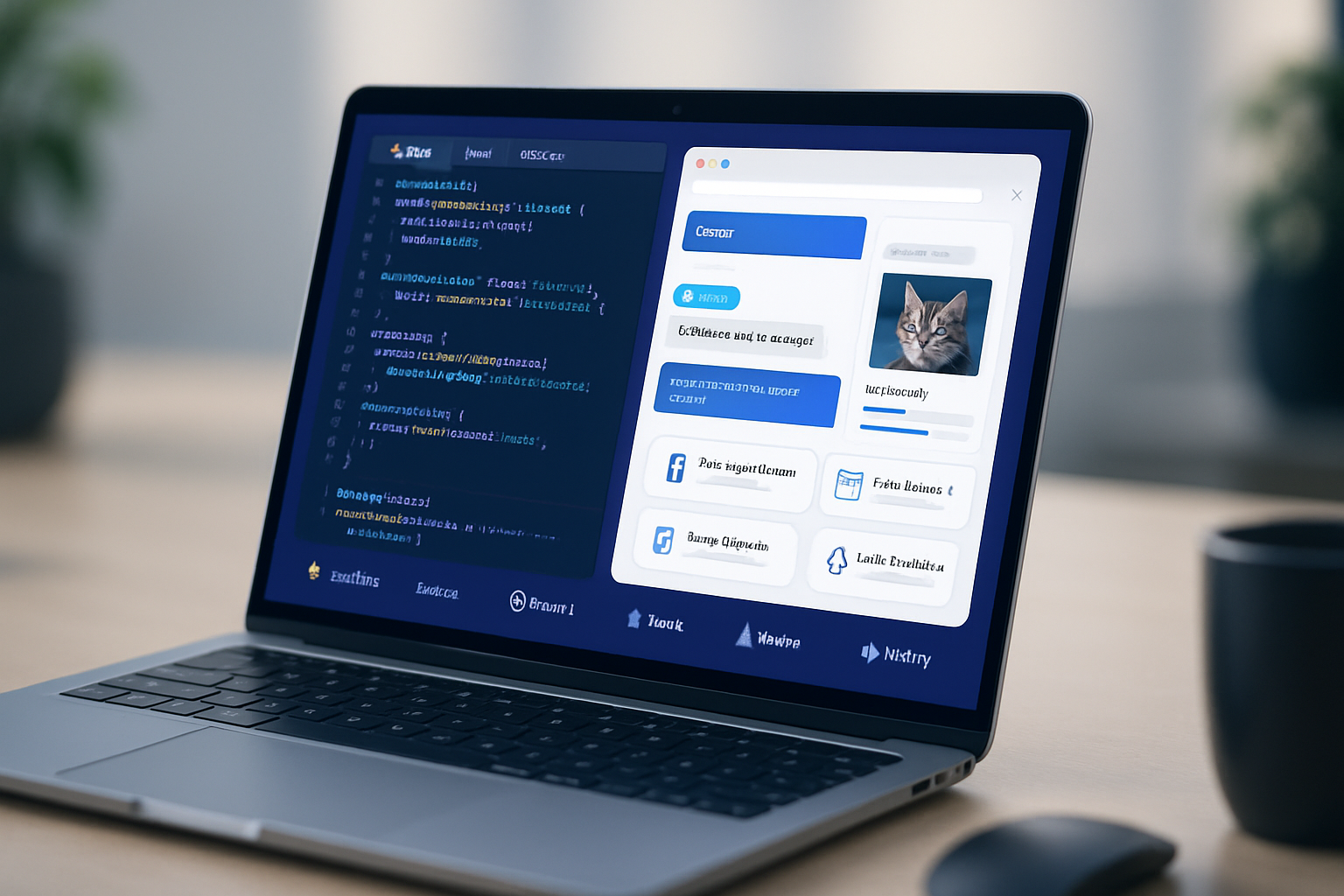
Outcome first: by the end of this article you’ll know which AI features make JavaScript projects portfolio-ready, how to implement them with concrete code examples, and how to present them so they stand out to recruiters or clients. Read on to learn how to add real value-not just flashy tech-to your projects.
Why AI in JavaScript? Quick win, big payoff
AI used to be a backend-only story. Not anymore. Modern JS ecosystems let you run models in the browser, call inference APIs from serverless endpoints, and combine client + server AI for fast, private, and interactive experiences. That means: fewer round-trips, richer UX, and projects that feel magical. Short build time. Big user impact.
Core patterns: where AI augments JS apps
Pick the right pattern for your use case. Use the wrong one and users see lag or wrong answers. Choose well and your project becomes sticky.
- Client-side inference (TensorFlow.js, ml5.js): for privacy, instant response, offline capability. Great for image classification, style transfer, small language models.
- Server-side inference (OpenAI, Hugging Face Inference API, self-hosted): for heavy models or protected prompts. Good for code generation, summarization, dialogue.
- Hybrid: light preprocessing in-browser + heavy inference on the server. Balance latency, cost, and privacy.
- Embeddings + vector search: for semantic search, recommendations, and memory in chat apps.
Example features that make a portfolio project shine
These are the features interviewers and product reviewers notice immediately.
- Smart search: semantic search (embeddings) instead of keyword matching. Instantly more useful.
- Personalization: micro-recommendations that adapt within a session.
- Natural-language interface: let users do complex actions with simple sentences.
- Accessibility augmentation: auto-generated alt text, captioning, summarization.
- Visual creativity: image style transfer, text-to-image demos.
- Code-focused tools: in-browser linting assistants, snippet generators, or test-case generators.
Small, concrete code examples
Below are tiny, practical examples you can drop into a demo. They are intentionally minimal so you can adapt them.
1) Calling a backend AI endpoint (serverless function + client)
This pattern keeps API keys safe and gives the UI instant feedback.
Serverless (Node) example-/api/generate.js:
// Node (Express-style or serverless) pseudo-code
import fetch from 'node-fetch';

export default async function handler(req, res) {
  const prompt = req.body.prompt;
  const r = await fetch('https://api.openai.com/v1/chat/completions', {
    method: 'POST',
    headers: {
      'Content-Type': 'application/json',
      Authorization: `Bearer ${process.env.OPENAI_API_KEY}`,
    },
    body: JSON.stringify({
      model: 'gpt-4o-mini',
      messages: [{ role: 'user', content: prompt }],
    }),
  });

  const data = await r.json();
  res.status(200).json(data);
}
Client fetch:
async function askServer(prompt) {
  const res = await fetch('/api/generate', {
    method: 'POST',
    headers: { 'Content-Type': 'application/json' },
    body: JSON.stringify({ prompt }),
  });
  const json = await res.json();
  return json;
}
Reference: OpenAI API docs: https://platform.openai.com/docs
2) In-browser image classification (TensorFlow.js)
Run an image model client-side for instant feedback.
<script src="https://cdn.jsdelivr.net/npm/@tensorflow/tfjs@4.0.0/dist/tf.min.js"></script>
<script>
  async function loadAndPredict(imgElement) {
    const model = await tf.loadGraphModel(
      'https://tfhub.dev/google/imagenet/mobilenet_v2_140_224/classification/4',
      { fromTFHub: true }
    );
    const tensor = tf.browser
      .fromPixels(imgElement)
      .resizeNearestNeighbor([224, 224])
      .toFloat()
      .expandDims();
    const result = await model.predict(tensor).data();
    console.log('top result index:', result.indexOf(Math.max(...result)));
  }
</script>
Reference: TensorFlow.js: https://www.tensorflow.org/js
3) Quick client-side ML with ml5.js
ml5 wraps models for creatives and rapid prototyping.
<script src="https://cdn.jsdelivr.net/npm/ml5@latest/dist/ml5.min.js"></script>
<script>
  const classifier = ml5.imageClassifier('MobileNet', () => {
    classifier.classify(document.getElementById('img'), (err, results) => {
      console.log(results);
    });
  });
</script>
Reference: ml5.js: https://ml5js.org
4) Embeddings + vector search (conceptual snippet)
Store embeddings and run semantic queries.
// 1) Generate embeddings server-side (secure API key)
// 2) Store vectors in a vector DB (Pinecone, Weaviate, or a simple FAISS service)
// 3) Query: get top-k semantically similar documents

// Pseudocode: ask a user query -> get embedding -> query vector DB -> return best matches
Hugging Face inference: https://huggingface.co/inference-api
UX & performance rules (short list, memorize these)
- Reduce latency: aim <200–500ms for interactive UI.
- Degrade gracefully: show cached or partial answers when the model is slow.
- Communicate uncertainty: show confidence or allow users to correct outputs.
- Respect privacy: run sensitive models client-side or anonymize data.
- Avoid hallucinations: for factual interfaces, add grounding (source snippets) and allow verification.
Deployment & architecture tips
- Serverless functions (Vercel, Netlify) are perfect for small inference proxies.
- Use edge functions for lower latency closer to users.
- Offload heavy inference to managed APIs or GPU instances when needed.
- Web Workers / OffscreenCanvas for client-side heavy work so the UI stays responsive.
Useful hosts:
- Vercel: https://vercel.com
- Netlify: https://www.netlify.com
Ethics, costs, and safety
AI can amplify both good and bad. Be proactive.
- Cost: monitor API calls and use caching. Reuse embeddings and throttle requests.
- Security: never embed private keys in client code. Use serverless for secret management.
- Bias & safety: evaluate model outputs for fairness. Add post-filters and human review for sensitive cases.
- Privacy: offer an opt-out and a clear data policy when you collect user data.
Portfolio strategy: show impact, not just tech
Hiring managers and clients don’t care that you used “AI”. They care that you solved a real problem. Structure your portfolio entries to show impact.
What to include for each AI project:
- One-line problem statement. (What user problem did you solve?)
- Your solution and the AI role. (Why AI? Which pattern?)
- Live demo link and short demo video. (Video is high-ROI-30–90s.)
- Architecture diagram and key technologies. (Make it one clear image.)
- Measured outcomes. (Time saved, accuracy, conversion uplift.)
- Readme with setup steps and an interactive playground (if possible).
- Tests, benchmarks, and cost notes. (Proves you can productize the idea.)
Example README snippet (concise):
## SmartResume - semantic resume search

Problem: Recruiters waste time matching resumes to roles.
Solution: Embeddings-based search + filtering.
Live: https://smartresume.example
Tech: OpenAI embeddings, Pinecone, Next.js, Vercel
Results: 30% faster candidate shortlisting in user test, median query time 120ms.
Visual and interaction polish that recruiters love
- A short hero video showing the app solving a real task.
- A small interactive playground embedded in the project page.
- Clear before/after screenshots or a measurable metric.
- A link to the code and a one-click deploy button (Vercel).
Portfolio project ideas with AI + JS (starter list)
- Semantic documentation explorer: paste docs, search by question.
- Accessibility booster: auto-alt text + captioning for user uploads.
- Code pair: in-browser code completion + test-generation for small functions.
- Visual search: find images by sketch or caption.
- Personal finance assistant: categorize transactions + generate budgeting suggestions.
Measuring success: metrics to track
- Latency (ms) and availability (%)
- Query relevance (precision@k, qualitative user ratings)
- Conversion or retention lift vs baseline
- Cost per inference and monthly spend
- False positive / hallucination rates
Troubleshooting common pitfalls
- Slow cold starts: use warm-up pings or provisioned instances.
- Inconsistent outputs: fix prompts, add system messages, or constrain models.
- High cost: switch to smaller models for less-critical paths or use client-side small models.
Final checklist before you publish a portfolio AI project
- Live demo that anyone can try (no login preferred)
- Short demo video (30–90s)
- Architecture diagram and a small tech write-up
- Measurable outcomes or test results
- Cost & privacy notes
- Well-documented code and setup steps
Closing: what wins in 2026 portfolios
Flashes of novelty get attention. But projects that win interviews and clients are the ones that show clear impact, careful engineering, and responsible design. Use AI where it meaningfully improves the experience. Then show the why, the how, and the measurable outcome. That combination is what makes a JavaScript + AI project portfolio-ready and memorable.
References & further reading
- OpenAI API docs: https://platform.openai.com/docs
- TensorFlow.js: https://www.tensorflow.org/js
- ml5.js: https://ml5js.org
- Hugging Face Inference API: https://huggingface.co/inference-api
- Vercel: https://vercel.com
- Netlify: https://www.netlify.com