· career · 6 min read
From Idea to Execution: Documenting Your JavaScript Project Journey
Learn how to turn every JavaScript project into a persuasive story - with practical documentation techniques, templates, and examples that make your work discoverable, credible, and attractive to employers.
Outcome first: if you finish this article and apply just a few of its patterns, you’ll be able to turn any JavaScript side project into a clear, compelling case study that hiring managers can understand in minutes - and remember for weeks.
You will show what you built. You will explain why you built it. And, most importantly, you’ll show what you learned. This isn’t busywork. It’s the single most effective thing you can do to turn code into career momentum.
Why document a project? (The short answer)
Documentation is not just a utility for users. It’s the story of your thinking. It demonstrates:
- Problem-solving: what you encountered and how you approached it.
- Technical skill: architecture, trade-offs, and implementation details.
- Communication: how well you explain complex ideas.
- Growth: evidence of learning and iteration over time.
A repository with readable code is good. A repository that tells a story is memorable.
The narrative arc: how to structure your project story
Think like a journalist. A simple narrative arc makes your work accessible and persuasive.
- Hook (one or two lines): what does it do and why it matters? Lead with impact.
- Problem (context): what motivated the project? Whose life does it improve?
- Constraints and choices: time, scope, tech stack, and trade-offs you made.
- Solution (execution): the high-level architecture and key technical pieces.
- Outcome & metrics: what happened? performance, adoption, tests, or lessons.
- Reflection & next steps: what you would change, what remains to be done.
This structure belongs in your README, your portfolio case study, and any writeup you publish.
What to include - a practical README / case-study template
Use this as a starting point for every project. Keep it short at the top, and provide deeper links for the curious.
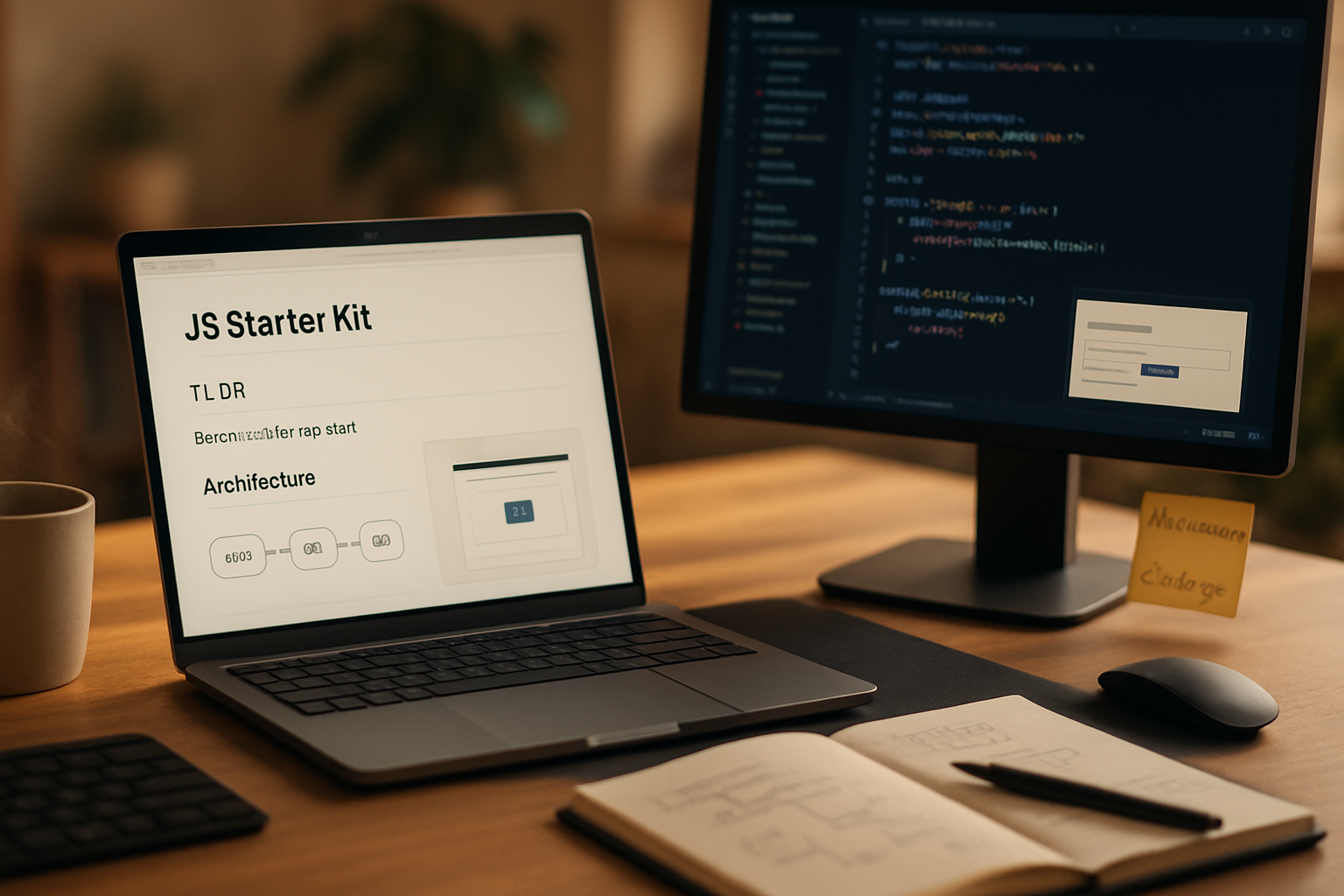
TL;DR

- One-line summary. What it does and who benefits.

Motivation

- Why I built it. Problem statement and constraints.

Demo / Screenshots

- GIF or image links and a live demo URL (if available).

Getting started

- Quick install and run commands (copy/paste).

Architecture & Key Decisions

- High-level diagram or bullet list of main modules (frontend, backend, APIs).
- Why I chose React/Node/Service X etc. and the trade-offs.

Challenges & Solutions

- Short list of 2–4 hard problems and how you solved them.

Measurements & Results

- Tests, performance numbers, user feedback, or usage stats.

Future work

- What's next and open issues.

Credits & Acknowledgements

- Links to libraries, people, or references used.

Changelog

- Short notes on major releases.
Place the TL;DR at the start so a recruiter scanning for 10–30 seconds gets the point immediately.
Concrete sections you should always write
- TL;DR / Tagline: One sentence.
- Motivation / Problem: A short paragraph.
- How to run it: reproducibility beats cleverness.
- Architecture diagram: even a small ASCII or SVG helps.
- Example usage: show real input and output.
- Trade-offs: explain what you skipped and why.
- Tests & quality: show your testing and CI setup.
- Lessons learned: be explicit about growth.
Visuals that make a README pop
- Screenshots and GIFs of the UI or important flows.
- Diagrams: component diagrams, sequence diagrams, or data flow visuals.
- Badges for build status, coverage, and npm version.
Tools: use Carbon for code snippets, [Screencast/GIF tools] for quick demos, and include SVG diagrams exported from tools like Mermaid.
Writing the story: tone and language tips
- Use active voice. Be confident. “I implemented…” not “It was implemented…“.
- Keep the top concise. The more senior the reader, the less time they’ll spend.
- Use bullets for decisions. Recruiters skim.
- Show evidence. Instead of “fast” provide numbers: load time, response time, benchmarks.
Commit messages, branches and changelogs - signal you care about craft
Good history tells a story of iteration. Treat your git history as a second-layer narrative:
- Use short, imperative commit messages. See Chris Beams’ guide: How to Write a Git Commit Message.
- Keep feature branches tied to issues and name them clearly (feature/auth-login, fix/cors-error).
- Maintain a concise CHANGELOG.md for major milestones.
A tidy git history shows discipline; employers notice.
Turn documentation into a portfolio case study
Your portfolio shouldn’t just host links to repos. It should present curated case studies with the narrative arc above and the following additions:
- Role & scope: what you personally owned.
- Team size & collaborators: context matters.
- Timeline: start and end dates.
- Impact: metrics or qualitative outcomes (user quotes, adoption numbers).
- Source link: link to the repo and a link to a deployed demo.
Case studies let you control the narrative and show your biggest wins in context. See portfolio guides like those on freeCodeCamp for inspiration.
Examples: short blurbs you can adapt
Example TL;DR for a simple app:
TL;DR: A lightweight habit-tracker built with React and IndexedDB to let users track daily habits offline-first. Implemented optimistic UI and background sync; reduced perceived save latency to <100ms.Example Motivation snippet:
Motivation: I wanted a tiny, privacy-focused habit tracker that works offline and keeps full control of your data locally. Existing trackers felt heavy or forced cloud signups.Tools & file suggestions
- README.md - main story.
- docs/ - longer form documentation, design notes, architecture diagrams.
- DEVLOG.md - chronological notes and decisions.
- CHANGELOG.md - major versions and what changed.
- CONTRIBUTING.md - how others can contribute.
- .github/ISSUE_TEMPLATE & PULL_REQUEST_TEMPLATE - show process.
- examples/ - runnable small scripts demonstrating features.
Show your process: the devlog
A short chronological log of your decisions (what you tried, what failed, what worked) is gold. Employers like to see the journey more than a polished endpoint. Keep entries short and time-stamped.
DEVLOG example entry:
2025-02-01 - Rewrote persistence layer from LocalStorage to IndexedDB to support large state and improve reliability. Spent 4 hours researching wrappers; selected idb-keyval for minimal API.What employers are actually looking for
- Clarity of thought: can you explain the problem and your solution quickly?
- Real responsibilities: what did you own versus the team?
- Depth: can you dive into a tricky technical decision?
- Communication: can non-technical stakeholders understand the impact?
Documentation demonstrates all of the above better than code alone.
Measuring success: what signals to include
- Performance metrics (load time, time-to-interact).
- Test coverage & CI results.
- User metrics: DAU/MAU, retention, or even anecdotal user feedback.
- Contributions: stars, forks, external contributions.
Even small, honest metrics beat vague adjectives.
Common mistakes to avoid
- Over-explaining the obvious. Keep the intro tight.
- Leaving the repo un-runnable. Ensure “git clone && npm install && npm start” actually works.
- Hiding trade-offs. Employers trust candor.
- No visual evidence. A few screenshots are decisive.
Quick checklist before you publish
- TL;DR in first lines
- Reproducible run instructions
- One architecture diagram
- 2–4 challenge & solution bullets
- A screenshot or GIF
- Measurements or outcomes
- DEVLOG or short timeline entry
- Link to demo and source
Final note: make documentation part of your process, not an afterthought
Ship small, document early. Commit docs with features. If your README and case study are kept up-to-date as you build, you won’t have to retroactively reconstruct decisions - and you’ll be building a portfolio of thoughtful work that tells a clear story.
A documented project is not just code; it is proof of thinking. And in a job market crowded with repositories, the proof of thinking is what gets you conversations - and offers.