· tips · 6 min read
JavaScript Symbols: The Hidden Gems of ES6 You Should Be Using
Learn how ES6 Symbols can give you collision-resistant constants, pseudo-private properties, and powerful object-oriented hooks like custom iteration and instanceof behavior. Practical patterns, examples, and caveats included.
Introduction - what you’ll be able to do
By the end of this article you’ll be able to: create collision‑free constants, hide internal properties from normal enumeration, and build richer object-oriented designs with custom iteration, conversion, and instanceof semantics - using a tiny, elegant JavaScript primitive: Symbol.
Symbols are small. Their impact is big.
What is a Symbol? A quick, intuitive tour
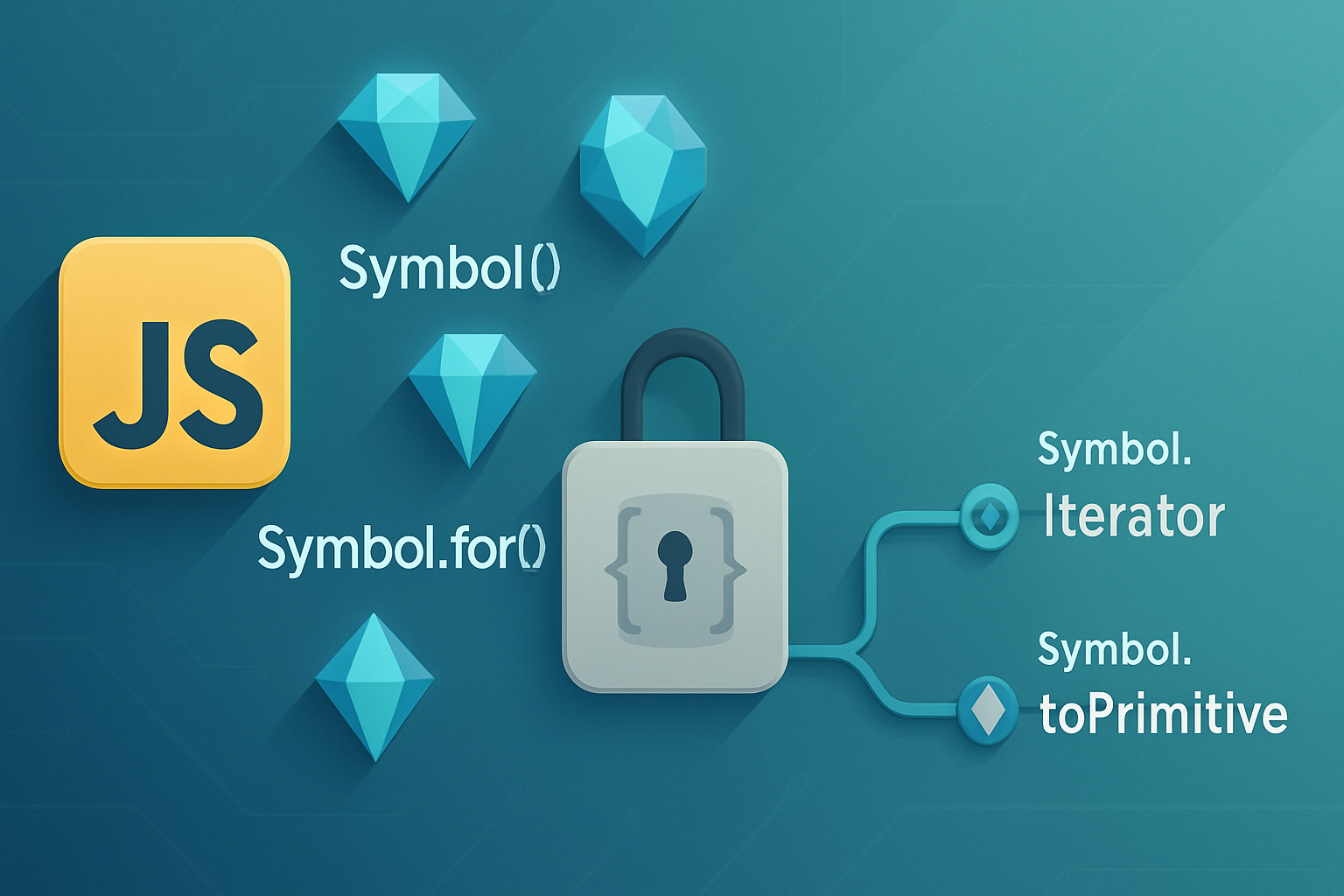
A Symbol is a unique, immutable primitive introduced in ES6. Each call to Symbol() returns a new, distinct value - even when the optional description string is the same.
Why use them? Two immediate wins:
- Uniqueness: symbol values never collide by accident. Great for keys.
- Built-in hooks: JavaScript recognizes several “well‑known” symbols (e.g.
Symbol.iterator) that let you plug into language features.
Want the spec or a reference? See MDN’s Symbol docs for a concise reference and examples: https://developer.mozilla.org/en-US/docs/Web/JavaScript/Reference/Global_Objects/Symbol
Basic examples
const a = Symbol('id');
const b = Symbol('id');
console.log(a === b); // false - both have same description but are distinct

const obj = {};
obj[a] = 123;
console.log(Object.keys(obj)); // [] - symbol keys don't show up in enumerable string-key lists
console.log(Object.getOwnPropertySymbols(obj)); // [ Symbol(id) ]
Symbols vs strings for object keys
Strings are fine often. But in libraries, frameworks, or shared spaces you risk name collisions. Symbols give you a private-ish key that won’t be found by for...in or Object.keys and won’t clash with a string key.
Use case 1 - Unique constants (safer enums and action types)
Common pattern: you need constants that won’t collide when mixing modules or plugins.
Example: action types for a state manager
// actions.js
export const ADD_ITEM = Symbol('ADD_ITEM');
export const REMOVE_ITEM = Symbol('REMOVE_ITEM');

// reducer.js
import { ADD_ITEM } from './actions';

function reducer(state, action) {
  switch (action.type) {
    case ADD_ITEM:
      // safe: no other module can accidentally dispatch a string that equals this
      return [...state, action.payload];
    // ...
  }
}
When to use Symbol.for instead
Symbol() always creates a new unique symbol. If you need a shared symbol across different execution contexts (or different modules that need to compare by a common key), use the global symbol registry with Symbol.for('my.key') and retrieve it with Symbol.for('my.key') later. Symbol.keyFor returns the key for a global symbol.
Use Symbol.for for global plugin keys or integration points. Use Symbol() for private library internals.
Use case 2 - Pseudo-private properties
Symbols are a tidy compromise between full privacy and simple object properties. They reduce accidental collisions and keep internals out of normal iteration.
Example: a class with a symbol-backed internal property
const _state = Symbol('internal state');

class Counter {
  constructor() {
    this[_state] = { count: 0 };
  }

  increment() {
    this[_state].count++;
  }
  get value() {
    return this[_state].count;
  }
}

const c = new Counter();
console.log(c.value); // 0
console.log(Object.keys(c)); // [] - the internal state is hidden from normal inspection
console.log(Object.getOwnPropertySymbols(c)); // [ Symbol(internal state) ]
Important caveat: symbol properties are not truly private. Any code can call Object.getOwnPropertySymbols() and read them. If you need stronger privacy per instance, prefer WeakMap or the #private class fields (stage 3+ / modern JS) which are truly private.
// Alternative: WeakMap for real privacy per instance
const priv = new WeakMap();
class SecretCounter {
  constructor() {
    priv.set(this, { count: 0 });
  }
  increment() {
    priv.get(this).count++;
  }
  get value() {
    return priv.get(this).count;
  }
}
Use case 3 - Enhancing object-oriented design with well-known symbols
This is where Symbols really shine. Several well-known symbols let you implement language-level protocols.
Symbol.iterator: make objects iterableSymbol.toPrimitive: control conversion to primitive (number/string)Symbol.toStringTag: customizeObject.prototype.toString.call(obj)Symbol.hasInstance: customizeinstanceofbehaviorSymbol.asyncIterator: control async iteration
Examples
- Make a class iterable with
Symbol.iterator
class Range {
  constructor(from, to) {
    this.from = from;
    this.to = to;
  }
  [Symbol.iterator]() {
    let current = this.from;
    const end = this.to;
    return {
      next() {
        if (current <= end) {
          return { value: current++, done: false };
        }
        return { done: true };
      },
    };
  }
}

for (const n of new Range(1, 3)) console.log(n); // 1 2 3- Customize
instanceofwithSymbol.hasInstance
class EvenNumber {
  static [Symbol.hasInstance](value) {
    return Number.isInteger(value) && value % 2 === 0;
  }
}

console.log(2 instanceof EvenNumber); // true
console.log(3 instanceof EvenNumber); // false- Control primitive conversion with
Symbol.toPrimitive
class Money {
  constructor(amount) {
    this.amount = amount;
  }
  [Symbol.toPrimitive](hint) {
    if (hint === 'number') return this.amount;
    if (hint === 'string') return `$${this.amount.toFixed(2)}`;
    return this.amount;
  }
}

const m = new Money(9.95);
console.log(+m + 0.05); // 10.0  (number conversion)
console.log(String(m)); // "$9.95" (string conversion)
These hooks help you build objects that behave idiomatically with language features.
Use case 4 - Designing plugin and API extension points
Symbols can be used as extension points that avoid name collisions. Libraries often expose a well-known Symbol (or document a symbol key) that plugins can use to register capabilities.
Example: plugin registry pattern
// core.js
const PLUGIN_KEY = Symbol.for('myapp.plugin');

function registerPlugin(target, plugin) {
  const arr = (target[PLUGIN_KEY] ||= []);
  arr.push(plugin);
}

function runPlugins(target, ctx) {
  for (const p of target[PLUGIN_KEY] || []) p(ctx);
}
Because Symbol.for('myapp.plugin') is global, multiple modules can reference the same registry key reliably.
Integration notes and gotchas
- JSON serialization:
JSON.stringify()ignores symbol‑keyed properties. If you rely on symbol properties for persistence, you’ll need a custom serializer. - Enumeration:
for...in,Object.keys, andObject.getOwnPropertyNamesdo not list symbol properties. UseObject.getOwnPropertySymbols()orReflect.ownKeys()to inspect them. - Copy behavior:
Object.assign()copies enumerable own symbol properties. The object spread operator also copies enumerable symbol properties (ES2018+). Be intentional when copying objects that contain symbols. - Not a security boundary: symbol keys are discoverable through reflection APIs; they provide encapsulation by convention, not true secrecy.
References
- MDN: Symbol - https://developer.mozilla.org/en-US/docs/Web/JavaScript/Reference/Global_Objects/Symbol
- MDN: Object.getOwnPropertySymbols - https://developer.mozilla.org/en-US/docs/Web/JavaScript/Reference/Global_Objects/Object/getOwnPropertySymbols
- ECMAScript 2015 (ES6) spec overview - https://262.ecma-international.org/6.0/#sec-symbols
Quick cheat sheet
- Use
Symbol()when you want local, guaranteed-unique keys. - Use
Symbol.for(key)when you need a shared, global symbol (plugin keys, integration points). - Use symbol-backed keys to hide internals from normal iteration and to avoid name collisions.
- Use
Object.getOwnPropertySymbols()orReflect.ownKeys()when you do need to inspect symbol properties. - For true per-instance privacy use
WeakMapor#privatefields.
When should you avoid Symbols?
- If you need values to be serialized to JSON. Symbols are ignored by
JSON.stringify(). - If you need a true security boundary. Symbols are discoverable and readable via reflection.
- If the API users must easily access property names via string keys - symbols intentionally hide keys.
Conclusion - the practical power of symbols
Symbols are a small, expressive primitive that solve real problems: name collisions, cleaner APIs, and protocol hooks that integrate with the language itself. Use them for internal keys, robust constants, and to implement neat language-level behaviors like iteration and custom instanceof logic.
They are not a hammer for every problem. But used sparingly and intentionally, symbols help you design clearer, more resilient APIs and object models. Design your boundaries with them. Make your APIs harder to shoot yourself in the foot. That’s the real, practical power of JavaScript Symbols.