· tips · 6 min read
Symbols vs. Strings: The Case for Using Symbols in Your JavaScript Projects
A practical guide to when to use JavaScript Symbols instead of strings for object keys: learn the advantages, pitfalls and real-world patterns for cleaner, safer code.
What you’ll be able to do after reading this
Decide confidently when to use Symbols instead of strings for object property keys. You’ll know how Symbols can make internal APIs safer, avoid key collisions, and enable advanced metaprogramming - and when they hurt (serialization, debugging, interoperability). By the end you’ll have clear, actionable patterns to use in libraries, frameworks, and apps.
Quick primer: what is a Symbol?
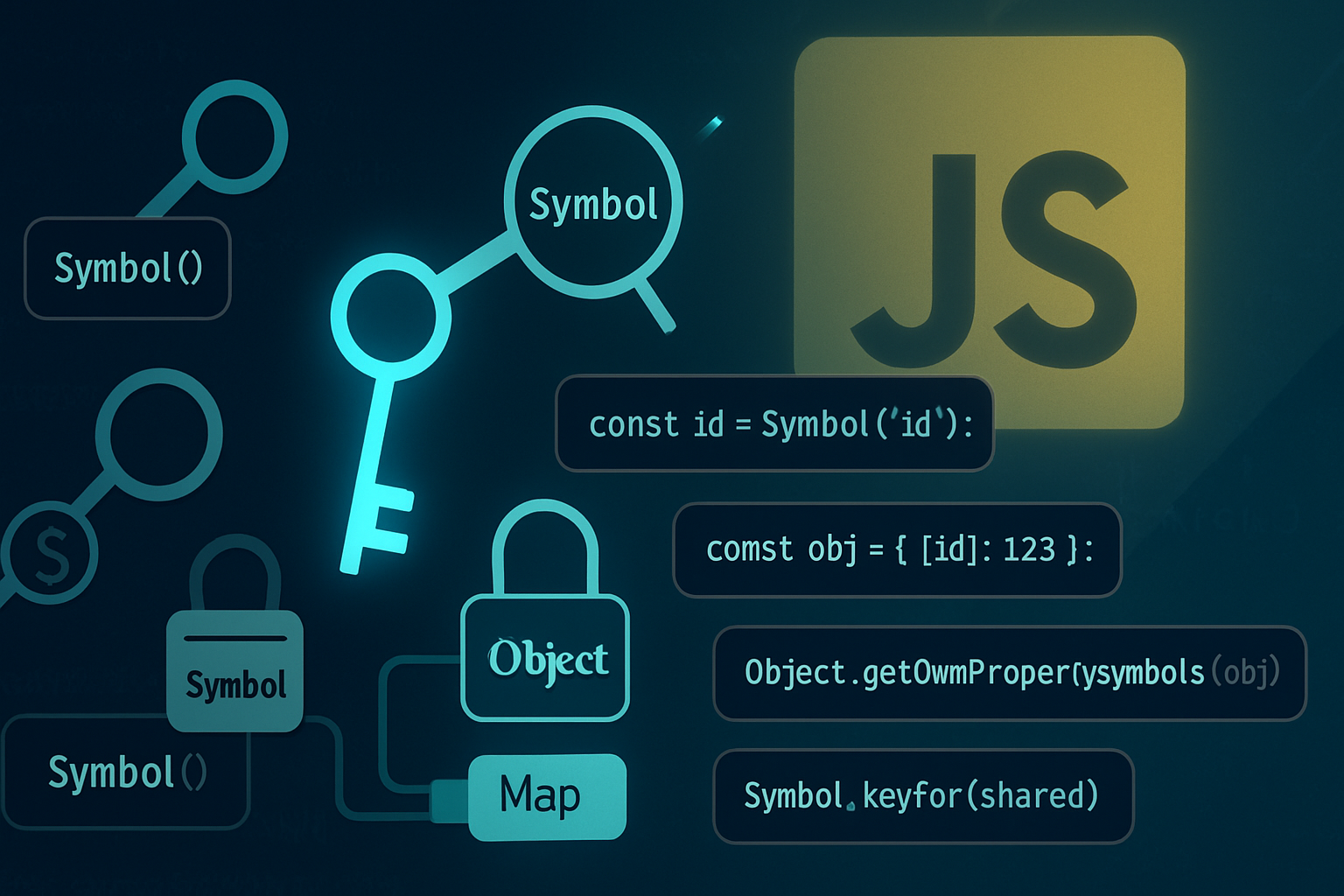
A Symbol is a primitive value introduced in ES6 that is unique and immutable. Use it as a property key to create properties that won’t collide with string-keyed properties and that don’t show up in normal enumerations.
- Create a symbol:
const s = Symbol(). - Add it as an object key:
obj[s] = 42. - Symbols can carry a description purely for debugging:
Symbol('myKey').
For the formal spec and examples, see MDN: https://developer.mozilla.org/en-US/docs/Web/JavaScript/Reference/Global_Objects/Symbol
The core benefits (why choose Symbols)
Short answer: safety, intent, and control.
- Prevent accidental collisions
- Libraries, mixins, plugins: string keys can clash. A Symbol key is unique by definition, so two libraries using
const KEY = Symbol('myKey')won’t collide.
- Implicit privacy and implementation hiding
- Symbol-keyed properties do not appear in
for...in, and by default they are ignored by many reflection/persistence paths (JSON.stringifyignores them). That makes them handy for internal metadata without exposing it as part of the public contract.
- Clear intent for internal metadata/hooks
- When you see
obj[MY_INTERNAL_SYMBOL]in code, intent is explicit: this is internal machinery, not part of the public API.
- Powerful metaprogramming with well-known symbols
- Use built-in symbols like
Symbol.iterator,Symbol.toStringTag, andSymbol.hasInstanceto modify default language behaviors. Example: implementSymbol.iteratorto make an object iterable.
- Distinguish property namespace from string keys
- Symbols create a separate “namespace” for keys on objects, helping to separate public API (strings) from hidden state (symbols).
The drawbacks (why strings still matter)
Symbols are not a silver bullet. Consider these tradeoffs:
- Serialization & storage
JSON.stringifyignores symbol-keyed properties. If you need to persist an object’s full state or send it over the network, symbols will be lost.
- Discoverability & debugging
- Symbol keys are intentionally harder to enumerate. Devs inspecting objects may miss symbol-based data unless they specifically look with
Object.getOwnPropertySymbolsorReflect.ownKeys.
- Cross-realm/globality quirks
Symbol()always creates a new, unique symbol.Symbol.for('name')uses a registry in the current global environment, which is not shared across different global realms (different iframes or Worker contexts), soSymbol.forwon’t necessarily yield the same object across such boundaries.
- Interop with libraries and tooling
- Some libraries expect plain objects with string keys (e.g., mapping to database columns, serializing for transmissions). Symbol keys can break those assumptions.
- Developer familiarity and cognitive load
- Teams unfamiliar with Symbols might misuse them and create hidden, hard-to-trace bugs.
- Older runtimes and polyfills
- While modern browsers and Node support Symbols, older environments or poor polyfills cannot emulate the uniqueness semantics perfectly.
Practical examples and patterns
Below are common patterns that make Symbols particularly valuable - and a few examples showing where they aren’t appropriate.
1) Library internals and plugin hooks
Use symbols to add library-specific internal metadata or plugin hooks without colliding with consumer properties.
// inside your library
const INTERNAL_STATE = Symbol('mylib.internalState');

export function ensureState(obj) {
  if (!obj[INTERNAL_STATE]) {
    obj[INTERNAL_STATE] = { init: Date.now() };
  }
  return obj[INTERNAL_STATE];
}
Consumers calling obj.somePublicProp = 123 can’t accidentally overwrite INTERNAL_STATE.
2) Hidden metadata on DOM elements or objects
When storing internal metadata on third-party objects (e.g., caching results on DOM nodes), symbols let you attach data without modifying the public surface.
const CACHE = Symbol('cache');
function expensiveComputation(node) {
  if (!node[CACHE]) node[CACHE] = compute(node);
  return node[CACHE];
}
3) Implementing custom iteration and descriptors
Well-known symbols let you control language behaviors:
class Range {
  constructor(from, to) {
    this.from = from;
    this.to = to;
  }
  [Symbol.iterator]() {
    let current = this.from;
    const end = this.to;
    return {
      next() {
        return { value: current++, done: current > end + 1 };
      },
    };
  }
}

for (const n of new Range(1, 3)) console.log(n); // 1, 2, 3
Reference: https://developer.mozilla.org/en-US/docs/Web/JavaScript/Reference/Global_Objects/Symbol/iterator
4) Namespaced constants and shared registries: Symbol.for
If you need shared symbolic keys within the same global realm (for example, a plugin system loaded by multiple modules in the same page), use Symbol.for('my.name') and retrieve with Symbol.keyFor.
// Module A
const SHARED = Symbol.for('myapp.hook');

// Module B (same global realm)
const SHARED_B = Symbol.for('myapp.hook');
console.log(SHARED === SHARED_B); // true
But remember: the registry is per global environment. See MDN for details: https://developer.mozilla.org/en-US/docs/Web/JavaScript/Reference/Global_Objects/Symbol/for
5) TypeScript and unique symbols
TypeScript supports the unique symbol type so you can get compile-time guarantees for symbol constants.
declare const MY_KEY: unique symbol;
interface MyObj {
  [MY_KEY]: string;
}
const obj = { [MY_KEY]: 'secret' } as MyObj;
This is useful when you want type-safe symbol-based APIs. See TypeScript docs for unique symbol.
6) When you should keep using strings
- Public APIs consumed by external systems (APIs, DBs): strings. Interoperability matters more than hiding.
- When you need to serialize full object state.
- When predictable property names are required for templating, indexing, or consistent logging.
How to inspect symbol keys when you need to debug
Symbols aren’t shown by for...in or Object.keys, but you can retrieve them:
Object.getOwnPropertySymbols(obj)returns an array of an object’s own Symbol keys.Reflect.ownKeys(obj)returns both string and symbol keys.
Example:
const s = Symbol('x');
const obj = { a: 1 };
obj[s] = 2;
console.log(Object.keys(obj)); // ['a']
console.log(Object.getOwnPropertySymbols(obj)); // [ Symbol(x) ]
console.log(Reflect.ownKeys(obj)); // ['a', Symbol(x)]
Performance considerations
In typical application code, the runtime cost of using Symbol keys is negligible. Engines are optimized for common patterns. That said:
- Avoid building huge, symbol-heavy structures without profiling - any key type can have performance implications at large scale.
- Microbenchmarks vary by engine and change over time. Measure in your target environment if performance matters.
Pitfalls and gotchas - checklist before you commit to using Symbols
- Will you need to serialize this object? If yes, don’t use symbol keys for information that must be preserved.
- Must other systems (databases, JSON APIs, RPC) access these properties? Use strings.
- Are you building a public, documented API? Use strings for keys that are part of the contract.
- Is your goal to avoid collisions in a plugin/extension system? Symbols are ideal.
- Need cross-realm sharing in the browser (iframes/workers)?
Symbol.fordoes not bridge different global realms.
Best-practice recommendations
- Use strings for public, serializable, or widely-consumed keys.
- Use Symbols for internal/private metadata and to avoid collisions in libraries or plugin systems.
- Prefer named Symbols:
const CACHE = Symbol('mylib.cache')- the description helps when debugging. - Use
Symbol.foronly when you need a single shared symbol within the same global environment. - When debugging, rely on
Object.getOwnPropertySymbolsandReflect.ownKeysto inspect symbol-keyed data. - In TypeScript, use
unique symbolfor type-safe symbol keys.
Short, practical decision guide
- Public API, interchange, or persistence? Use strings.
- Internal state, cache, or hiding implementation details? Use Symbols.
- Cross-module shared hooks in the same global environment? Consider
Symbol.for. - Need language-level behavior (iteration, toStringTag)? Use well-known symbols.
Final takeaway
Symbols give you a second, separate key namespace that helps you avoid collisions, hide implementation details, and build safer library internals. But they are not a replacement for strings when you need visibility, serialization, or wide interoperability. Use each tool where it fits: strings for public surface and persistence; Symbols for private state, metadata, and advanced metaprogramming.
Make your objects expressive and safe. Hide what you must. Expose what others depend upon.
References
- MDN: Symbol docs - https://developer.mozilla.org/en-US/docs/Web/JavaScript/Reference/Global_Objects/Symbol
- MDN: Symbol.for - https://developer.mozilla.org/en-US/docs/Web/JavaScript/Reference/Global_Objects/Symbol/for
- MDN: Symbol.iterator - https://developer.mozilla.org/en-US/docs/Web/JavaScript/Reference/Global_Objects/Symbol/iterator
- TypeScript: unique symbol (see official docs) - https://www.typescriptlang.org/docs/handbook/symbols.html