· career · 7 min read
From Zero to Hero: Building Real-World JavaScript Applications for Interviews
Step-by-step guides to build three interview-friendly JavaScript apps - a to-do list, a weather app, and an e-commerce site - with best practices, advanced concepts, testing, and deployment tips to help you shine in technical interviews.
Outcome-first introduction
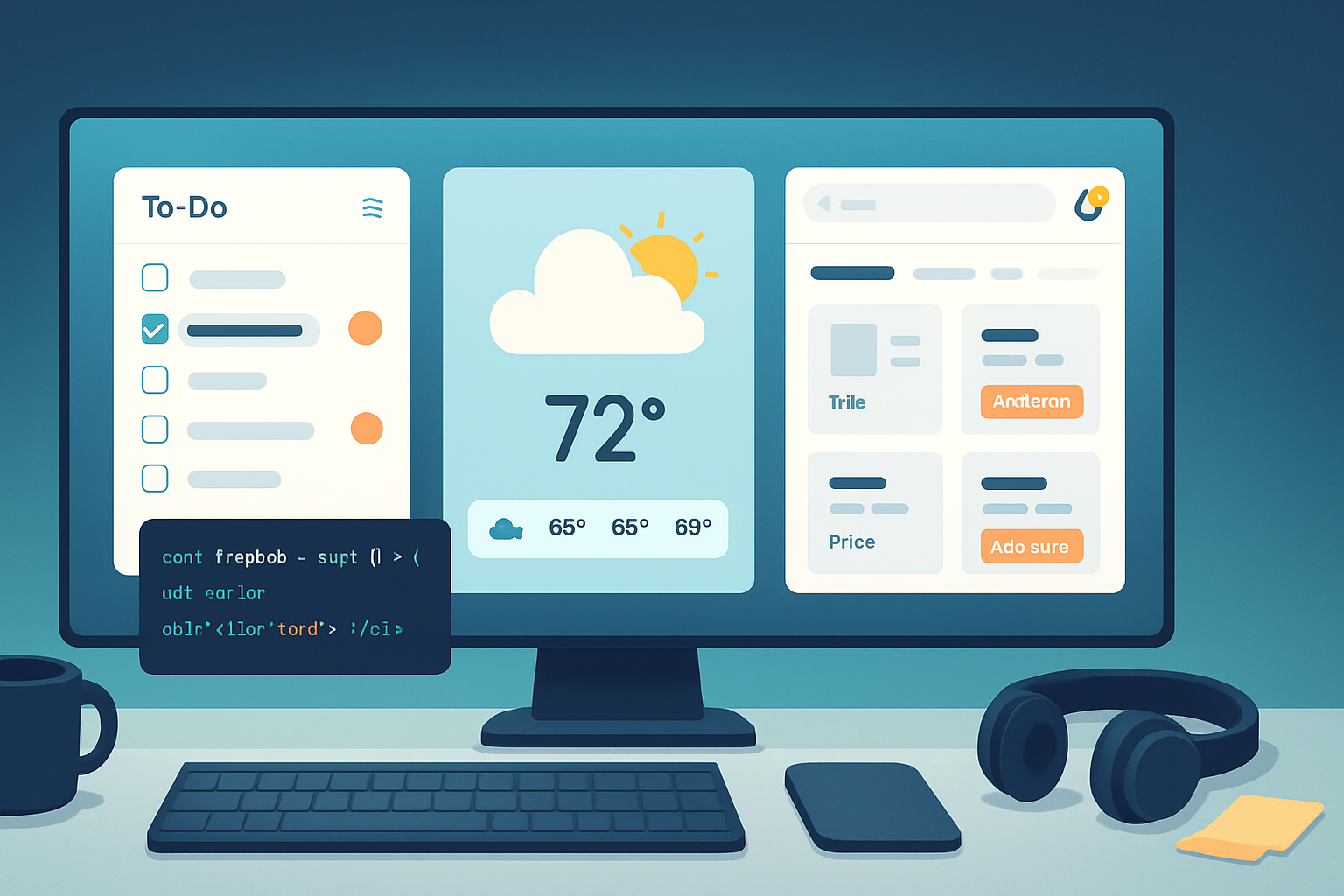
You will finish the projects in this guide with three complete, interview-ready JavaScript applications you can demo and discuss: a polished to-do list, a resilient weather app, and a production-minded e-commerce site. You won’t only write code. You’ll learn architecture, testing strategies, performance tuning, and deployment steps - everything interviewers look for. Build, explain, and defend your decisions. Nail the follow-up questions.
Why these projects matter (and how interviewers see them)
- To-do list: tests your mastery of CRUD, state, events, DOM optimization, and accessibility. Small surface area, large depth.
- Weather app: demonstrates API integration, async handling, error states, caching, and environment configuration.
- E-commerce site: shows architecture, data modeling, complex UI flows (cart, checkout), third-party integrations (payments/auth), scaling and security concerns.
Each project scales in complexity so you can show progressive mastery during interviews.
Project 1 - To-Do List: Build the fundamentals right
What you accomplish
- A responsive, accessible to-do app with add/edit/delete, filters, persistent storage, keyboard support, and tests.
Why it’s valuable
It looks simple on the surface. Interviewers probe deeper: how you manage state, persist data, test components, and keep UI accessible and performant.
Tech choices
- Minimal: Vanilla JavaScript + Webpack/Rollup or just plain HTML/CSS/JS for initial rounds.
- Modern: React (Vite/Create React App) or Svelte for demonstrating modern toolchains.
Step-by-step (Vanilla JS reference)
- Scaffold
- index.html, styles.css, app.js
- Data model and storage
- Use an array of items: { id, text, completed, createdAt }
- Persist in localStorage (or IndexedDB for larger sets)
Example: save and load
// simple storage helpers
const STORAGE_KEY = 'todos:v1';
function loadTodos() {
  const raw = localStorage.getItem(STORAGE_KEY);
  return raw ? JSON.parse(raw) : [];
}
function saveTodos(todos) {
  localStorage.setItem(STORAGE_KEY, JSON.stringify(todos));
}- Render and event delegation
- Render list from state, use event delegation for clicks to keep listeners minimal.
document.querySelector('#list').addEventListener('click', e => {
  const id = e.target.closest('[data-id]')?.dataset.id;
  if (!id) return;
  if (e.target.matches('.delete')) removeTodo(id);
  if (e.target.matches('.toggle')) toggleTodo(id);
});- Accessibility and keyboard support
- Focus management after add/delete, ARIA roles for lists, labels tied to inputs, visible focus states.
- Tests
- Unit tests for pure logic (Jest). DOM tests with @testing-library/dom or Cypress for E2E.
- Advanced features (interview brownie points)
- Optimistic updates and undo - implement a temporary snackbar that can revert deletes.
- Drag-and-drop reordering (HTML5 drag/drop or libraries like SortableJS).
- Use a tiny state manager or Context if you port to React.
Best practices/checklist
- Keep components small and single-purpose.
- Avoid unnecessary rerenders (diff lists carefully).
- Document keyboard shortcuts.
- Add versioning to storage key to handle migrations.
References: MDN DOM and localStorage docs
Project 2 - Weather App: Real-world API patterns
What you accomplish
- A weather UI that queries a third-party API, handles errors & loading states, caches results, supports geolocation, and hides API keys securely.
Why it’s valuable
This app tests how you handle asynchronous flows, API rate limits, caching strategies, and progressive UX (skeletons, retry). Interviewers will ask: what happens when the API fails? How do you protect secrets?
Tech choices
- React/Vite or plain JS. For SSR or SEO-focused apps, use Next.js.
Step-by-step
- Choose an API
- OpenWeatherMap is a common choice: https://openweathermap.org/
- Secure your API key
- Never embed keys in client bundles for production.
- Use a small serverless proxy (Netlify Functions, Vercel Serverless Functions, or an Express lambda) to keep keys secret.
- Fetching with cancellation and debounce
- Debounce search input to avoid rate limiting.
- Use AbortController to cancel stale requests when user types quickly.
Example: debounce + AbortController
let currentController = null;
function fetchWeather(query) {
  if (currentController) currentController.abort();
  currentController = new AbortController();
  fetch(`/api/weather?q=${encodeURIComponent(query)}`, {
    signal: currentController.signal,
  })
    .then(r => r.json())
    .then(setWeather)
    .catch(err => {
      if (err.name === 'AbortError') return;
      showError(err);
    });
}

// debounce wrapper
function debounce(fn, wait = 300) {
  let t;
  return (...args) => {
    clearTimeout(t);
    t = setTimeout(() => fn(...args), wait);
  };
}

const debouncedFetch = debounce(fetchWeather, 400);- Caching and offline UX
- Cache last successful response in localStorage or IndexedDB for offline viewing.
- Consider Stale-While-Revalidate strategy: show cached data immediately, update in background.
- Geolocation and permissions
- Use navigator.geolocation (with fallbacks) and clear permission messaging.
- Tests
- Mock network calls with MSW (Mock Service Worker) for integration tests.
Best practices & advanced concepts
- Throttling and exponential backoff for retries.
- Graceful degradation: skeletons, placeholders, and helpful error messages.
- Rate-limit handling and API usage metrics.
Reference: OpenWeatherMap API docs, MDN Fetch API and AbortController
Project 3 - E-commerce Site: Architecting a production-ready app
What you accomplish
- A full-stack e-commerce prototype: product listing, search, cart, checkout integration (Stripe sandbox), authentication, order history, admin product CRUD, and deployment.
Why it’s valuable
This is the capstone. It demonstrates your ability to design systems, integrate external services, ensure security, and reason about data consistency - the kinds of topics interviewers probe for senior roles.
High-level architecture options
- Frontend: Next.js (React) for SSR/SSG benefits or a single-page app (React, Vue) if API-first.
- Backend: Node/Express or serverless functions. Use PostgreSQL for relational integrity, or MongoDB for flexible catalogs.
- Payments: Stripe (test mode) for checkout and webhook handling.
- Auth: JWT with refresh tokens, or Auth0/Firebase for quick setup.
Core features and step-by-step
- Data model (example)
- products: id, title, slug, description, price_cents, inventory, images
- users: id, email, hashed_password
- carts: id, user_id (nullable), items [{ product_id, qty }]
- orders: id, user_id, total_cents, status
- Product listing and search
- Paginate results, use server-side filtering.
- Add server-side full-text search (Postgres tsvector or Elasticsearch if needed).
- Cart state management
- Local cart persisted for anonymous users; merge on login.
- Implement add-to-cart optimistic UI for immediate feedback.
Example reducer (React/Redux-style)
function cartReducer(state, action) {
  switch (action.type) {
    case 'ADD':
      // merge or increment
      return { ...state, items: upsertItem(state.items, action.payload) };
    case 'REMOVE':
      return { ...state, items: state.items.filter(i => i.id !== action.id) };
    default:
      return state;
  }
}- Checkout flow
- Use server-side endpoint to create Stripe PaymentIntent and confirm on client.
- Validate totals server-side to prevent tampering.
- Handle webhooks to mark orders complete.
Stripe docs: https://stripe.com/docs
- Authentication and security
- Hash passwords with bcrypt (never store plain text).
- Implement role-based access for admin endpoints.
- Sanitize inputs, enforce rate limits, and use HTTPS everywhere.
- Inventory consistency & transactions
- Use DB transactions on checkout to decrement inventory atomically.
- Handle race conditions: return friendly out-of-stock messages and allow retries.
- Performance and scalability
- Use CDN for images and static assets.
- Server-side caching (Redis) for expensive queries.
- Implement lazy loading (react.lazy / dynamic imports) and code-splitting.
- Testing strategy
- Unit tests for business logic (pricing, tax rules).
- Integration tests for API routes.
- E2E tests for full checkout flow (Cypress) including happy and failure paths.
- CI/CD and deployment
- Setup GitHub Actions to run tests and lint on PRs.
- Deploy frontend to Vercel/Netlify and backend to serverless or managed container (Heroku, Render).
Advanced concepts interviewers love
- CQRS for separating read/write workloads.
- Event sourcing for auditability (not always necessary, but know trade-offs).
- GraphQL for client-driven queries vs REST endpoints - discuss pros and cons.
- Scaling payments and webhooks: idempotency keys and verifying signatures.
References: Stripe docs, Next.js docs
How to present these projects in interviews
Short answer: make them demonstrable, explainable, and opinionated.
Preparation checklist
- Deploy a live demo (Vercel/Netlify/Heroku). Live demos show polish.
- Clean, focused README with technical decisions, trade-offs, and how to run locally.
- Include a short walkthrough video (1–3 minutes) showing features.
- Keep commit history meaningful - small atomic commits are better than one giant snapshot.
- Prepare a 2–3 minute narrative for each project: problem, chosen solution, trade-offs, and what you’d improve next.
Common interview questions and how to answer them
- Why did you choose X architecture? - Explain trade-offs (developer speed vs performance/cost).
- How do you handle errors and edge cases? - Walk through retry, fallback, and user-facing messages.
- How would you scale this? - Talk caching, CDNs, database sharding/replication, and background jobs.
- What would you change for production? - Security hardening, observability, rate limiting, and monitoring.
Show code confidently
- Open a few focused files: data model, an API route or reducer, and a test showing edge-case handling.
- Point out where important decisions live, e.g., where you validate data or handle transactions.
Interview-day checklist (quick)
- Live demo up and reachable from your portfolio link.
- README explains how to run locally plus environment variables list.
- Tests pass and CI badge visible on README.
- Short demo script prepared.
- Be ready to discuss alternatives and trade-offs.
Final tips: polish makes the difference
- UX and small details matter: animations, empty states, error copy, and accessibility show craftsmanship.
- Have measurable metrics: load time, bundle size, Lighthouse score - mention improvements you made and why.
- Be honest and specific in interviews: say when something is a prototype vs production-ready.
Build these three apps, and you’ll have a portfolio that demonstrates both breadth and depth. The to-do proves fundamentals. The weather app proves API literacy and robust UX. The e-commerce site proves architectural thinking and third-party integrations. Together, they tell a story: you can ship reliable, scalable JavaScript software - from zero to hero.