· deepdives · 6 min read
From Lab to Life: Real-World Applications of the Web Bluetooth API
Explore how the Web Bluetooth API moves Bluetooth Low Energy out of the lab and into everyday life. This article highlights working projects-from heart-rate monitors to smart locks-explains how the API works, shows a practical code example, and lists best practices and resources to build your own browser-based BLE applications.
Introduction - what you can achieve
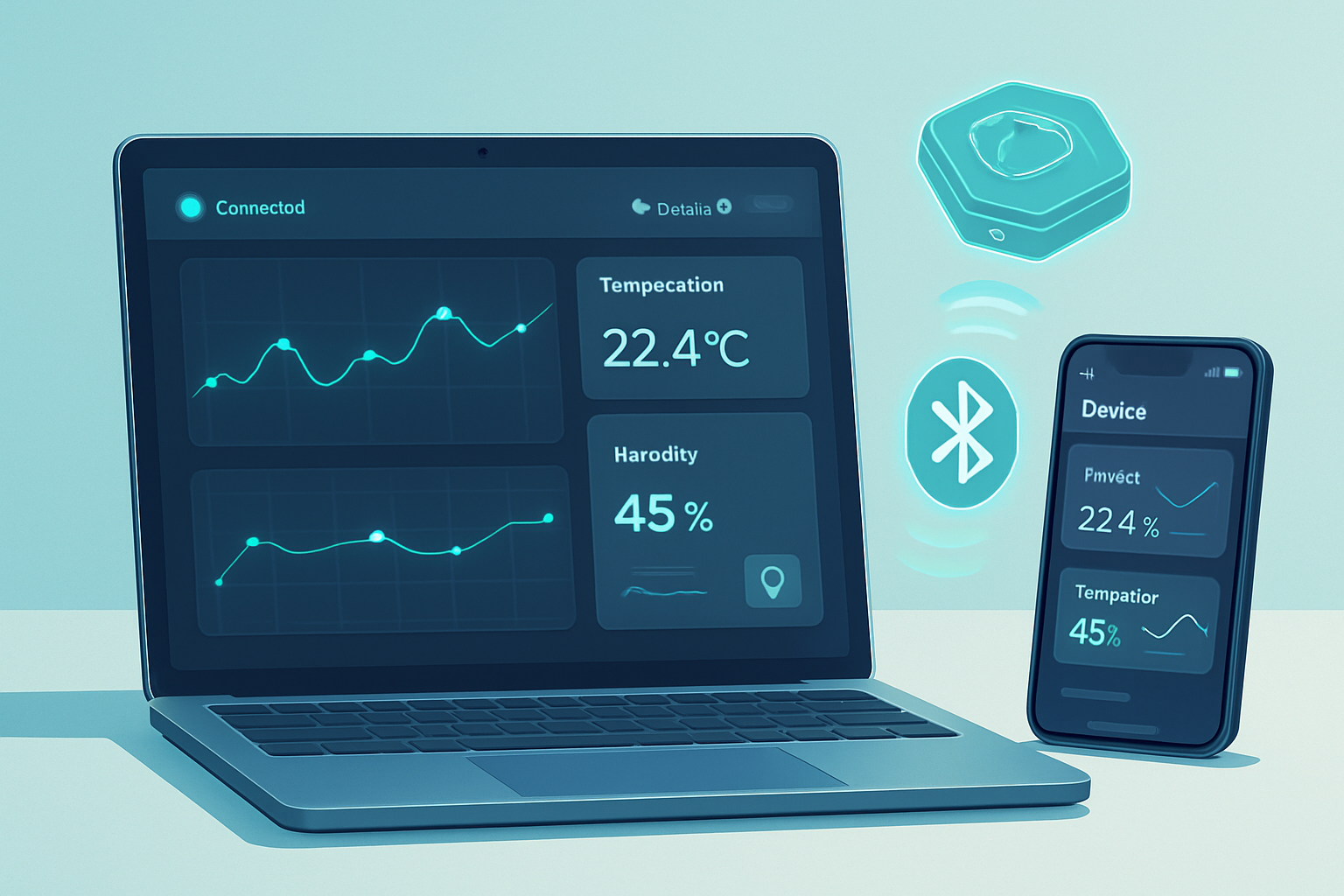
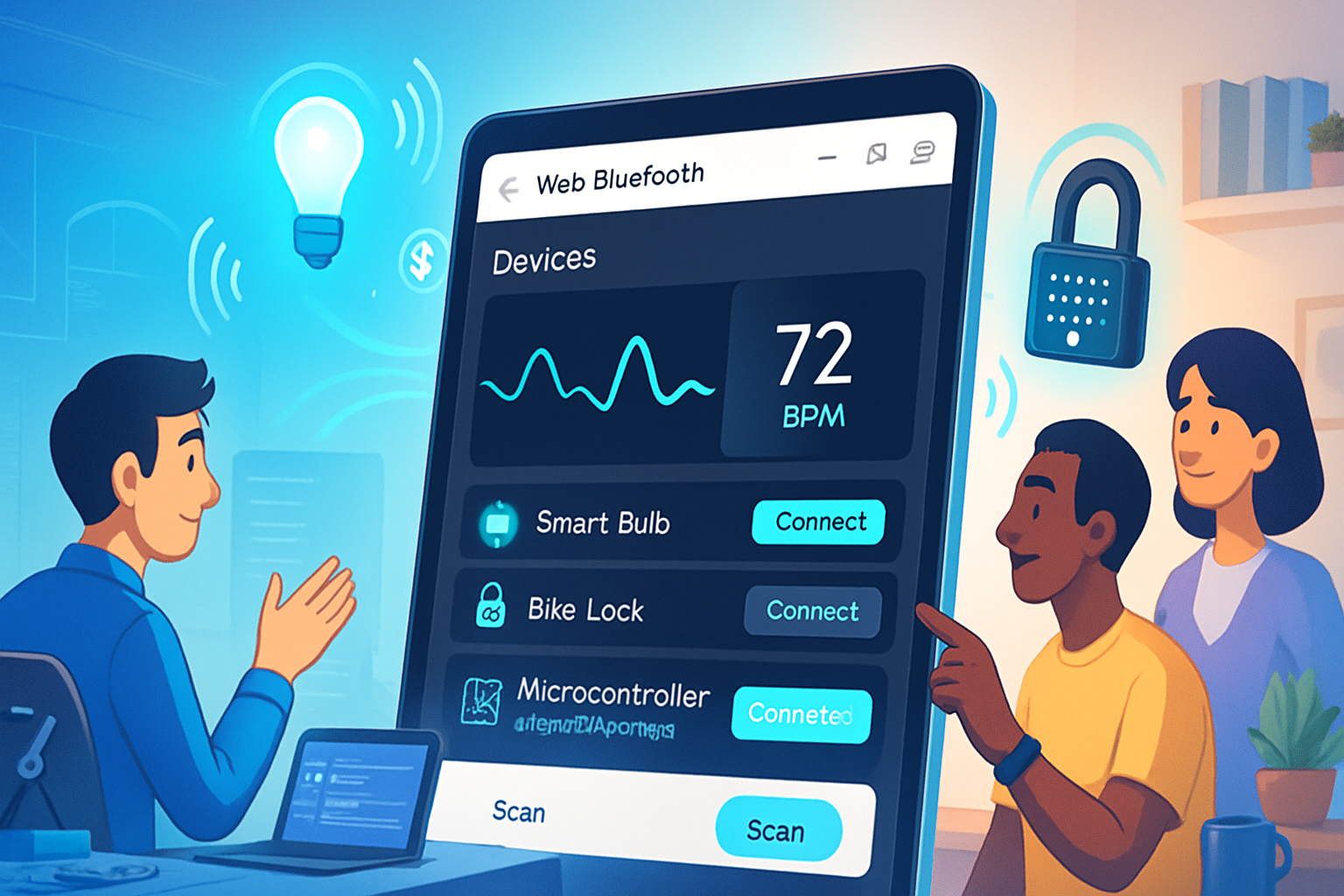
Imagine building a web app that talks directly to a wearable, a sensor, or a smart lock - no native install, no separate companion app. You can visualize live heart-rate graphs in the browser, configure a bike tracker from a web page, or control a lamp sitting on your desk - all using the Web Bluetooth API. This article shows how real projects take Web Bluetooth from lab demos to everyday tools, what makes those projects possible, and how you can get started today.
Why Web Bluetooth matters
- Outcome-first: you can deliver seamless, device-level experiences in a single web app that runs on phones and desktops (where supported). Short: faster delivery. Long: lower friction for users, fewer updates, and instant access through URLs.
- Web-native UX: integrate BLE devices directly with web UI patterns - charts, maps, forms - and leverage the web’s deployment model (HTTPS, PWA installs).
- Interoperability: many BLE devices expose standardized GATT services (heart rate, battery, device information), making cross-device experiences easier.
How the Web Bluetooth API works - a quick, practical sketch
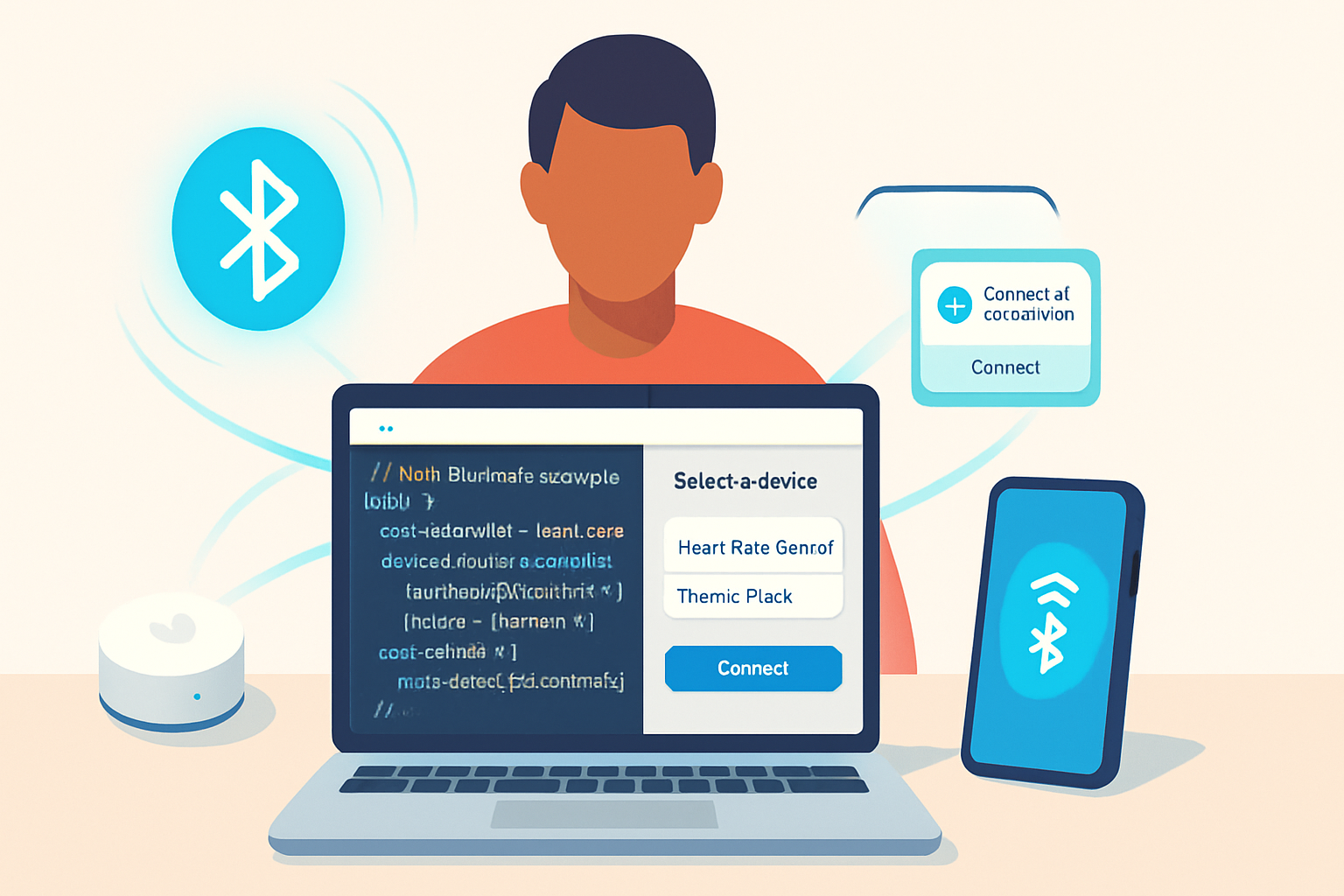
At a high level the browser acts as a GATT client. Your page requests access to a BLE peripheral and then reads/writes characteristics or subscribes to notifications. Security is central: the API only works on secure origins (HTTPS), uses a system device picker (so pages cannot enumerate devices silently), and scopes permissions to the chosen device.
Useful references:
- MDN Web Bluetooth API documentation: https://developer.mozilla.org/en-US/docs/Web/API/Web_Bluetooth_API
- Google/Chrome samples and guidance: https://googlechrome.github.io/samples/web-bluetooth/ and https://web.dev/bluetooth/
- Web Bluetooth Community Group (spec & community resources): https://webbluetoothcg.github.io/web-bluetooth/
Real-world application areas and examples
- Health monitoring and wearables
What’s possible
- Real-time heart-rate dashboards for clinical trials or fitness apps.
- Simple telemetry from pulse oximeters or glucose readers that present immediate feedback and historical charts.
Working patterns
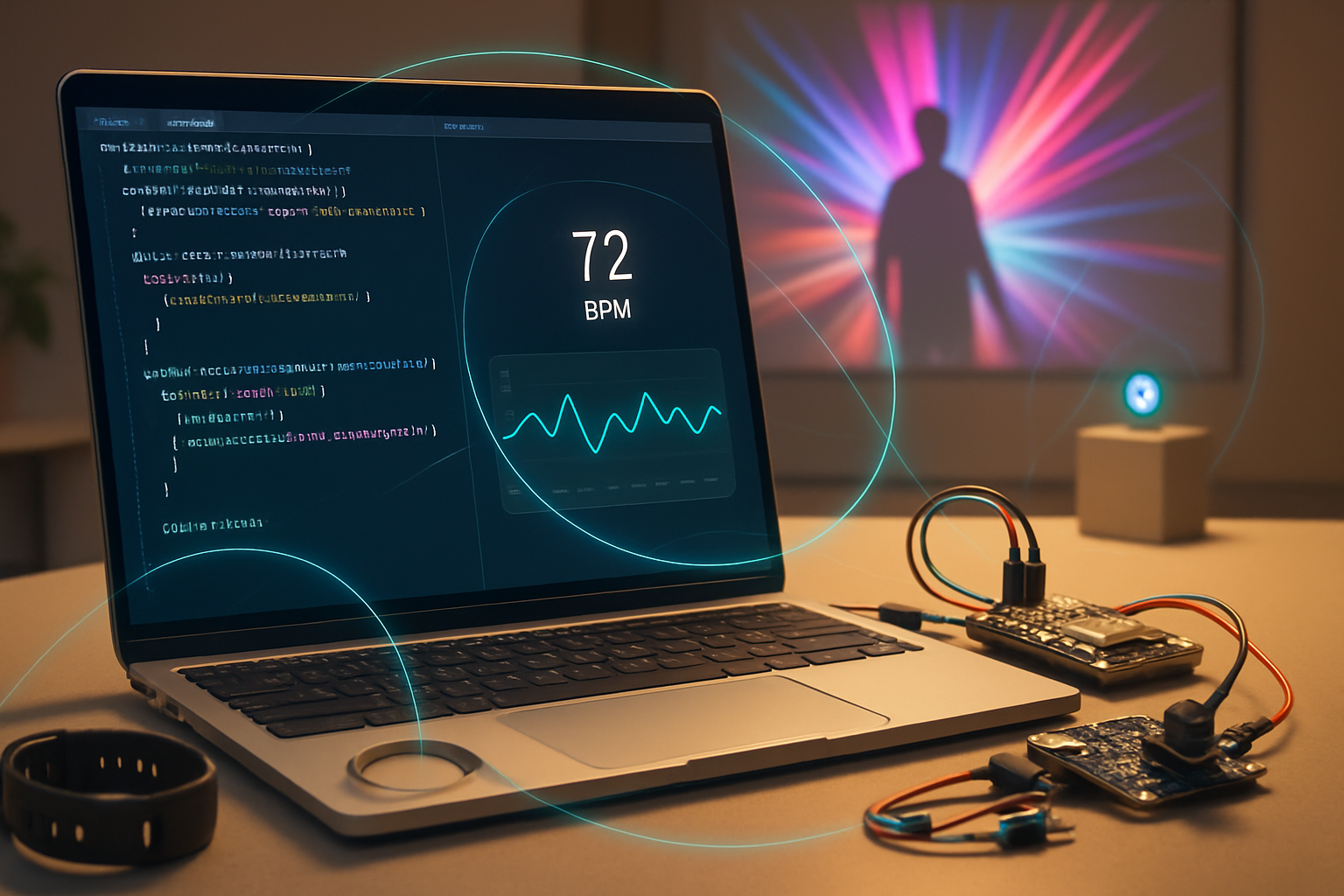
- Many wearables implement the standardized Heart Rate Service (UUID 0x180D). With a few API calls you can subscribe to notifications and render live graphs.
Example projects and impact
- Clinical and research prototypes that capture continuous heart-rate streams for short-term studies without requiring subjects to install a native app.
- Fitness kiosks in gyms where a browser on a kiosk reads gym equipment or wearable telemetry for quick performance checks.
- Smart home and consumer devices
What’s possible
- Control BLE-enabled lights, thermostats, locks, blinds and sensors directly from a browser-based dashboard or PWA.
Working patterns
- Many appliances expose custom GATT services or implement standard ones (battery, device info). Web apps can write characteristics to change state (e.g., turn a light on/off) or read sensor data.
Examples and caveats
- A product demo running on a tablet at retail can let customers pair and try devices instantly. This reduces friction in-store compared with forcing users to download vendor apps.
- Not all consumer devices expose BLE in an interoperable way; vendor-specific characteristics or security models can complicate implementations.
- Retail, proximity and asset tracking
What’s possible
- BLE beacons and tags used for wayfinding, proximity marketing, or locating assets in warehouses.
Working patterns
- Web apps can scan for nearby advertisements (if the device and browser allow it) and use signal strength to estimate proximity, then display contextual information on a map or trigger actions.
Real deployments
- Museums, trade shows and campuses have experimented with web-driven proximity experiences to deliver content tied to nearby exhibits without app installs.
- Industrial IoT and maintenance tools
What’s possible
- Maintenance technicians use a browser on a rugged tablet to pull diagnostic data from BLE-enabled instruments and sensors.
Working patterns
- Technician-facing web apps can combine device data with manuals, checklists, and cloud logging - enabling fast, standardized workflows.
Benefits
- Eliminates the need to manage different native apps per device vendor; the same browser-based toolkit can talk to multiple devices.
- Education, makers and accessibility
Education
- Single-page web labs where students flash or read microcontroller sensors (e.g., BBC micro:bit) and see immediate results.
Makers
- Rapid prototyping: combine an Arduino or ESP32 + BLE and control it from a web page to iterate faster.
Accessibility
- Assistive devices that expose simple BLE characteristics can be configured by caregivers using a browser rather than specialized software.
Example: micro:bit and classroom labs
- The BBC micro:bit exposes a well-documented Web Bluetooth interface; teachers can create browser-based lessons so students experiment with sensors and actuators with almost zero setup. See micro:bit docs: https://microbit.org/get-started/user-guide/connect/web-bluetooth/
A concrete example - read a heart rate sensor (code sketch)
This minimal pattern illustrates the essential steps: request a device that offers the Heart Rate Service, connect, get the characteristic, and listen for notifications.
// request a device that has the Heart Rate service
const device = await navigator.bluetooth.requestDevice({
  filters: [{ services: ['heart_rate'] }],
  optionalServices: ['battery_service'],
});

const server = await device.gatt.connect();
const service = await server.getPrimaryService('heart_rate');
const char = await service.getCharacteristic('heart_rate_measurement');

// subscribe to notifications
await char.startNotifications();
char.addEventListener('characteristicvaluechanged', event => {
  const value = event.target.value;
  // parse heart rate according to the BLE spec
  const flags = value.getUint8(0);
  const rate16Bits = flags & 0x1;
  const bpm = rate16Bits
    ? value.getUint16(1, /*littleEndian=*/ true)
    : value.getUint8(1);
  console.log('Heart rate:', bpm);
});
Notes about real deployments
- Always test with the actual device: manufacturers sometimes implement nonstandard behaviors or require secure pairing flows.
- Advertised services vs. optional services: use filters to reduce the device picker noise and protect user privacy.
Platform support and limitations
- Browser support is uneven: Chromium-based browsers on desktop and Android have the strongest support. iOS and Safari historically had limited or delayed support; check the current browser compatibility table before committing to a platform.
- Browser compatibility and details: https://developer.mozilla.org/en-US/docs/Web/API/Web_Bluetooth_API#browser_compatibility
- Permission model: the browser opens a native device picker. Web pages cannot silently enumerate BLE devices.
- Power and reach: BLE is low-energy and short-range; design expectations accordingly.
Security, privacy and UX best practices
- Secure origins only: run on HTTPS (or localhost during development).
- Minimal permissions: ask only for the services you need and explain why in the UI.
- Respect disconnection and reconnection logic: handle ‘gattserverdisconnected’ events gracefully.
- Data protection: avoid storing persistent, sensitive PII on the client without user consent. When data goes to the cloud, use authenticated and encrypted channels.
Design tips for production apps
- Provide clear pairing instructions; browser device pickers look different across platforms and users can be confused.
- Offer fallbacks: where Web Bluetooth is unsupported, provide a native app or server-side integration path.
- Test battery and performance: frequent polling hurts battery; prefer notifications.
Resources and starter kits
- Web Bluetooth samples (Chrome): https://googlechrome.github.io/samples/web-bluetooth/
- MDN Web Bluetooth docs: https://developer.mozilla.org/en-US/docs/Web/API/Web_Bluetooth_API
- micro:bit web Bluetooth guide: https://microbit.org/get-started/user-guide/connect/web-bluetooth/
- Web Bluetooth Community Group: https://webbluetoothcg.github.io/web-bluetooth/
Conclusion - why this matters now
The Web Bluetooth API lets developers build truly cross-device experiences without forcing users to install vendor apps. That reduces friction and opens new design patterns: instant demos, classroom labs, maintenance dashboards, and browser-based medical prototypes. Real-world projects already use it for health monitoring, smart home demos, asset tracking, and education. The technical constraints and platform fragmentation are real, but they are manageable. If you want to move a BLE use case from a lab prototype to something your users can open in a browser today, Web Bluetooth is one of the most practical tools you have - fast to iterate, easy to share, and powerful enough to change how people interact with hardware.