· deepdives · 7 min read
Beyond Smart Devices: Innovative Uses of the Web Bluetooth API You Didn't Know About
Discover imaginative, practical ways to use the Web Bluetooth API beyond common smart-device tasks - from building custom game controllers and collaborative musical instruments to integrating wearable health data into web dashboards and interactive art installations.
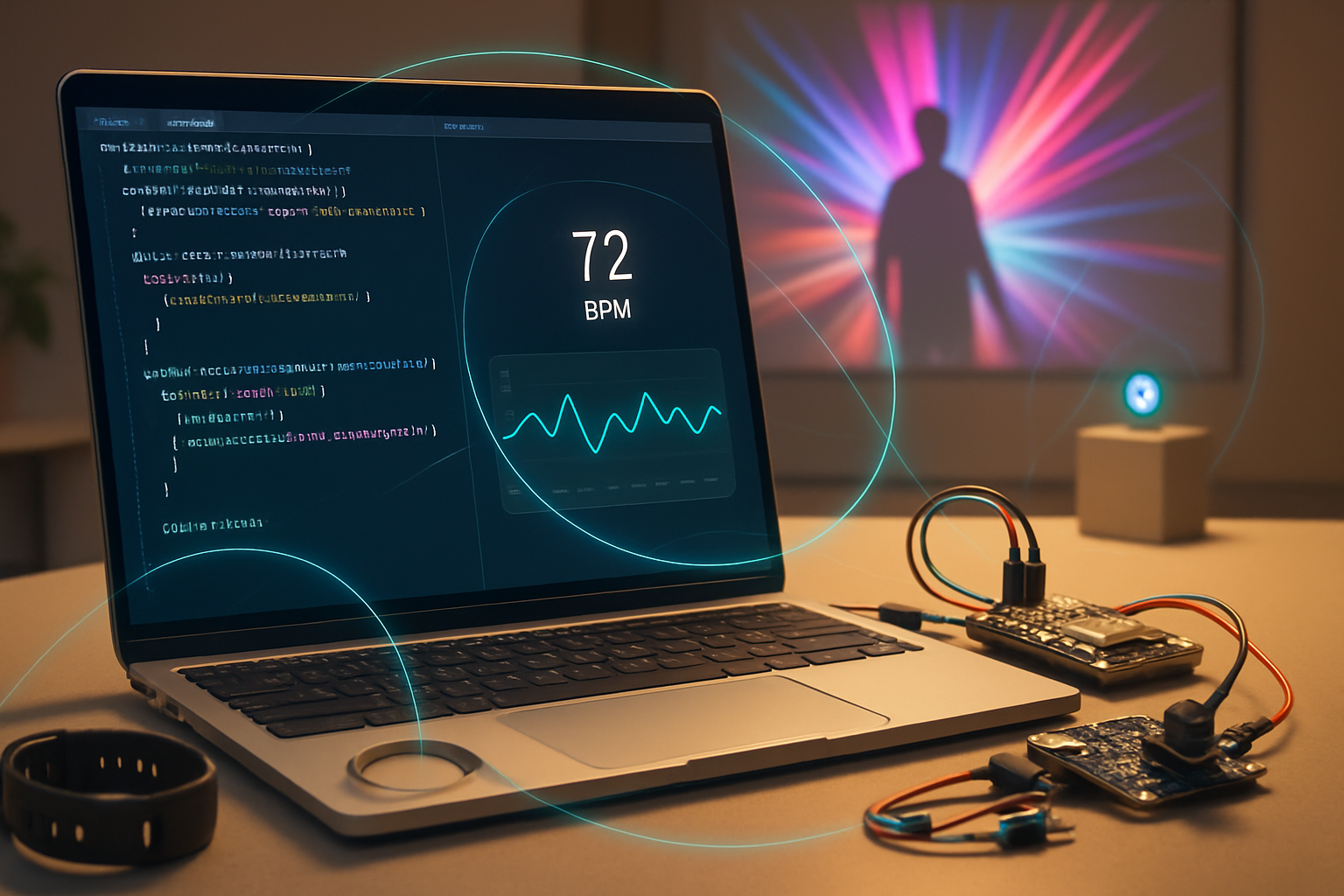
Outcome: by the end of this article you’ll be able to imagine and prototype at least five unusual, high-impact projects that use the Web Bluetooth API - and you’ll have concrete code patterns and architecture tips to get them working reliably.
Why this matters. Bluetooth Low Energy (BLE) makes tiny, cheap wireless sensors and actuators ubiquitous. The Web Bluetooth API brings those devices right into the browser without native apps. That unlocks instant distribution, rapid iteration, and cross-platform demos - if you know how to handle the API’s quirks.
Read on. You’ll get practical examples, code snippets, debugging tricks, and security caveats so you can start building creative BLE-powered web experiences today.
Quick primer: what Web Bluetooth gives you (and what it doesn’t)
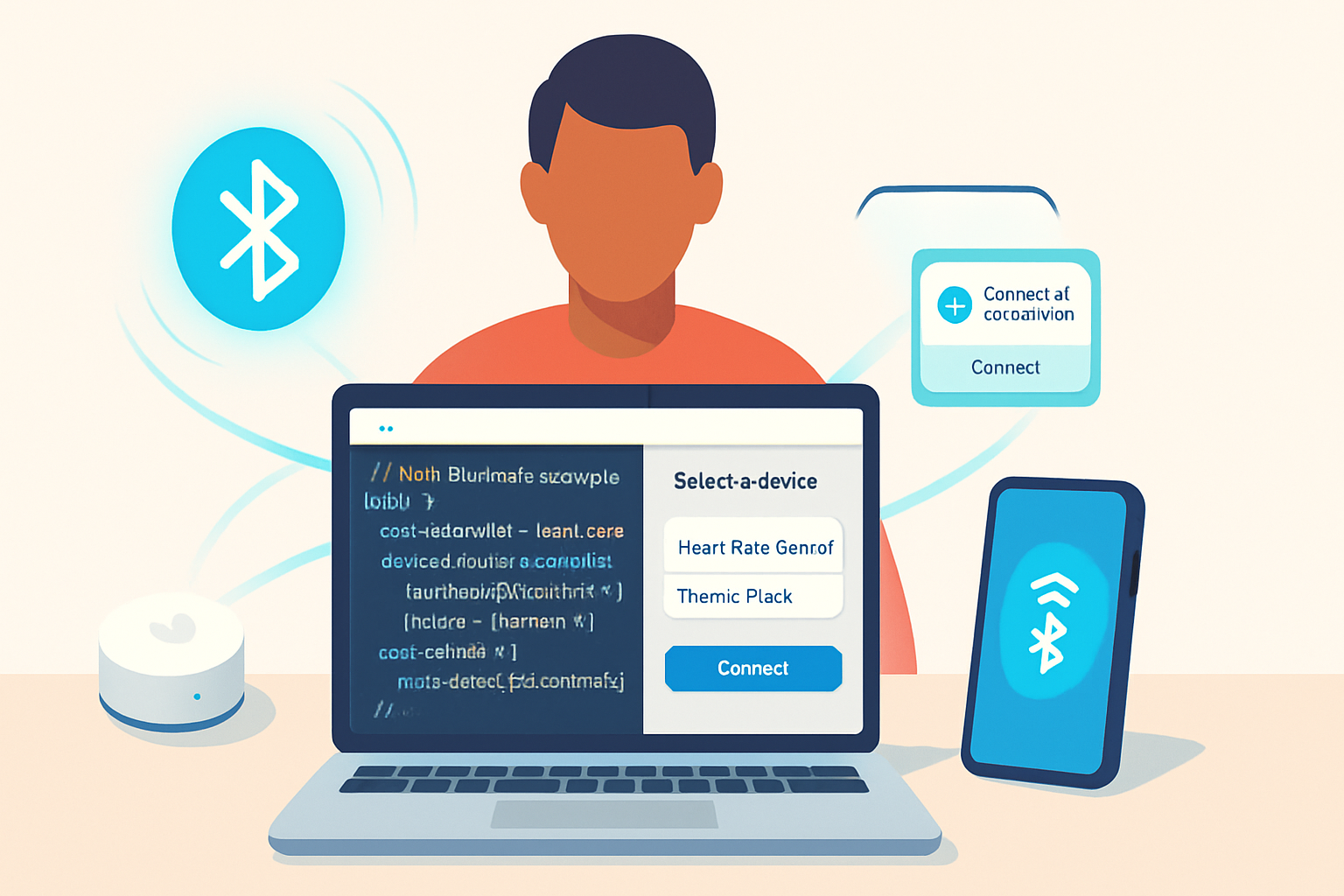
Short version: Web Bluetooth lets a web page discover, pair to, and interact with BLE devices using GATT (services and characteristics).
Essentials:
- navigator.bluetooth.requestDevice(…) - show a device chooser to the user.
- device.gatt.connect() - open a GATT server connection.
- service.getCharacteristic(uuid) - access a characteristic for read/write/notify.
- characteristic.startNotifications() - receive push updates from the peripheral.
Hard constraints you must remember:
- Works only on secure contexts (HTTPS) and requires a user gesture to start device selection.
- Browser/OS support varies (Chrome/Chromium on desktop and Android has the best support; iOS Safari historically limited). Use progressive enhancement and detect features at runtime.
- No background access: a page must be active to talk to a device. Service workers can’t access Bluetooth.
- Scanning advertisements (for proximity/RSSI) exists (navigator.bluetooth.requestLEScan + advertisementreceived) but may be limited in support and requires extra permissions.
Useful references: MDN’s Web Bluetooth docs and Google’s Web Fundamentals introduction:
1) Custom game controllers - map BLE inputs to browser games
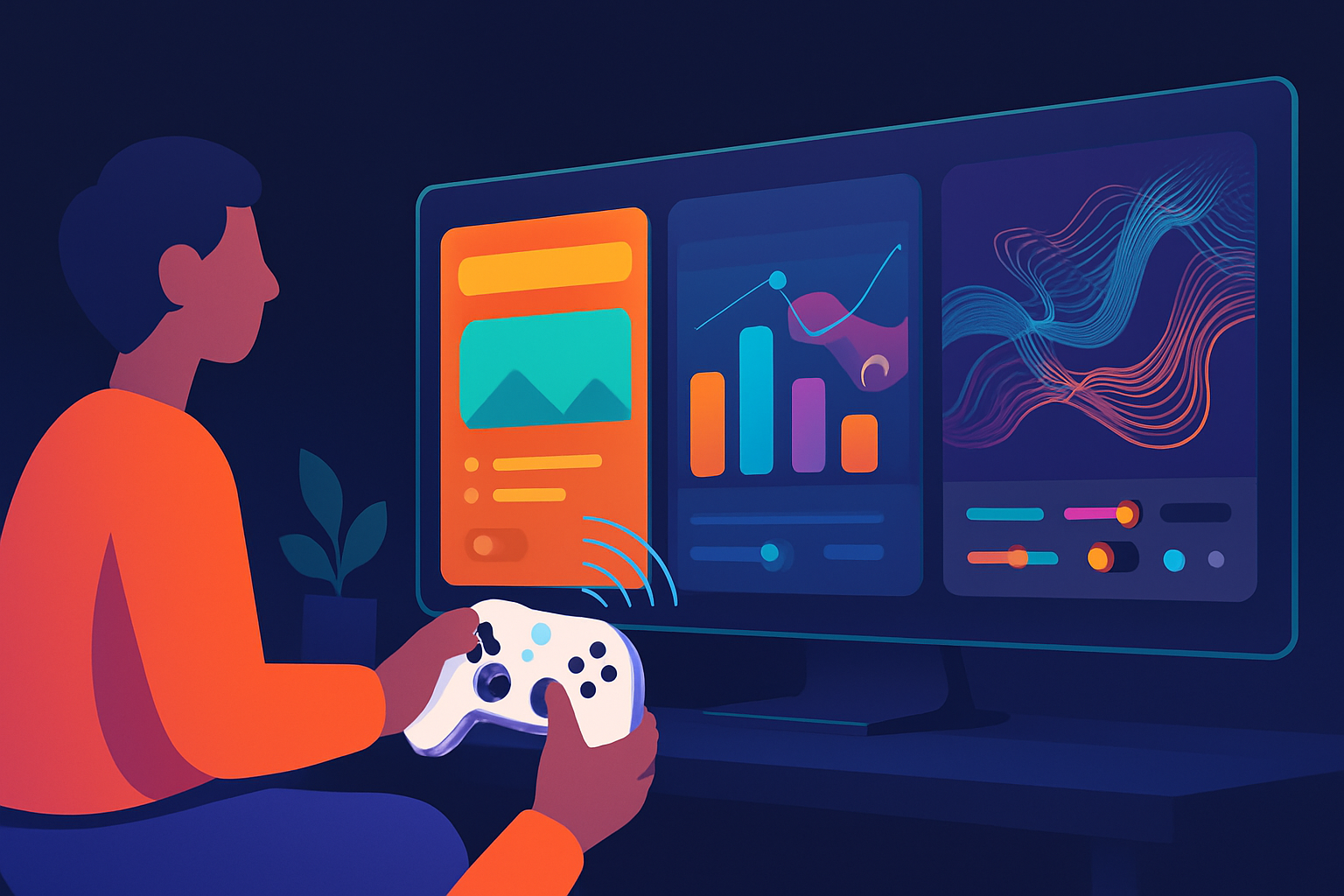
Idea: use a tiny microcontroller (e.g., ESP32 or nRF52) to send button states and joystick data over a custom GATT service. Use the browser to translate those inputs into Gamepad or keyboard events - no device drivers required.
Why it’s cool: rapid prototyping of physical controllers for browser games, accessibility controllers, or custom mission-control panels.
Minimal example: request a device and subscribe to a “controls” characteristic that sends a simple byte stream: [buttonsByte, xLow, xHigh, yLow, yHigh].
// Request device (user gesture required)
const device = await navigator.bluetooth.requestDevice({
  filters: [{ namePrefix: 'MyGamePad' }],
  optionalServices: ['0000feed-0000-1000-8000-00805f9b34fb'],
});

const server = await device.gatt.connect();
const svc = await server.getPrimaryService(
  '0000feed-0000-1000-8000-00805f9b34fb'
);
const char = await svc.getCharacteristic(
  '0000beef-0000-1000-8000-00805f9b34fb'
);

await char.startNotifications();
char.addEventListener('characteristicvaluechanged', e => {
  const dv = e.target.value;
  const buttons = dv.getUint8(0);
  const x = dv.getInt16(1, true);
  const y = dv.getInt16(3, true);
  // Map to in-browser events
  handleControllerInput({ buttons, x, y });
});

function handleControllerInput({ buttons, x, y }) {
  // Convert to keyboard/gamepad events, or directly control a canvas game loop.
}
Tips:
- Debounce noisy inputs on the microcontroller.
- Use compact binary formats for low latency.
- For shareable controllers, implement a small pairing UI and persist device.id with permission checks.
2) Wearable health dashboards - real-time vitals in the browser
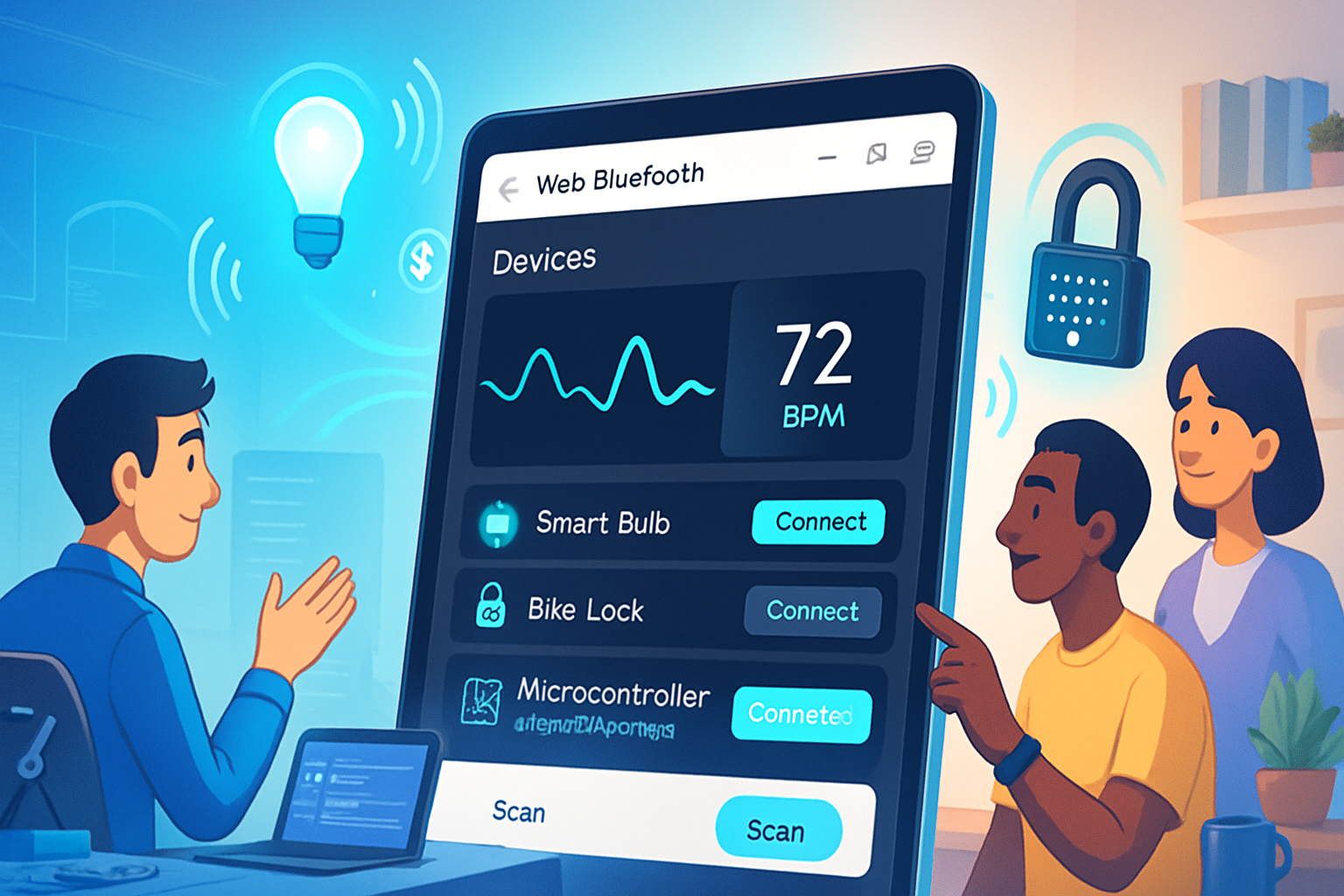
Developers often miss how quickly you can aggregate wearable data in a web dashboard. Common devices implement the standard Heart Rate Service (UUID 0x180D) and the Heart Rate Measurement characteristic (0x2A37) which sends notifications.
A short snippet to subscribe and parse heart rate values:
const device = await navigator.bluetooth.requestDevice({
  filters: [{ services: ['heart_rate'] }],
});
const server = await device.gatt.connect();
const service = await server.getPrimaryService('heart_rate');
const char = await service.getCharacteristic('heart_rate_measurement');

await char.startNotifications();
char.addEventListener('characteristicvaluechanged', event => {
  const data = event.target.value;
  const flags = data.getUint8(0);
  const hrValue = flags & 0x01 ? data.getUint16(1, true) : data.getUint8(1);
  renderHeartRate(hrValue);
});

function renderHeartRate(hr) {
  document.getElementById('hr').textContent = hr + ' bpm';
}
Project ideas:
- Combine HR with browser-based visualizations (D3.js) for biofeedback art.
- Integrate HR into multiplayer games (game can get harder when players’ HR increases).
- Real-time clinical research prototypes or fitness dashboards (remember to follow privacy/medical regulations).
Caveat: many clinical-grade or vendor-specific wearables use proprietary protocols - check device support or use a small bridge app on the device side.
3) Collaborative musical instruments - synchronize performers with BLE
Use BLE to transmit control data (knobs, faders, footswitches) across performers or between performers and a central score app. The browser can both synthesize sound (Web Audio API) and receive BLE messages to trigger notes or tempo changes.
Architecture pattern:
- Each performer’s controller advertises control messages.
- A master browser app connects and aggregates messages via GATT or listens to advertisements for low-latency triggers.
- Master mixes events, resolves conflicts, and broadcasts scene updates using WebSockets for non-local participants.
Why this is powerful: low-latency local control, easy overlay of networked participants via websockets, and a single web UI for scores and visualization.
4) Interactive art and location-aware experiences with beaconing
Use BLE beacons or advertisement packets to detect proximity and trigger visuals, sounds, or narrative content in an art installation or museum.
Important: Advertisement scanning (navigator.bluetooth.requestLEScan and advertisementreceived) can expose RSSI and data fields - great for proximity interactions - but support is more restricted and may require additional user permissions.
Basic advertisement-driven flow (where supported):
const scan = await navigator.bluetooth.requestLEScan({
  filters: [{ namePrefix: 'Beacon' }],
  keepRepeatedDevices: true,
});

navigator.bluetooth.addEventListener('advertisementreceived', e => {
  // e.rssi, e.device.name, e.manufacturerData
  const dist = estimateDistance(e.rssi);
  updateInstallationForDevice(e.device.id, dist);
});

// Stop scan when done
scan.stop();
Applications:
- Galleries: show content for the painting nearest to the visitor’s phone.
- Themed treasure hunts: reveal clues when you approach physical objects.
- Outdoor AR experiences: combine GPS and BLE to improve indoor positioning.
5) Practical automation and asset tracking
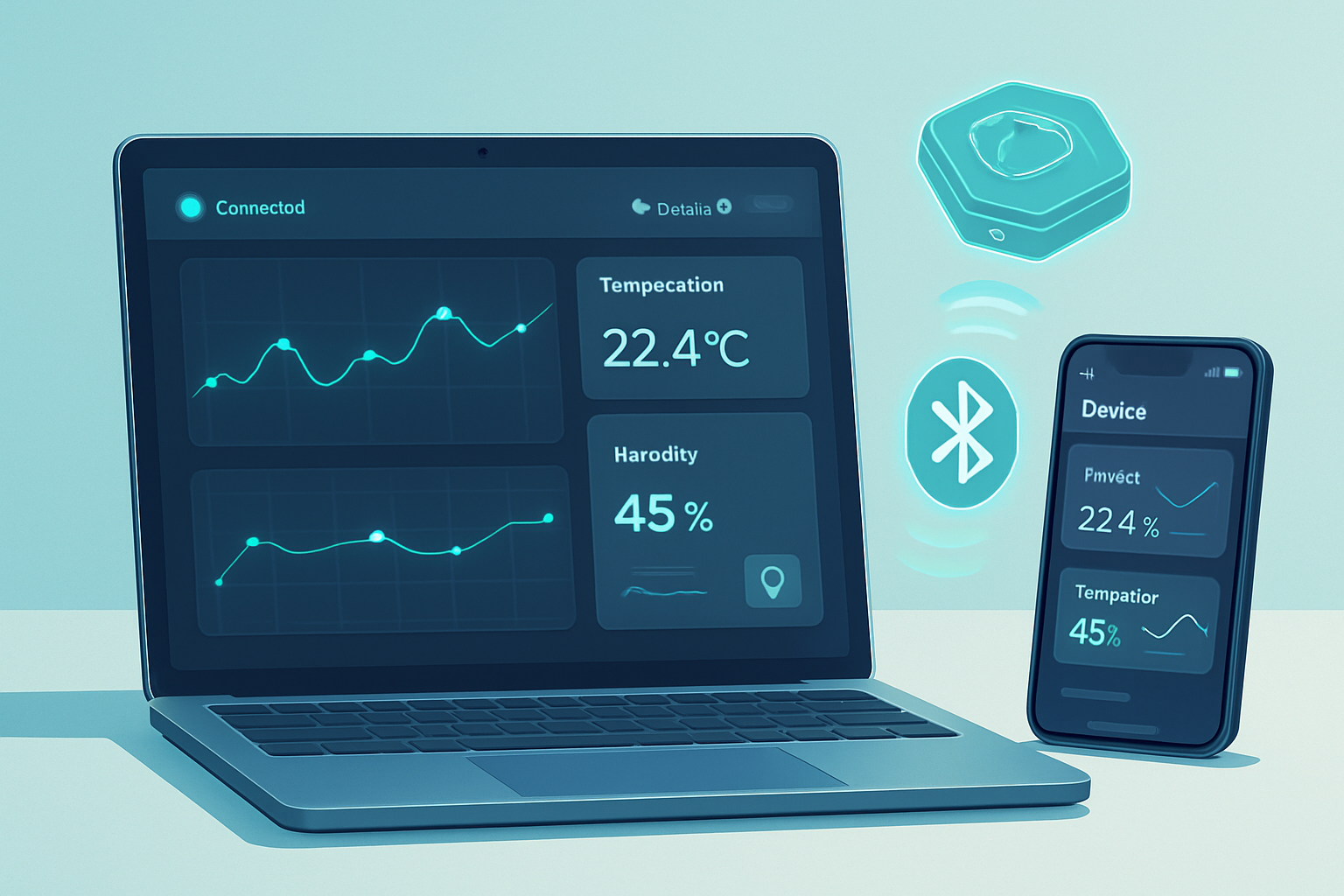
BLE sensors for moisture, temperature, shock, or door open/close are cheap. Expose these sensors to a local browser that aggregates data, notifies the owner, and optionally sends events to a backend for logging.
Design patterns:
- Local-first: browser directly reads devices and writes to a server via authenticated API when available.
- Edge bridging: a Raspberry Pi or smartphone acts as a persistent bridge for always-on monitoring and supports mesh devices by exposing their state through a GATT proxy.
Sample: read a humidity sensor and send watering commands to a BLE relay.
// Pseudocode: read humidity -> if low, write to relay char to water
const sensor = await navigator.bluetooth.requestDevice({
  filters: [{ name: 'SoilSensor' }],
  optionalServices: ['soil_service_uuid'],
});
const srv = await sensor.gatt.connect();
const soil = await srv.getPrimaryService('soil_service_uuid');
const hum = await soil.getCharacteristic('humidity_char_uuid');
const rv = await soil.getCharacteristic('relay_char_uuid');
const v = await hum.readValue();
const humidity = v.getUint8(0);
if (humidity < 30) {
  await rv.writeValue(Uint8Array.of(1)); // turn on relay
}
Engineering tips, reliability, and UX
- Reconnect strategy: handle disconnected events and implement exponential backoff. device.addEventListener(‘gattserverdisconnected’, …).
- Binary parsing: use DataView to handle endianness reliably.
- Latency: keep payloads small. Use notifications instead of repeated reads.
- Security and privacy: minimize stored personal data, present clear permissions, and use HTTPS. Don’t treat Web Bluetooth as a secure channel - encrypt sensitive payloads if necessary.
- Debugging tools: use browser console logs,
chrome://bluetooth-internals/, and mobile apps like nRF Connect to inspect GATT services and characteristics.
Limitations and when to choose a native app instead
Choose web when: quick demos, cross-platform distribution, education, art, or local-first tools are your goals.
Choose native when:
- You need background services or persistent background connections.
- Your target platform lacks Web Bluetooth support (e.g., some iOS versions).
- You must run BLE scanning continuously in the background or require low-level OS integrations.
If you still need background scanning or mesh functionality, consider a small native companion (bridge) that exposes a simple HTTP or WebSocket API to the browser.
Data formats and interoperability
- Use compact binary protocols for low-latency data. CBOR or MessagePack are good choices for structured data.
- For public or shared devices, use well-known GATT services (Heart Rate, Battery, Device Information) where possible to maximize compatibility.
- When building your own protocols, provide a human-readable descriptor characteristic so debugging with generic tools (like nRF Connect) becomes easier.
Project ideas to spark your next build
- A cooperative rhythm game where each player’s wearable contributes a beat based on movement or heart rate.
- A museum guide that uses BLE beacons to deliver multimedia when visitors approach exhibits - all delivered without installing an app.
- A local-first inventory dashboard for a makerspace that reads low-energy tag sensors and shows tools in use.
- A live performance system where actors’ biosensors shape lighting and sound in real time.
- A classroom kit where students build simple sensors (soil moisture, temperature) and visualize the data instantly in the browser.
Final notes: get creative, but be respectful
Web Bluetooth lowers the friction to connect physical devices to the web. That unlocks playful interfaces, new collaborative instruments, and rapid prototyping for health and environment applications. But with this power comes responsibility: respect privacy, explain what data is collected, and design UX that requests permissions transparently.
Start small. Prototype one interaction. Iterate. Then scale up to synchronized sessions, bridges, and multi-user experiences. The web is now a first-class place to experiment with physical computing - and your most imaginative, browser-native idea might be the one that inspires everyone else.