· deepdives · 6 min read
Exploring the Limitations of the Shape Detection API: Where It Falls Short
A critical look at the Shape Detection API: where it works well, where it fails, and practical fallbacks and workarounds (client-side and cloud) so developers can choose the right path for production apps.

Introduction - what you’ll get out of this article
By the end of this article you’ll be able to decide, with confidence, whether the Shape Detection API is appropriate for your project - and exactly what to do when it isn’t. You’ll get a concise checklist for real-world failure modes, practical fallback patterns (code included), and recommended libraries and cloud options so you won’t be surprised in production.
Why this matters
The Shape Detection API promises quick, browser-native detection for faces, barcodes and text. That sounds great: no model bundling, no round-trips, low boilerplate. But the real world is messy: inconsistent browser support, unpredictable accuracy, and limited control can make the API brittle for production use. Knowing the boundaries up-front saves time, preserves user privacy, and prevents late-stage rewrites.
Quick primer: what the Shape Detection API is
- The Shape Detection API is a set of browser interfaces exposing basic detectors like BarcodeDetector and FaceDetector (TextDetector was experimental/less supported). See the spec and MDN for details: https://wicg.github.io/shape-detection-api/ and https://developer.mozilla.org/en-US/docs/Web/API/Shape_Detection_API
- Feature detection is simple: check for window.BarcodeDetector or window.FaceDetector before using them.
Where it actually shines (short)
- Fast setup: minimal code, no model packaging.
- Local processing: detection happens locally in the browser (privacy-friendly compared to cloud calls) when available.
- Lower maintenance: no model updates on your side if the browser ships improvements.
So why not always use it? - The limitations
- Limited browser support and fragmentation
- Not available in many browsers or behind flags. Support is uneven across desktop and mobile and varies by platform and browser version. Relying on it without fallbacks will break users on unsupported browsers. See compatibility notes: https://developer.mozilla.org/en-US/docs/Web/API/Shape_Detection_API#browser_compatibility
- Different implementations and capability subsets across browsers (e.g., some browsers implement BarcodeDetector but not FaceDetector).
- Accuracy and robustness problems
- Low-light, occluded, or very small faces can be missed or mis-localized.
- Rotated, partial or damaged barcodes can fail; dense / multi-row barcodes may be problematic.
- OCR support historically has been weak or experimental in browsers and often lags behind dedicated OCR engines.
- The API typically exposes only detections and geometry; you may not get detailed confidence scores or fine-grained control to tune thresholds.
- Little control over model/algorithm and no custom models
- You can’t upload or select a custom model. If your use case needs a specific detection model (e.g., biometric landmarks for AR filters, high-accuracy OCR for receipts), the Shape Detection API won’t cut it.
- Performance variability and resource limits
- Implementations may or may not use hardware acceleration. CPU usage and memory behavior vary dramatically by device.
- No direct access to GPU or acceleration settings; you must rely on the browser’s implementation.
- Input constraints, cross-origin and image formats
- Cross-origin images and tainted canvases interfere with pixel access. If you need to grab image data or use getImageData() for preprocessing, CORS rules can bite you.
- Performance can degrade with very large images; you often need to downscale on the client before detection.
- Privacy, permission models and fingerprinting concerns
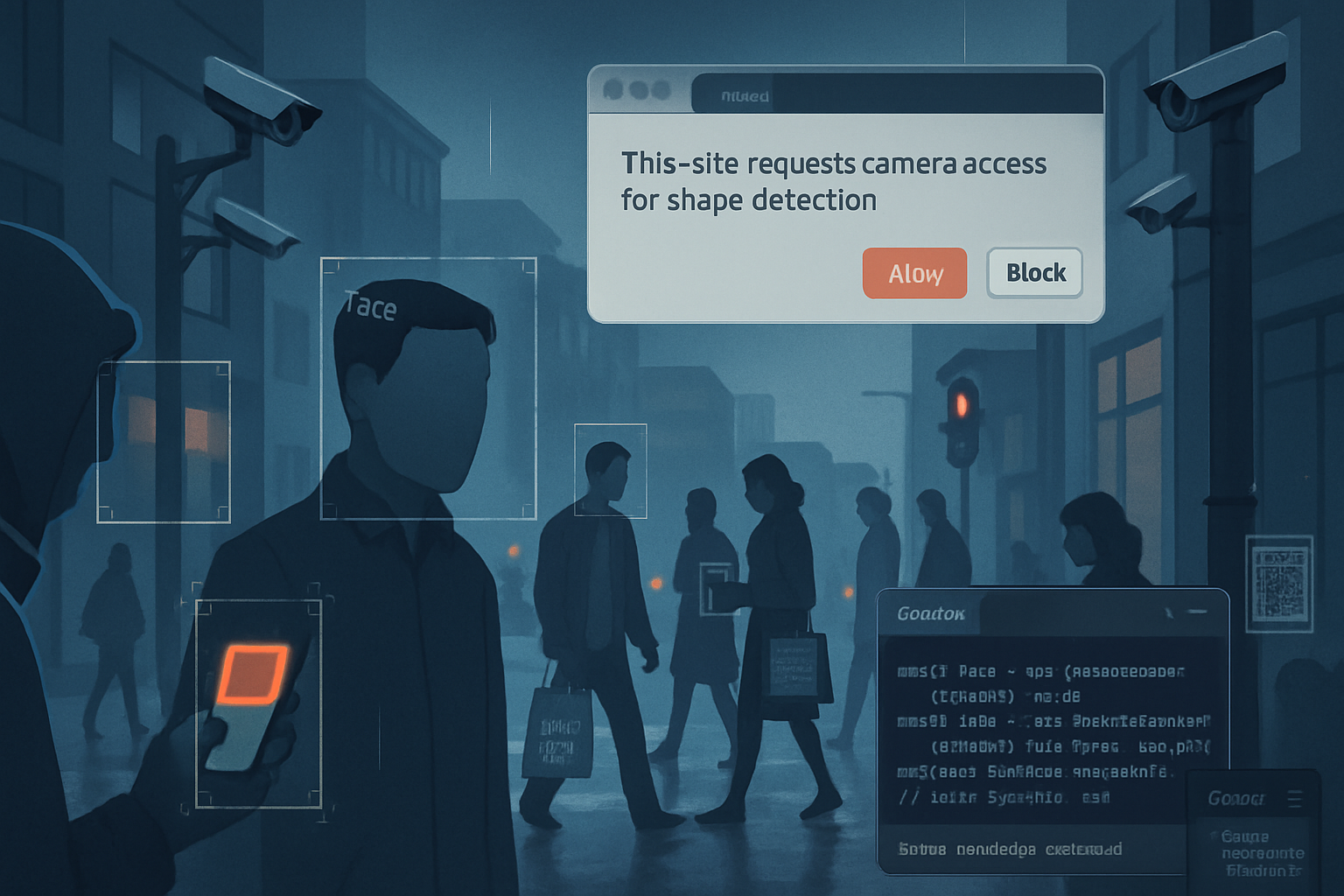
- Browsers have debated adding permissions to face detection because the ability to detect faces without user consent can be misused for fingerprinting or covert surveillance. This can translate to changes in behavior over time (permission prompts, disabled features) across browsers.
Concrete failure scenarios (what you will see in the wild)
- A barcode scanner works in Chrome for Android but returns nothing in Firefox on desktop - users report inconsistent behavior.
- Face detection misses small faces on high-resolution images (e.g., 12MP camera), while a server-side model finds them.
- OCR on receipts fails with low contrast and crumpled paper; Tesseract or a cloud OCR service performs better.
- A live camera feed on an older phone runs slowly or drops frames when using the FaceDetector directly because the browser implementation is CPU-bound.
Practical fallbacks and alternative approaches
When you should still use the Shape Detection API
- Short, local use-cases where low setup cost matters (simple barcode scanner in a known set of browsers or a quick demo tool).
- Privacy-sensitive tasks where you must avoid sending images to a cloud service and the detection needs are modest.
When you should not use it
- High-accuracy, mission-critical detection (biometrics, fraud detection).
- Applications requiring consistent cross-browser behavior.
- Tasks that require custom models or confidence thresholds.
Client-side alternatives (local and can run fully in the browser)
- TensorFlow.js: run models like BlazeFace or custom models in the browser. https://www.tensorflow.org/js
- MediaPipe (via WASM / JS wrappers): highly optimized, accurate face/pose solutions. https://developers.google.com/mediapipe
- OpenCV.js: general computer vision operations, good for preprocessing and custom heuristics. https://docs.opencv.org/4.x/d5/d10/tutorial_js_root.html
- Tesseract.js: robust OCR in many languages (but heavier). https://github.com/naptha/tesseract.js
- ZXing / zxing-js / QuaggaJS: mature barcode libraries tailored for scanning barcodes/QRs on the web. https://github.com/zxing-js/library, https://serratus.github.io/quaggaJS/
Cloud alternatives (if sending images to a server/service is acceptable)
- Google Cloud Vision, AWS Rekognition, Azure Cognitive Services: high-accuracy detection and OCR with consistent results, but bring latency, cost, and privacy implications. https://cloud.google.com/vision, https://aws.amazon.com/rekognition
Recommended progressive enhancement pattern (code sketch)
- Feature detect the Shape Detection API.
- Prefer browser API when supported and the device appears capable.
- Fallback to a fast client-side library (blazeface / zxing-js) executed in a Web Worker or to a server-side endpoint for heavy lifting.
Example pattern (simplified):
// feature detection
async function detectImage(imgBitmap) {
  if ('BarcodeDetector' in window) {
    try {
      const detector = new BarcodeDetector({ formats: ['qr_code', 'ean_13'] });
      const results = await detector.detect(imgBitmap);
      if (results && results.length) return { source: 'shape-api', results };
    } catch (e) {
      // fall through to fallback
      console.warn('Shape API barcode detection failed:', e);
    }
  }

  // Fallback: use zxing-js in a worker or server-side call
  return await fallbackBarcodeDetect(imgBitmap);
}
Performance tips and operational best practices
- Resize inputs: downscale very large images before detection. Often detection needs only a fraction of full camera resolution.
- Limit scanning area (ROI): send the smallest crop likely to contain the target. Saves CPU and increases accuracy.
- Use Web Workers and OffscreenCanvas to avoid blocking the main thread.
- Debounce continuous scans (e.g., run detection at 10 FPS or less depending on device).
- Use createImageBitmap() for fast image decoding and transfer to workers: https://developer.mozilla.org/en-US/docs/Web/API/createImageBitmap
- Reuse buffers / canvases to avoid GC spikes.
Testing and monitoring
- Test on real devices across the full spectrum your users will use (low-end Android phones to modern desktops).
- Log detection rates, latency and fallbacks. When users fall back frequently, consider switching to a more robust path by default.
- Include a subtle user-level “can’t detect?” fallback option that gracefully asks for a photo upload for server-side processing.
Decision checklist (quick)
- Is broad browser support required? If yes, implement robust fallbacks.
- Is the accuracy requirement high (e.g., legal-grade OCR, biometric matching)? If yes, avoid the Shape Detection API as the primary solution.
- Are privacy constraints strict (no cloud allowed)? If yes, prefer on-device libraries like TensorFlow.js or MediaPipe and test on target devices.
- Is developer time limited and the feature is non-critical? Use the Shape Detection API with feature detection and clear fallback messaging.
Summary - a pragmatic recommendation
The Shape Detection API is useful as a lightweight, privacy-friendly first attempt for simple detection tasks in supported browsers. But it is not a silver bullet. For production-grade, cross-platform, high-accuracy needs you must plan fallbacks: either robust client-side ML (TensorFlow.js, MediaPipe) or server-side/cloud solutions (Google Cloud Vision, AWS Rekognition). Implement a progressive enhancement strategy: try the Shape Detection API, measure failures, and gracefully fall back to a well-tested library or service. That approach minimizes surprises while keeping the user experience smooth.
References and further reading
- Shape Detection API spec: https://wicg.github.io/shape-detection-api/
- MDN: Shape Detection API overview and compatibility: https://developer.mozilla.org/en-US/docs/Web/API/Shape_Detection_API
- MDN: BarcodeDetector: https://developer.mozilla.org/en-US/docs/Web/API/Barcode_Detection_API
- TensorFlow.js: https://www.tensorflow.org/js
- MediaPipe: https://developers.google.com/mediapipe
- OpenCV.js: https://docs.opencv.org/4.x/d5/d10/tutorial_js_root.html
- Tesseract.js: https://github.com/naptha/tesseract.js
- zxing-js: https://github.com/zxing-js/library
- QuaggaJS: https://serratus.github.io/quaggaJS/