· deepdives · 7 min read
Beyond the Basics: Advanced Techniques with Shape Detection API for Real-Time Object Recognition
Take the Shape Detection API beyond its primitives. Learn hybrid pipelines that combine the API with ML models, performance tips for real-time pipelines, and how to handle real-world limitations like occlusion, lighting and cross-browser support.
What you’ll build and why it matters
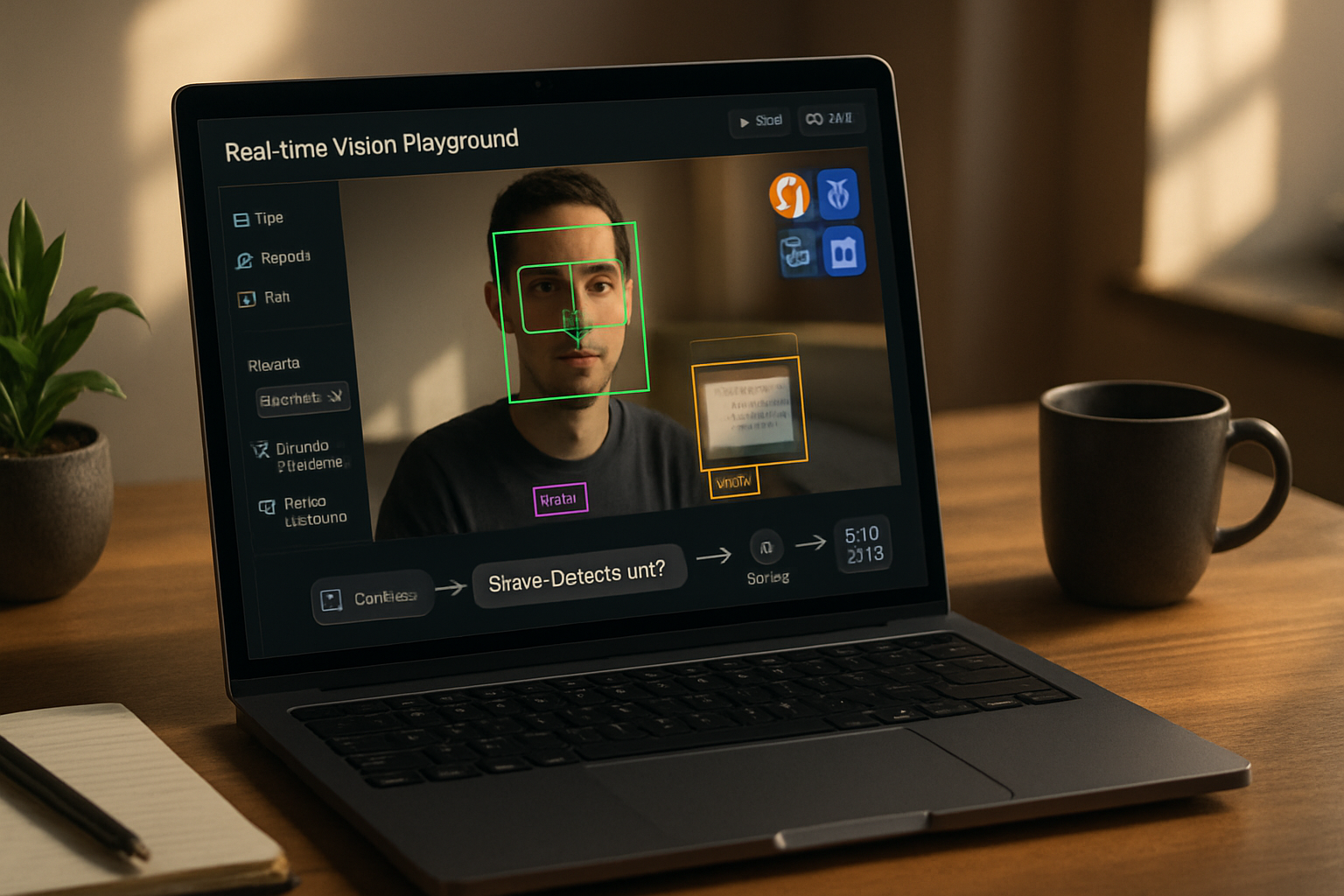
You want fast, reliable object recognition in the browser. You also want to avoid sending video frames to a server. This article shows how to use the Shape Detection API as a low-latency prefilter and combine it with client-side machine learning (TensorFlow.js / ONNX / WASM) to deliver accurate, real-time recognition. By the end you’ll understand architectures, code patterns, performance trade-offs and limitations so you can ship a robust in-browser CV feature.
Quick recap: what the Shape Detection API gives you
The Shape Detection API provides browser-native detectors for common primitives: faces, barcodes and text. Because it’s implemented in the browser and often hardware-accelerated, it can be much faster and more power-efficient than running a full neural network on every frame. Read the spec and MDN for details:
- Shape Detection API spec: https://wicg.github.io/shape-detection-api/
- MDN overview: https://developer.mozilla.org/en-US/docs/Web/API/Shape_Detection_API
But the API intentionally targets primitives, not general object recognition. That’s where hybrid techniques come in.
The hybrid pattern: use the API to make ML cheaper and faster
Outcome-first: use the Shape Detection API to reduce the amount of work your ML model must do. The typical pattern looks like this:
- Capture camera frames at the device frame rate (e.g., 30 FPS).
- Run a native Shape Detection pass (FaceDetector / BarcodeDetector / TextDetector) - extremely fast and low power.
- Convert API detections into Regions-of-Interest (ROIs) and only run your heavier ML model (e.g., classification or landmark model) on those ROIs.
- Fuse results from API and model: e.g., confirm a face detection with a face-recognition embedding or posture classifier.
Benefits:
- Much lower average inference cost (you rarely run the heavy model on the full frame).
- Better latency for many use-cases because the API responds quickly.
- Lower bandwidth when streaming, since you can send small ROIs instead of full frames.
Example: Face Detector + TensorFlow.js classification (conceptual)
This code sketch shows the pattern: run a FaceDetector and then process ROIs in a Web Worker using TensorFlow.js.
// main.js
const video = document.querySelector('video');
const faceDetector = 'FaceDetector' in window ? new FaceDetector() : null;
const worker = new Worker('worker.js');

async function frameLoop() {
  if (faceDetector) {
    try {
      const faces = await faceDetector.detect(video);
      // Convert to compact ROI objects
      const rois = faces.map(f => ({
        x: f.boundingBox.x,
        y: f.boundingBox.y,
        width: f.boundingBox.width,
        height: f.boundingBox.height,
      }));
      // Send ROIs and an ImageBitmap for highest efficiency
      const bitmap = await createImageBitmap(video);
      worker.postMessage({ bitmap, rois }, [bitmap]);
    } catch (err) {
      console.error('FaceDetector error', err);
    }
  } else {
    // fallback: send full frame to worker every N frames
    const bitmap = await createImageBitmap(video);
    worker.postMessage({ bitmap, rois: [] }, [bitmap]);
  }
  requestAnimationFrame(frameLoop);
}

frameLoop();
// worker.js
importScripts('https://cdn.jsdelivr.net/npm/@tensorflow/tfjs');
// load model in worker
let modelPromise = tf.loadGraphModel('/models/face_attribute/model.json');
onmessage = async e => {
const { bitmap, rois } = e.data;
const off = new OffscreenCanvas(bitmap.width, bitmap.height);
const ctx = off.getContext('2d');
ctx.drawImage(bitmap, 0, 0);
const model = await modelPromise;
if (rois.length) {
for (const r of rois) {
// crop ROI and run model on smaller tensor
const crop = ctx.getImageData(r.x, r.y, r.width, r.height);
const tensor = tf.browser
.fromPixels(crop)
.resizeBilinear([128, 128])
.toFloat()
.div(255)
.expandDims(0);
const out = await model.predict(tensor).data();
postMessage({ roi: r, out: Array.from(out) });
tensor.dispose();
}
} else {
// fallback: whole-frame inference (rare)
const imgData = ctx.getImageData(0, 0, bitmap.width, bitmap.height);
const tensor = tf.browser
.fromPixels(imgData)
.resizeBilinear([320, 320])
.toFloat()
.div(255)
.expandDims(0);
const out = await model.predict(tensor).data();
postMessage({ full: true, out: Array.from(out) });
tensor.dispose();
}
};Notes:
- Use ImageBitmap + OffscreenCanvas to avoid copying pixels when possible. See OffscreenCanvas docs: https://developer.mozilla.org/en-US/docs/Web/API/OffscreenCanvas
- Use a Worker to keep inference off the main thread.
Advanced fusion techniques
Temporal smoothing: keep a sliding window of API detections and model outputs; only trigger a change when confidence is sustained across several frames. This reduces jitter and false positives.
Confidence fusion: calibrate the Shape Detection API (which typically returns bounding boxes and landmarks) with model confidences. A high-confidence API detection with low model confidence might mean occlusion or a novel appearance.
Multi-model cascade: use an extremely cheap classifier (binary tiny model) to validate ROIs before running a heavier recognition pipeline.
Feature fusion: combine API landmarks (e.g., face landmarks) with neural embeddings for downstream tasks like expression detection. Landmarks are structured, precise features that complement learned representations.
Performance engineering: measurable metrics and optimization levers
Important metrics:
- Latency per frame (ms)
- Throughput (frames per second that your end-to-end pipeline sustains)
- Jitter (variance in latency)
- Power usage (battery drain; test on real devices)
Optimization levers:
- Reduce model input size and run only on ROIs.
- Quantize and prune the model (int8 or float16 where supported).
- Use WebGPU backend for TensorFlow.js when available for orders-of-magnitude acceleration: https://www.tensorflow.org/js/guide/browser_environment
- Use ONNX Runtime Web (WASM or WebGL backend) for optimized web inference: https://www.onnxruntime.ai/
- Move inference to a dedicated core using Web Workers and keep the main thread responsive.
- Throttle model runs (e.g., run heavy model every N frames) while the Shape Detection API runs every frame.
Quick profiling snippet:
const t0 = performance.now();
await faceDetector.detect(video);
const t1 = performance.now();
console.log('Face detect time', t1 - t0);
Measure end-to-end: capture time from camera frame arrival to model output to understand actual user-visible latency.
Handling variability: lighting, occlusion, camera motion
Shape Detection API is robust in many cases but has limits. Mitigations:
- Use adaptive exposure controls (if camera supports) and preprocess frames with histogram normalization.
- If occlusion or non-frontal faces are common, train your model with such examples or augment data synthetically.
- For motion blur: detect high motion by computing optical flow or a simple frame-difference metric and skip heavy inference when too blurry; consider a fast deblurring kernel.
Failure modes and privacy considerations
- Cross-browser support: the Shape Detection API is not uniformly available across browsers. Always implement graceful fallback to model-based detection and feature detection for API availability.
- Privacy: Because the API runs in the browser, it avoids sending raw frames to servers. But storing or transmitting embeddings or identifiers still carries privacy risk - treat them like personal data.
- Security: validate any external models you load. Use Subresource Integrity and serve models over HTTPS.
Limitations of the Shape Detection API (and when to not rely on it)
- Not designed for arbitrary object classes (cars, cats, custom logos). For those you need a model.
- Some detectors are only available in specific browsers or behind flags.
- Detection quality varies with device camera quality, hardware acceleration, and operating conditions.
- No guaranteed real-time behavior - engine implementations differ; you must measure on target devices.
Deployment patterns and trade-offs
Pattern A - Best latency & battery: Use Shape Detection API for live detection; only send ROIs to tiny models for attributes. Keep logic local and rely on browser-native acceleration.
Pattern B - Max accuracy: Use model-only pipeline with server-side acceleration (if user privacy permits). Higher latency and network cost.
Pattern C - Balanced hybrid: Shape Detection API + client-side distilled model (quantized) + optional server validation for ambiguous cases.
Practical checklist before shipping
- Feature-detect Shape Detection API and provide clean fallback.
- Benchmark on target devices (desktop, low-end Android, iOS). Measure FPS and battery cost.
- Use OffscreenCanvas + Web Worker + ImageBitmap to avoid main-thread stalls.
- Quantize/trim models and prefer small input sizes for ROI processing.
- Implement temporal smoothing and confidence thresholds.
- Provide clear privacy notices if you store or transmit biometrics or embeddings.
Additional resources
- Shape Detection API spec: https://wicg.github.io/shape-detection-api/
- MDN Shape Detection API: https://developer.mozilla.org/en-US/docs/Web/API/Shape_Detection_API
- TensorFlow.js: https://www.tensorflow.org/js
- ONNX Runtime Web: https://www.onnxruntime.ai/
- OffscreenCanvas: https://developer.mozilla.org/en-US/docs/Web/API/OffscreenCanvas
- WebGPU overview: https://developer.mozilla.org/en-US/docs/Web/API/WebGPU_API
Final thoughts
The Shape Detection API is powerful when used as a low-cost sensor in a larger recognition pipeline. It gives you speed and power efficiency. Use it to prune work, crop ROIs, and provide structure (landmarks) that a learned model can exploit. But don’t treat it as a silver bullet. Test on real devices. Combine native detection with quantized models, Web Workers, and careful fusion strategies to build robust, real-time object recognition that feels instantaneous and respects user privacy.