· tips · 7 min read
Behind the Curtain: Using the `MutationObserver` for Performance Optimization
Learn how to use MutationObserver to detect DOM changes in real time without killing performance - batching updates, avoiding memory leaks, and integrating safely with modern frameworks.
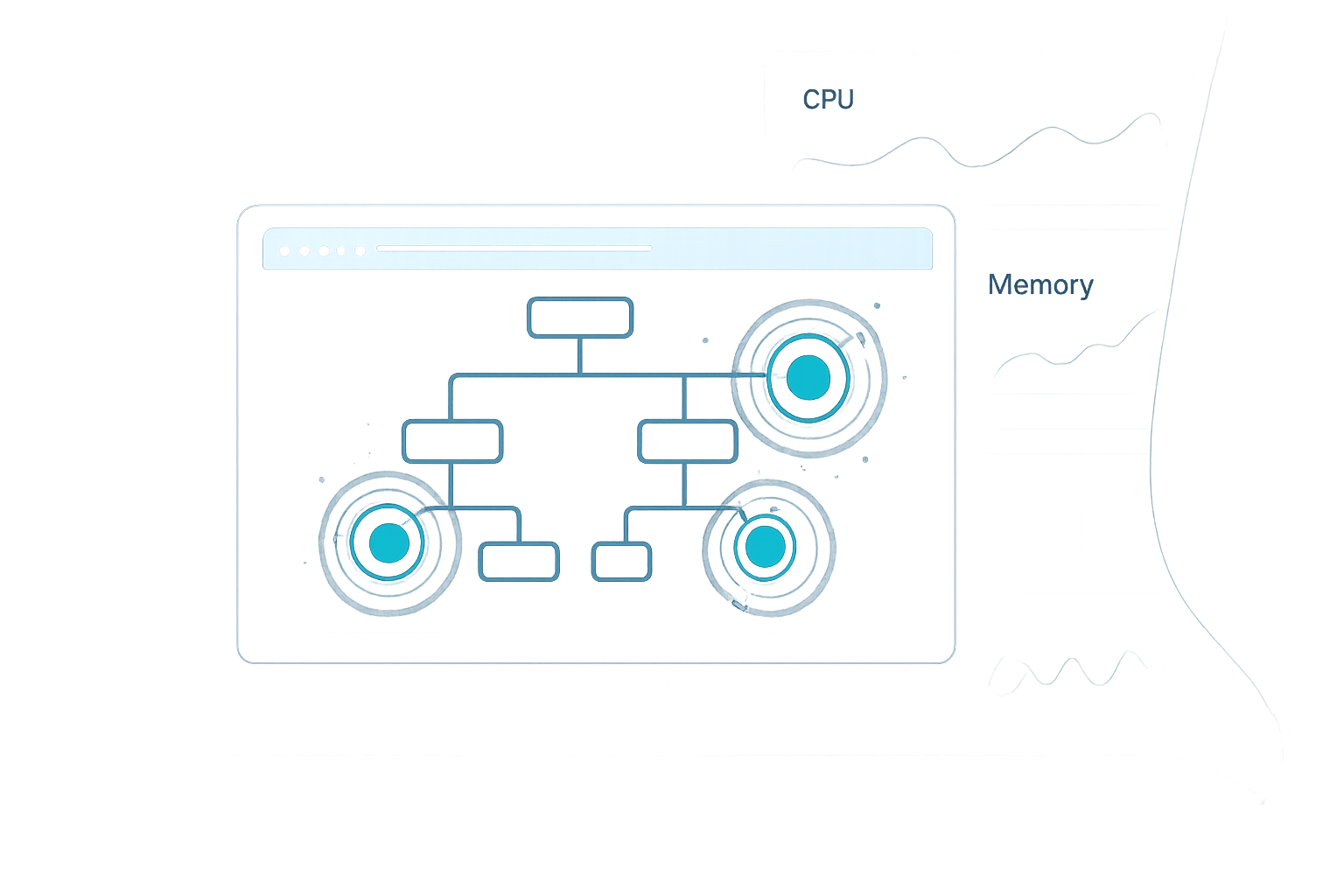
Outcome: By the end of this guide you’ll be able to detect DOM changes in real time, coalesce work efficiently, and avoid the common memory and performance traps that turn a helpful observer into a performance sink.
Why use MutationObserver? What you can achieve
MutationObserver gives you a reliable, asynchronous way to watch for DOM changes: nodes added/removed, attribute changes, or text changes. Use cases include:
- Lazy-initializing widgets when a node appears.
- Observing dynamic third-party content for accessibility fixes.
- Keeping a UI summary (counts, state badges) in sync with a large DOM feed without polling.
Do it well and your app reacts quickly without wasting CPU. Do it poorly and the observer becomes a hot path that makes pages janky and memory-hungry. This article shows how to do it well.
Quick example - the essentials
This minimal example watches a container for new child nodes and runs a lightweight handler, coalesced with requestAnimationFrame for smoothness:
const container = document.querySelector('#items');
let scheduled = false;
let pendingRecords = [];

const obs = new MutationObserver(records => {
  // collect records quickly
  pendingRecords.push(...records);

  // coalesce updates into the next animation frame
  if (!scheduled) {
    scheduled = true;
    requestAnimationFrame(() => {
      scheduled = false;
      // process and clear
      handleChanges(pendingRecords.splice(0));
    });
  }
});

obs.observe(container, { childList: true, subtree: false });

function handleChanges(records) {
  // small, deterministic work here
  console.log('Batched records:', records.length);
}

// remember to disconnect when not needed
// obs.disconnect();
Why this pattern? MutationObserver batches many DOM mutations into a single callback. But the callback can still be invoked many times quickly. Using requestAnimationFrame coalesces visual updates to the next frame and avoids layout thrash.
How MutationObserver works (brief, important details)
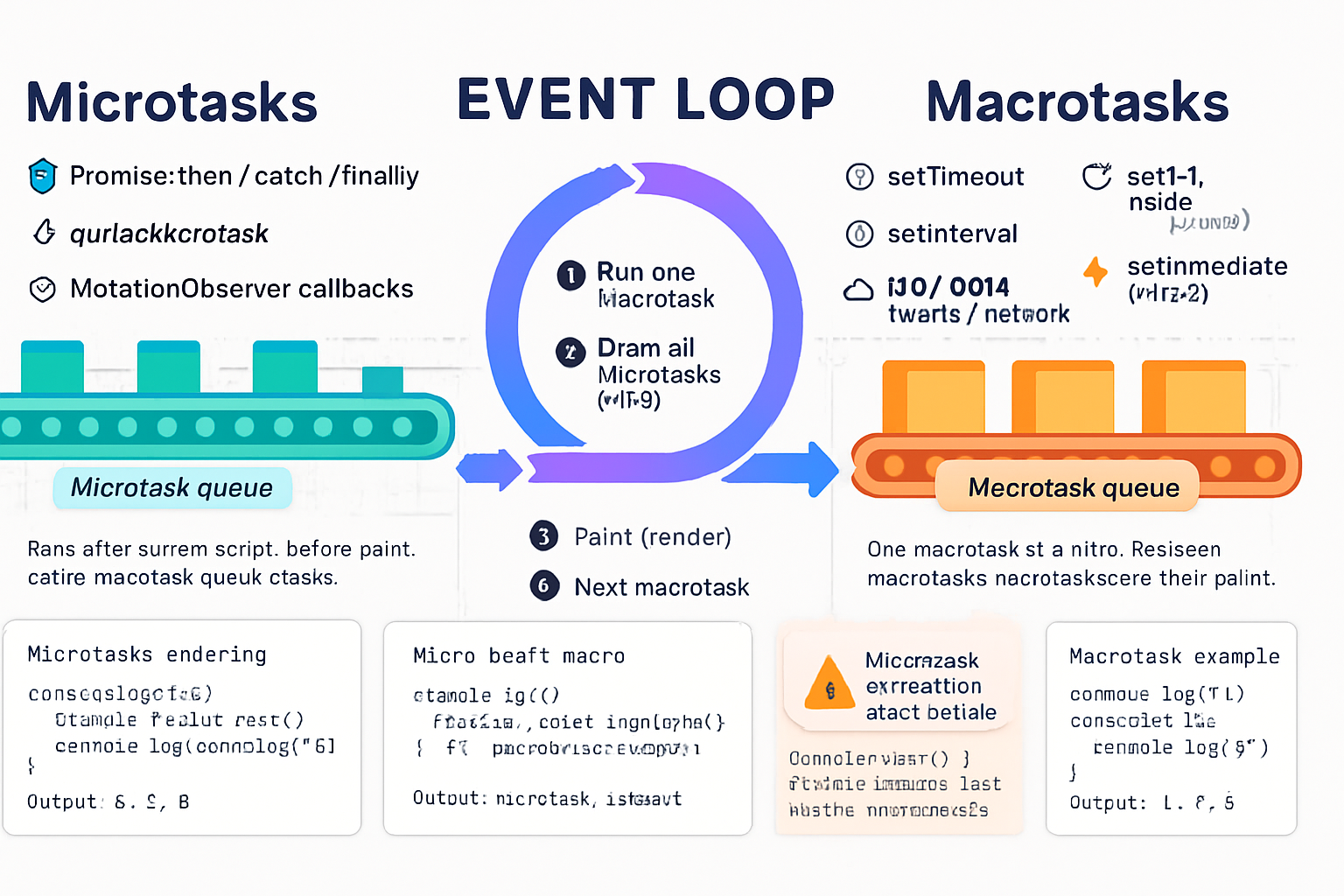
- MutationObserver callbacks run asynchronously after the JavaScript call stack and microtasks complete, and before the next rendering step. They receive a list of MutationRecord objects that describe changes.
- The browser batches changes into records. Multiple synchronous DOM operations often result in few records.
- You can call
observer.takeRecords()to get any queued records immediately (useful inside a synchronous handler when you want to flush).
References: MDN: MutationObserver and the DOM spec.
Options and filters - observe only what matters
Avoid observing everything. Narrow the observation with these options:
childList(true/false): additions/removals of direct childrenattributes(true/false): attribute changescharacterData(true/false): text node changessubtree(true/false): whether to watch descendantsattributeFilter(Array): which attributes to watch (e.g., [‘class’, ‘data-*’])attributeOldValue/characterDataOldValue: include previous value in records (costly)
Examples:
observer.observe(node, {
  childList: true,
  subtree: true,
  attributes: true,
  attributeFilter: ['data-active'],
});
Only enable attributeOldValue if you actually need the previous value - it increases work and memory usage.
Performance pitfalls and how to avoid them
Observing the whole document by default
- Problem: You receive too many records for unrelated mutations.
- Fix: Observe the smallest root node needed. Use
querySelectorto scope the observer.
Doing heavy work inside the MutationObserver callback
- Problem: The callback runs on the main thread; heavy synchronous work blocks rendering.
- Fix: Only gather records in the callback and schedule heavier processing via
requestAnimationFrame,requestIdleCallback, or a debounced job.
Re-entrancy and layout thrash
- Problem: Reading layout (e.g.,
offsetWidth) and then writing (e.g., modifying DOM) repeatedly inside mutation handling causes forced reflows. - Fix: Separate reads and writes. Batch reads first, then schedule writes. Prefer
requestAnimationFramefor writes that affect layout.
- Problem: Reading layout (e.g.,
Observing with overly permissive options
- Problem:
attributeOldValueor broadsubtree: truecan lead to large record volumes and extra memory for old values. - Fix: Use
attributeFilterand avoid*OldValue*unless necessary.
- Problem:
Memory leaks due to lingering observers or closures
- Problem: An observer or closures retain references to nodes/objects, preventing garbage collection.
- Fix:
observer.disconnect()when the observation is no longer needed; remove references stored in maps or arrays; prefer WeakMap/WeakSet for node -> metadata mappings.
Memory management - practical rules
- Always disconnect observers in cleanup or teardown (e.g., in React’s useEffect cleanup or componentWillUnmount).
- If you map DOM nodes to data, use WeakMap so entries don’t keep nodes alive after removal:
const nodeData = new WeakMap();
nodeData.set(element, { expensiveState: true });- Avoid storing large arrays of nodes for long periods. Process records quickly and drop references.
- Watch for closure captures: anonymous functions created when observing can close over large scopes. Use small, well-defined handlers.
Recipes - common patterns
- Debounced coalescing (time-based)
let timeout = null;
const DEBOUNCE_MS = 100;
const pending = [];

const obs = new MutationObserver(records => {
  pending.push(...records);
  if (timeout) return;
  timeout = setTimeout(() => {
    timeout = null;
    process(pending.splice(0));
  }, DEBOUNCE_MS);
});
Use when a burst of mutations can be processed slightly later without hurting UX.
- rAF coalescing (frame-safe)
Shown in the quick example above. Use when you need to keep UI synchronized with the next paint.
- takeRecords for synchronous flush
// within an event handler where you want the current mutations before proceeding
const immediate = obs.takeRecords();
process(immediate);
takeRecords() returns any pending records; it does not stop future callbacks.
- Prioritize work with requestIdleCallback
Use requestIdleCallback for non-critical post-processing (analytics, indexing) - but degrade gracefully because it’s not supported everywhere.
if ('requestIdleCallback' in window) {
  requestIdleCallback(() => heavyIndex(records));
} else {
  setTimeout(() => heavyIndex(records), 200);
}
Integrating with frameworks (React, Vue, Angular)
Frameworks manage a virtual DOM or component lifecycle. Use MutationObserver only when you must observe the real DOM (e.g., third-party scripts, portal content, or content injected by other parts of the system).
- React: create the observer in
useEffectand disconnect in the cleanup. Don’t rely on it to drive React state for things React already owns - prefer props/state.
useEffect(() => {
  const obs = new MutationObserver(callback);
  obs.observe(nodeRef.current, { childList: true });
  return () => obs.disconnect();
}, [nodeRef]);- Vue / Angular: same idea - hook into the component lifecycle and scope the observer tightly.
Note: Virtualization libraries reuse DOM nodes; watching for node addition/removal may be misleading. Observe data changes from the virtualization layer or use well-scoped hooks the library exposes.
Debugging and measuring impact
- Profile CPU and memory in DevTools. Record a performance trace while exercising the observed behavior. See where time is spent.
- Watch for high frequency of MutationObserver callbacks in the flame chart or console logs.
- Use
performance.now()inside your handlers to measure time spent processing. - Check memory snapshots to ensure nodes are released after disconnect.
Helpful links: Chrome DevTools Performance and MDN: requestAnimationFrame.
Practical checklist before adding an observer
- Do I need to observe the real DOM, or can I hook into the source of changes (state, events)?
- Can I scope observation to a small root node and a minimal set of options? (childList, attributeFilter)
- Will my callback do only quick work and schedule heavier work off-thread (rAF, requestIdleCallback, or setTimeout)?
- Do I call
disconnect()at the right time? Are there any lingering references preventing GC? - Have I measured the cost under realistic mutation bursts?
Example: Lazy-initialize heavy widgets when nodes appear
function initWidget(node) {
  /* small sync setup */
}

const obs = new MutationObserver(records => {
  const newNodes = [];
  for (const r of records) {
    for (const n of r.addedNodes) {
      if (n.nodeType === Node.ELEMENT_NODE && n.matches('.heavy-widget')) {
        newNodes.push(n);
      }
    }
  }
  if (newNodes.length) {
    // schedule initialization during idle time
    if ('requestIdleCallback' in window) {
      requestIdleCallback(() => newNodes.forEach(initWidget), { timeout: 500 });
    } else {
      setTimeout(() => newNodes.forEach(initWidget), 100);
    }
  }
});

obs.observe(document.body, { childList: true, subtree: true });

// when leaving the page or unmounting
// obs.disconnect();
This pattern avoids synchronous heavy setup on every mutation and prioritizes user-visible work.
Final rules of thumb
- Observe narrowly, do the minimum in the callback, and schedule heavy work.
- Use
takeRecords()only when you truly need an immediate flush. - Always disconnect observers and prefer WeakMap/WeakSet for node metadata.
- Measure in realistic workloads; small differences can amplify in mutation-heavy apps.
MutationObserver is powerful. Use it like a scalpel: precise, intentional, and brief. Misused, it becomes a noisy hammer that slows the whole page. Choose precision, batch your work, and disconnect when done.