· tips · 7 min read
Alternative Solutions to eval: Safer Ways to Execute Code Dynamically
A practical guide to safer ways to run dynamic behavior without using eval. Learn when to use JSON.parse, Function, template engines, AST checks, Web Workers, Node's vm, sandboxed iframes and more, with code examples and recommendations for common scenarios.
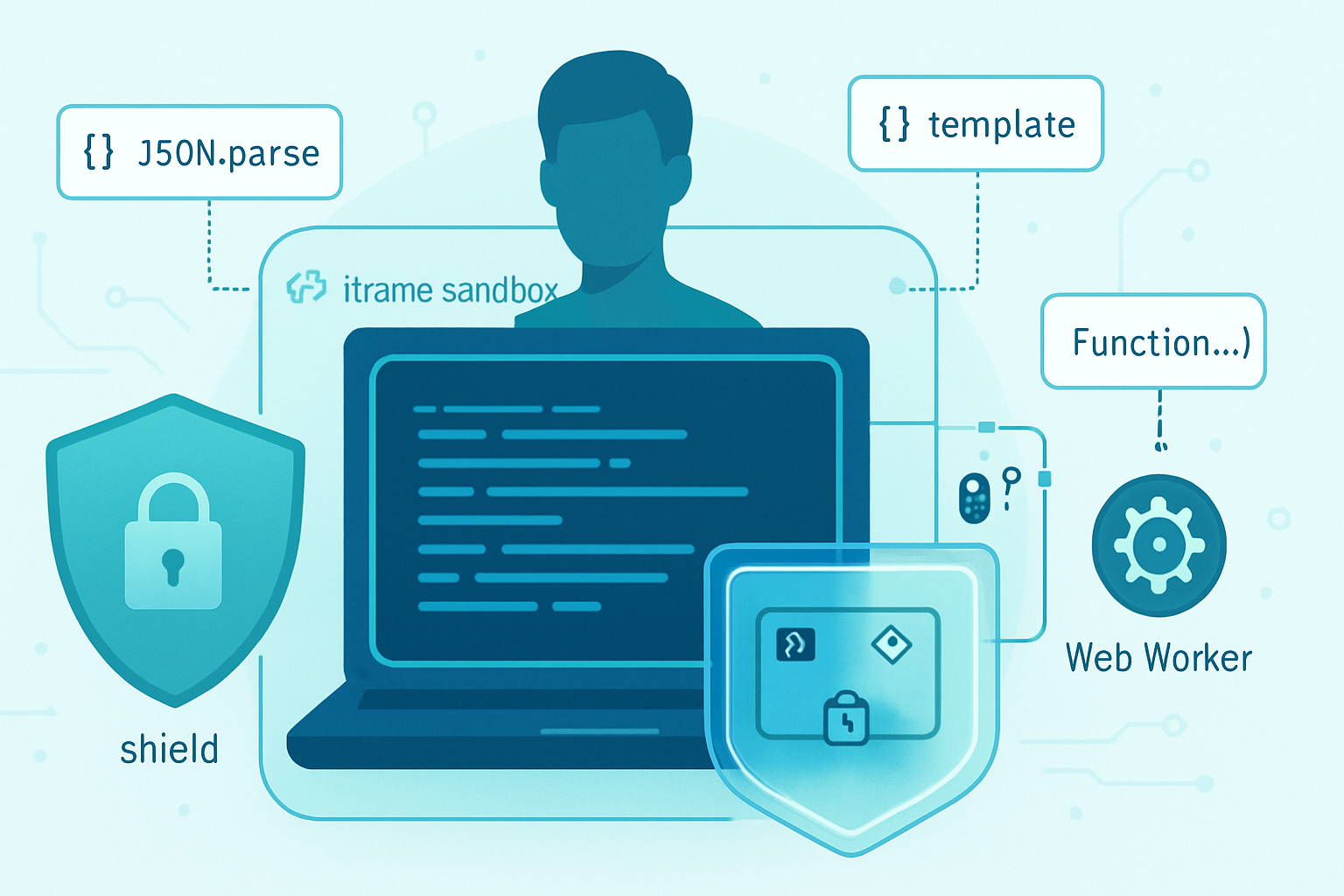
Outcome: you’ll be able to run dynamic behavior without exposing your app to remote code execution, data exfiltration, or injection attacks. Read this and learn which alternative to pick when you need flexible behavior - and how to apply it safely.
Why people reach for eval - and why that matters
Developers use eval because it feels flexible. Paste a string; run arbitrary code. It can implement small DSLs, evaluate user-entered expressions, or reconstruct functions at runtime. But eval runs code with full privileges in the current context. That makes it a huge source of security and stability problems.
In short: if your input is mutable, untrusted, or external, eval becomes an attack vector. You can leak secrets, escalate privileges, freeze the page, or run malware.
See the language docs on the general risks of eval: MDN - eval.
Quick decision guide (pick one)
- You need to parse data (not code): use JSON.parse.
- You need to evaluate a mathematical expression or small DSL: use a dedicated expression evaluator (mathjs, jsep + interpreter) or build a minimal parser.
- You need to render templates: use a safe template engine (Handlebars, mustache).
- You need to run untrusted JS with strong isolation in the browser: use a sandboxed iframe or Web Worker + CSP.
- In Node.js: use the built-in
vmmodule with a carefully constructed context or an external sandbox (with caution, see notes). - You must still evaluate code strings in the current scope: consider
new Functiononly with sanitized inputs and tight controls.
Safer alternatives explained with examples
1) JSON.parse - for data, not code
If you’re storing or shipping data, not executable logic, JSON is the right tool. It’s fast, predictable, and safe when compared to eval.
Example:
// Instead of eval('(' + jsonString + ')')
const payload = JSON.parse(jsonString);
console.log(payload.name);
For structured configuration or content, JSON (or YAML with a strict parser) should be the first choice. See: MDN - JSON.parse.
2) new Function - controlled dynamic code (use with caution)
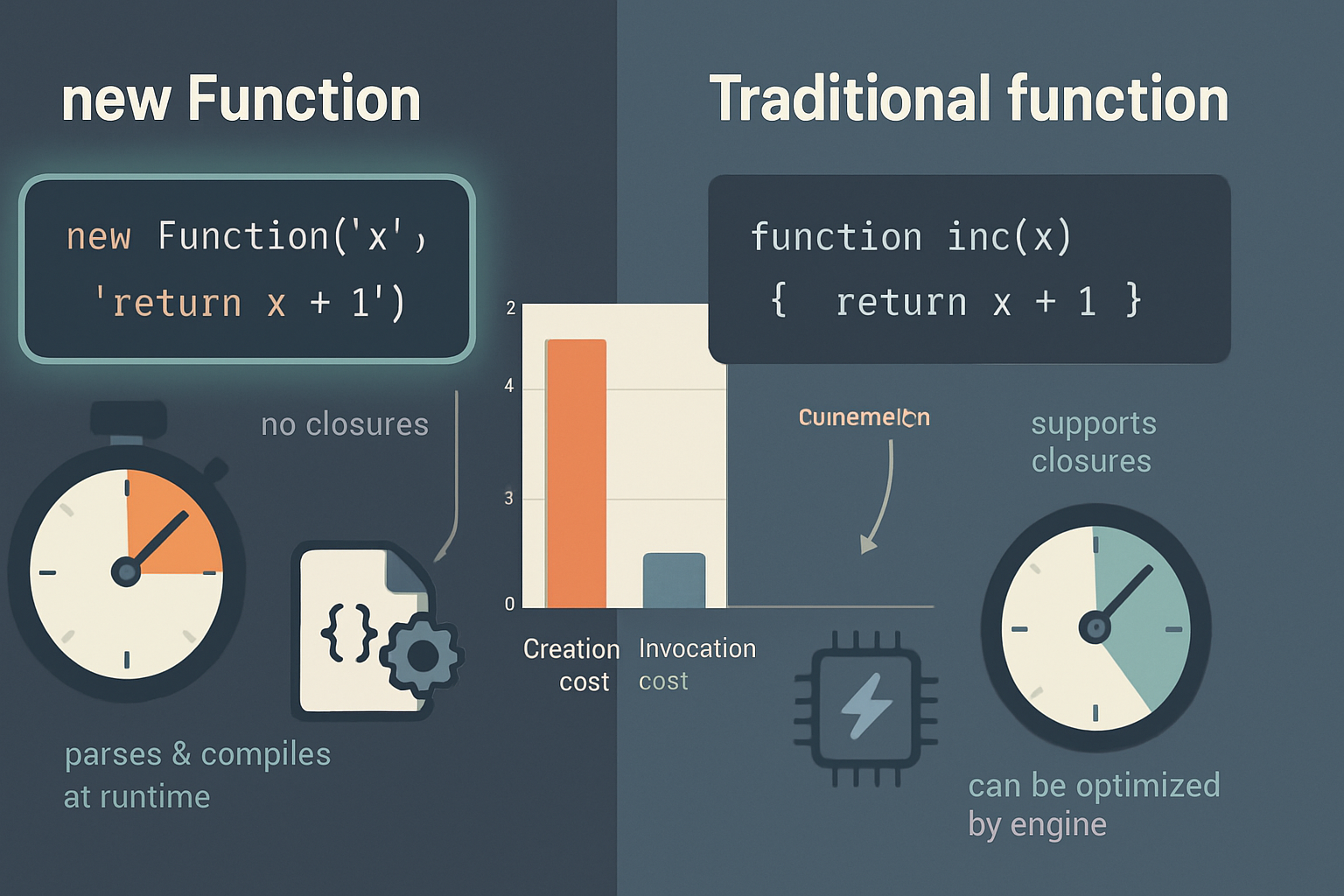
new Function creates a function from a string, similar to eval, but the function runs in the global scope (not current lexical scope). It is not inherently safe, but it can be more predictable when you control inputs and limit what you pass in.
Example: building a small math evaluator with explicit parameters:
// unsafe input should still be validated!
const expr = 'a * b + Math.sin(c)';
const fn = new Function('a', 'b', 'c', `return ${expr};`);
console.log(fn(2, 3, Math.PI / 2)); // 6 + 1 = 7
Why this can be safer: you control what values are available as arguments, and the function doesn’t close over sensitive locals. Why it’s still risky: the expression can call global objects (like fetch, process), so never pass untrusted strings without validation.
Docs: MDN - Function constructor.
3) Dedicated expression evaluators and interpreters
If your use case is evaluating expressions (math, filters, short user formulas), prefer specialized libraries that evaluate only what you expect.
Options:
- mathjs (mathjs.org) - mathematical expressions with a configurable scope.
- jsep (parser) + your own small interpreter - parse to an AST, evaluate only allowed nodes.
- js-interpreter - runs JS in a stepwise interpreter you can control and instrument.
Example with a tiny AST evaluator using jsep:
// Parse input, then walk AST and evaluate only allowed operations
// This rejects function calls, member access, etc., unless you explicitly allow them.
const jsep = require('jsep');
function evalAst(node, scope) {
  switch (node.type) {
    case 'BinaryExpression':
      const l = evalAst(node.left, scope);
      const r = evalAst(node.right, scope);
      if (node.operator === '+') return l + r;
      if (node.operator === '*') return l * r;
      // ...other allowed operators
      throw new Error('Operator not allowed');
    case 'Identifier':
      if (Object.prototype.hasOwnProperty.call(scope, node.name))
        return scope[node.name];
      throw new Error('Unknown identifier');
    case 'Literal':
      return node.value;
  }
}
This approach gives you fine-grained control over exactly which syntax and operations are permitted.
4) Template engines - safely inject data into strings
If your goal is to compose dynamic text or HTML, use a templating engine that escapes by default rather than evaluating code within templates.
- Handlebars: logic-less templates; auto-escapes.
- Mustache: minimal and safe.
Example (Handlebars):
const hb = require('handlebars');
const template = hb.compile('Hello {{name}}!');
console.log(template({ name: '<script>' })); // safe-escaped output
5) Browser sandboxing: sandboxed iframe + CSP
When running untrusted code in the browser, isolation matters. A sandboxed iframe can prevent scripts from accessing the parent document or cookies.
Example:
<iframe sandbox="allow-scripts" src="/untrusted.html"></iframe>- Use iframe’s
sandboxattribute to remove capabilities. - Combine with a strict Content Security Policy to block
evaland remote scripts:script-src 'none'orscript-src 'self'withoutunsafe-eval.
Read more: MDN - iframe sandbox attribute and CSP guide.
6) Web Workers - run code off main thread with limited access
Web Workers provide isolation from the DOM. They can still execute arbitrary JS, so only use them for trusted code or code you’ve validated. They do help with performance and can reduce risk to the UI thread.
Example (main thread creating a worker):
const worker = new Worker('worker.js');
worker.postMessage({ expr: '2+2' });
worker.onmessage = e => console.log('result', e.data);
Combine workers with CSP and sandboxed iframes for layered defenses.
7) Node.js: vm module, worker processes, and vm2 (use carefully)
Node’s vm module can execute code in a new context with controlled globals. It is useful but subtle - you must prepare the context carefully and enforce time/resource limits.
Example:
const vm = require('vm');
const code = 'result = a + b;';
const sandbox = { a: 2, b: 3 };
vm.createContext(sandbox); // contextify
const script = new vm.Script(code);
script.runInContext(sandbox, { timeout: 100 });
console.log(sandbox.result); // 5
Notes:
timeouthelps prevent infinite loops.- Always predefine the global environment; do not expose
requireorprocessunless intended.
Third-party modules like vm2 attempt stricter sandboxes, but they have had vulnerabilities historically and require continuous maintenance. Use them only after careful review. See: Node.js vm module docs and the vm2 project page for specifics.
8) Static analysis and AST validation
Before executing any code-derived string, parse it into an AST and reject suspicious patterns (e.g., MemberExpression for process, CallExpression for eval, new Function). Tools: [Esprima], [Acorn].
Example workflow:
- Parse string to AST.
- Walk nodes and whitelist node types and identifiers.
- Reject anything else.
This adds overhead but is very effective for exposing disallowed constructs before runtime.
Practical scenarios and recommended solutions
- User-supplied math expressions in a spreadsheet app: use mathjs or a small AST-based evaluator.
- Config files stored as JavaScript objects: use JSON or YAML with a safe loader.
- Running plugins from third parties in your app: run them in a sandboxed iframe or separate process with OS-level limits.
- Short code snippets that must modify presentation only: use template engines or a carefully restricted
new Functionwith validated inputs. - Server-side execution of customer code: prefer worker processes/containers with strict resource limits and careful auditing;
vmwith timeouts may be acceptable for lightweight tasks.
Best practices checklist
- Default to data formats (JSON) for exchange.
- Prefer libraries specialized for your use case (templating, math, DSLs).
- If you must run code strings, isolate them: sandbox iframe, Web Worker, Node vm or separate process.
- Restrict the available scope and globals.
- Set execution time and memory limits where possible.
- Use AST parsing to whitelist allowed operations before running code.
- Enforce Content Security Policy (CSP) to reduce attack surface in browsers.
- Log, audit, and test with adversarial inputs.
Final notes
There is no single silver bullet. The right alternative depends on your exact needs: data parsing, expression evaluation, templating, or full-code execution. For most cases, specialized parsers, template engines, and sandboxing are safer and less error-prone than eval.
Further reading and references
- MDN: eval - https://developer.mozilla.org/en-US/docs/Web/JavaScript/Reference/Global_Objects/eval
- MDN: Function constructor - https://developer.mozilla.org/en-US/docs/Web/JavaScript/Reference/Global_Objects/Function
- MDN: JSON.parse - https://developer.mozilla.org/en-US/docs/Web/JavaScript/Reference/Global_Objects/JSON/parse
- MDN: iframe sandbox - https://developer.mozilla.org/en-US/docs/Web/HTML/Element/iframe#attr-sandbox
- MDN: Content Security Policy - https://developer.mozilla.org/en-US/docs/Web/HTTP/CSP
- Node.js vm module - https://nodejs.org/api/vm.html
- mathjs - https://mathjs.org
- js-interpreter - https://github.com/NeilFraser/JS-Interpreter
- Esprima (JS parser) - https://esprima.org