· tips · 6 min read
The Dark Side of new Function: Security Risks You Must Know
new Function is powerful but dangerous. This article explains how it enables injection and remote code execution, shows real attack patterns, and gives concrete, actionable safeguards and safer alternatives to use in production.

Outcome-first introduction
You can still use dynamic JavaScript safely - but only if you treat new Function like a loaded gun. Use it carelessly and you open your app to injection, remote-code-execution and privilege escalation. Use it intentionally, with strict controls, and you get a compact escape hatch for advanced scenarios. This article shows what can go wrong, why it goes wrong, and exactly what to do instead.
Quick reminder: what new Function does
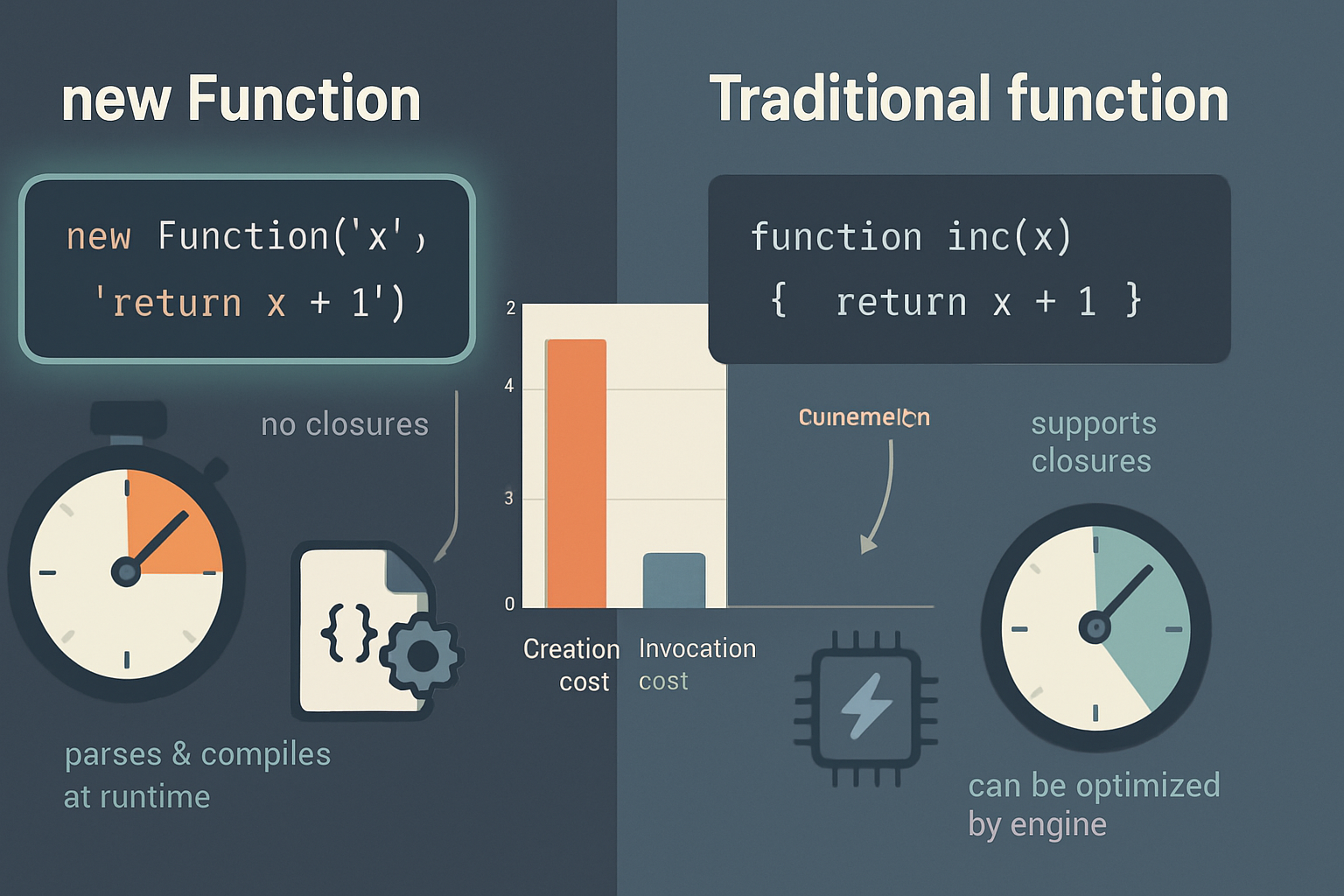
new Function(…args, body) builds a function from strings at runtime. It compiles the body into executable code and returns a callable Function object.
Unsafe example:
// Danger: executing attacker-controlled content
const userCode = getUserInput(); // e.g. "return process.exit()"
const fn = new Function(userCode);
fn();
Short and powerful. But short and powerful is often risky.
Why new Function is risky - the core threats
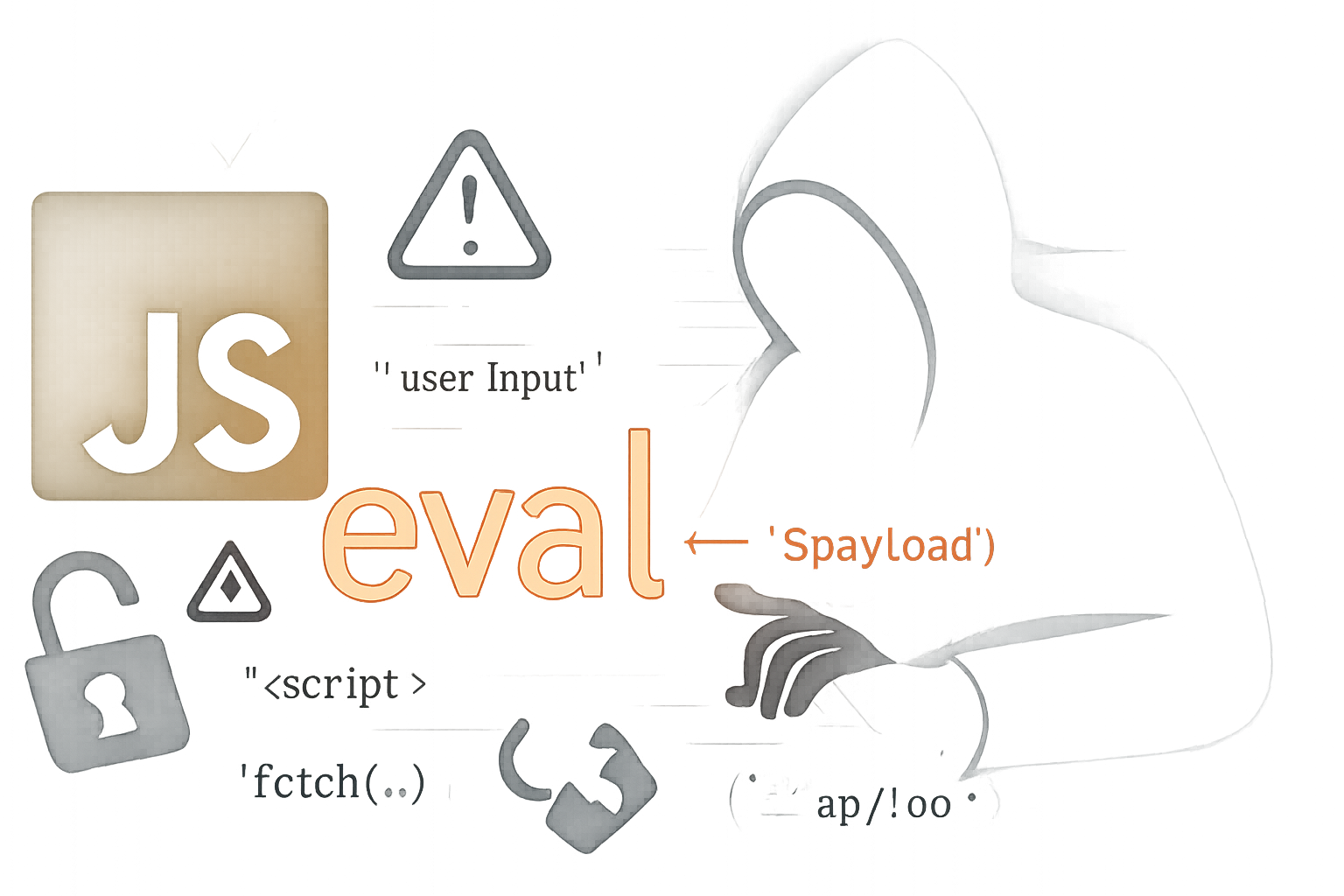
- Injection (the obvious one). If any part of the string passed to new Function is controllable by an attacker, they can run arbitrary code in your process or in the browser context.
- Scope escape. Functions created with new Function are created in the global scope, not the local lexical scope. That means attackers can reach globals you thought were inaccessible.
- CSP and mitigation bypass. Many mitigations rely on blocking inline scripts or eval-like constructs; using new Function is precisely one of those constructs and often requires ‘unsafe-eval’ in CSP to work. That weakens your Content Security Policy.
- Server-side remote code execution. In Node.js apps, new Function or eval can lead to RCE if user input influences the code string.
- Hard-to-audit runtime behavior. Dynamically generated code can evade static analysis, making reviews and scanners less effective.
References for deeper reading: MDN on the Function constructor and eval, and general CSP guidance are excellent starting points: Function constructor (MDN), eval (MDN), Content Security Policy (MDN).
Realistic attack patterns
- Tainted interpolation
const name = req.query.name; // attacker supplies: "'); doEvil(); ('"
const fn = new Function(`return 'Hello ${name}'`);
fn();
What looks like string interpolation becomes a vector for code execution when the interpolated value contains code delimiters.
- Expression injection inside calculators or templates
Many apps accept small expressions (e.g. “2+2” or “Math.max(a,b)”) and evaluate them via new Function. If an attacker supplies “process.exit()” or “require(‘child_process’).exec(’…’)” in a Node context, disaster follows.
- Supply-chain or third-party plugin misuse
If you expose an API that accepts plugin code or user-defined snippets, attackers can slip harmful code into a plugin that later runs with elevated privileges.
Actionable best practices (do these)
- Avoid dynamic code when possible
- Prefer declarative configuration, declarative templates, or data-driven behavior. If you can express a behavior as JSON or a fixed DSL, do it.
- Whitelist and parse input instead of evaluating it
- If you need to accept expressions (for math, filtering, etc.), parse them with a real parser (Esprima, Acorn, JSEP) and evaluate an AST with a whitelist of allowed node types.
Example: safe arithmetic evaluator (conceptual)
// Parse expression with a small parser, then validate and evaluate nodes
// Libraries: Esprima (https://esprima.org/), jsep (https://github.com/EricSmekens/jsep)
// This is a conceptual pattern. Do not copy-paste without tests.
const ast = jsep(userExpr);
function evalNode(node) {
  switch (node.type) {
    case 'BinaryExpression':
      const left = evalNode(node.left);
      const right = evalNode(node.right);
      if (node.operator === '+') return left + right;
      if (node.operator === '-') return left - right;
      if (node.operator === '*') return left * right;
      if (node.operator === '/') return left / right;
      throw new Error('operator-not-allowed');
    case 'Literal':
      return node.value;
    case 'Identifier':
      // allow only predefined variables
      if (node.name === 'x') return context.x;
      throw new Error('identifier-not-allowed');
    default:
      throw new Error('node-type-not-allowed');
  }
}
const result = evalNode(ast);- Use established safe templating libraries
- For HTML templating, use Handlebars, Mustache or lit-html with careful escaping, and sanitize any untrusted HTML with DOMPurify.
- Enforce CSP and avoid ‘unsafe-eval’
- Set a strict Content Security Policy that disallows inline scripts and ‘unsafe-eval’. This prevents attackers from using new Function in the browser in many cases.
Example CSP header:
Content-Security-Policy: default-src 'self'; script-src 'self';If your app requires eval-like features, rethink the architecture - adding ‘unsafe-eval’ weakens protections.
- Sandbox when you must run untrusted code
- Browser: run untrusted code in a sandboxed iframe with a restrictive origin and proper sandbox attributes.
- Node.js: avoid running user code directly. Use a well-maintained sandboxing approach (and be aware of its limitations). Node’s built-in vm module creates contexts, but it’s subtle and can be bypassed if not carefully limited. Review the Node.js vm docs: vm (Node.js).
- Use strict code review and automated detection
- Search the codebase for patterns: “new Function”, “Function(”, “eval(”, and string-based setTimeout/setInterval calls.
- Add linter rules to forbid or flag these patterns.
- White-list APIs and capabilities
- Make sure code executed dynamically cannot access sensitive APIs (filesystem, network, process). In browsers, limit globals via sandboxed contexts. On servers, run code under drastically reduced privileges or isolated processes.
- Log and monitor code-evaluation paths
- If your product needs dynamic evaluation, add telemetry around who invoked it, what was executed and when. Alert on unusual or high-risk input patterns.
Safer alternatives - pattern by pattern
Template expressions: use a templating engine (Handlebars, Mustache) and sanitize. Do not compile templates from strings you don’t fully control.
Calculators / expression evaluators: use a dedicated expression language (math.js, jsep + AST evaluator, or a tiny DSL) and whitelist operators and nodes.
Plugin systems: restrict plugins to a narrow API and run them in isolated processes or sandboxed iframes. Prefer configuration over arbitrary code uploads.
Server-side execution: never call new Function or eval on user content. If you absolutely must run code, run it on a separate machine/container with no access to secrets, and impose time and resource limits.
Example: replacing new Function with a command map
Bad:
// executes commands from user input
const command = req.body.cmd; // "deleteAllFiles()"
new Function(command)();
Good:
const commands = {
  deleteAllFiles: () => {
    throw new Error('forbidden');
  },
  sayHello: () => console.log('hello'),
};
const cmd = req.body.cmd;
if (commands[cmd]) commands[cmd]();
else throw new Error('unknown-command');
Instead of executing arbitrary code, you map strings to safe, tested functions.
Hardening checklist (quick reference)
- Remove or justify every use of new Function or eval in your codebase.
- Replace dynamic code with declarative configs or command maps.
- Parse and validate expressions with a proper parser and whitelist AST nodes.
- Apply a strict Content Security Policy and avoid ‘unsafe-eval’.
- Sanitize untrusted HTML with DOMPurify before insertion.
- If running untrusted code, sandbox it in a separate process or iframe and restrict capabilities.
- Add lint rules and code-review gates to catch new uses.
- Log and monitor all dynamic execution paths.
Final thoughts
new Function is useful, but it demands respect. When you restrict inputs, parse and validate expressions, isolate execution, and enforce strong policies like CSP, you can keep dynamic features while dramatically reducing risk. But remember: the safest option is the simplest one that accomplishes your goal - usually not generating and executing code at runtime.
Further reading and resources
- Function constructor (MDN): https://developer.mozilla.org/en-US/docs/Web/JavaScript/Reference/Global_Objects/Function
- eval (MDN): https://developer.mozilla.org/en-US/docs/Web/JavaScript/Reference/Global_Objects/eval
- Content Security Policy (MDN): https://developer.mozilla.org/en-US/docs/Web/HTTP/Headers/Content-Security-Policy
- DOMPurify: https://github.com/cure53/DOMPurify
- Node.js vm: https://nodejs.org/api/vm.html
- OWASP XSS guidance: https://owasp.org/www-community/attacks/xss/