· deepdives · 8 min read
From Concept to Code: Building a File Management Tool Using the File System Access API
Step-by-step tutorial to build a robust browser-based file management tool with the File System Access API - covering opening folders, reading & editing files, saving changes, streaming large files, drag-and-drop, fallbacks and security best practices.
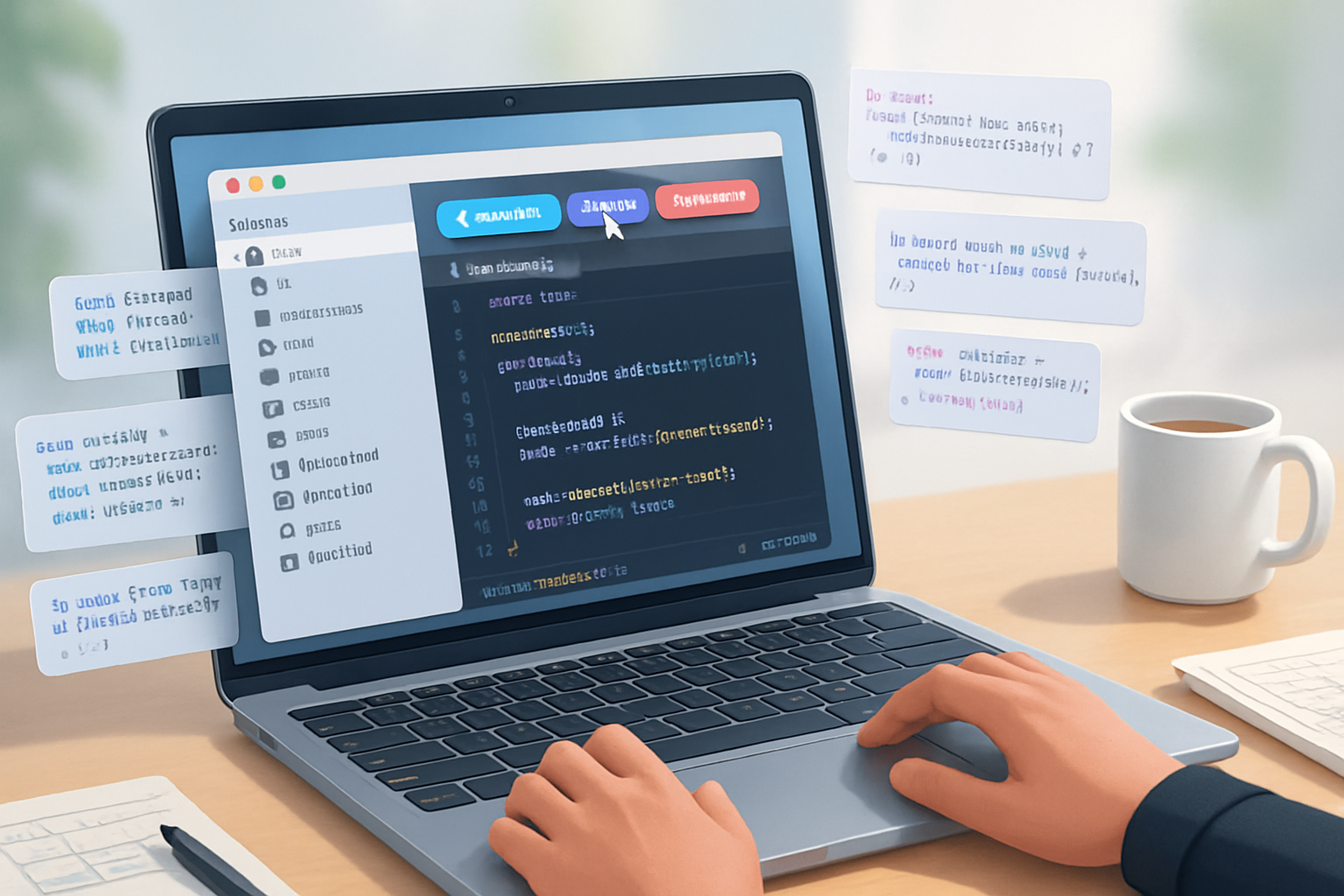
Outcome first: by the end of this guide you’ll be able to build a browser-based file manager that can open directories, list files, read and edit files, save them back to disk, and handle uploads/downloads - all using the File System Access API. This is a practical, real-world walkthrough with code you can drop into a project and iterate on.
Why this is useful
- Build a local-first editor that saves directly to user files without server round-trips.
- Create a productivity tool (notes app, bulk-renamer, media organizer) that feels native.
- Enable advanced features like streaming large file reads/writes and directory-level workflows.
Quick note about support
The File System Access API is supported in Chromium-based browsers (Chrome, Edge, Opera). It’s not available in Firefox and Safari at the time of writing, so we include fallbacks where appropriate. See browser support links in the References section.
Prerequisites
- Modern browser (Chromium-based for full API).
- Basic HTML/CSS/JS familiarity.
- Optional: a local dev server (Live Server, npm http-server) for testing.
What you’ll build (features)
- Open single files and directories
- List directory contents (including recursion)
- Read files (text and binary)
- Edit and save files back to disk
- Create and delete files/folders
- Drag-and-drop upload with fallback to
- Download/export files
- Handle large files with streaming and progress
Project skeleton (HTML UI)
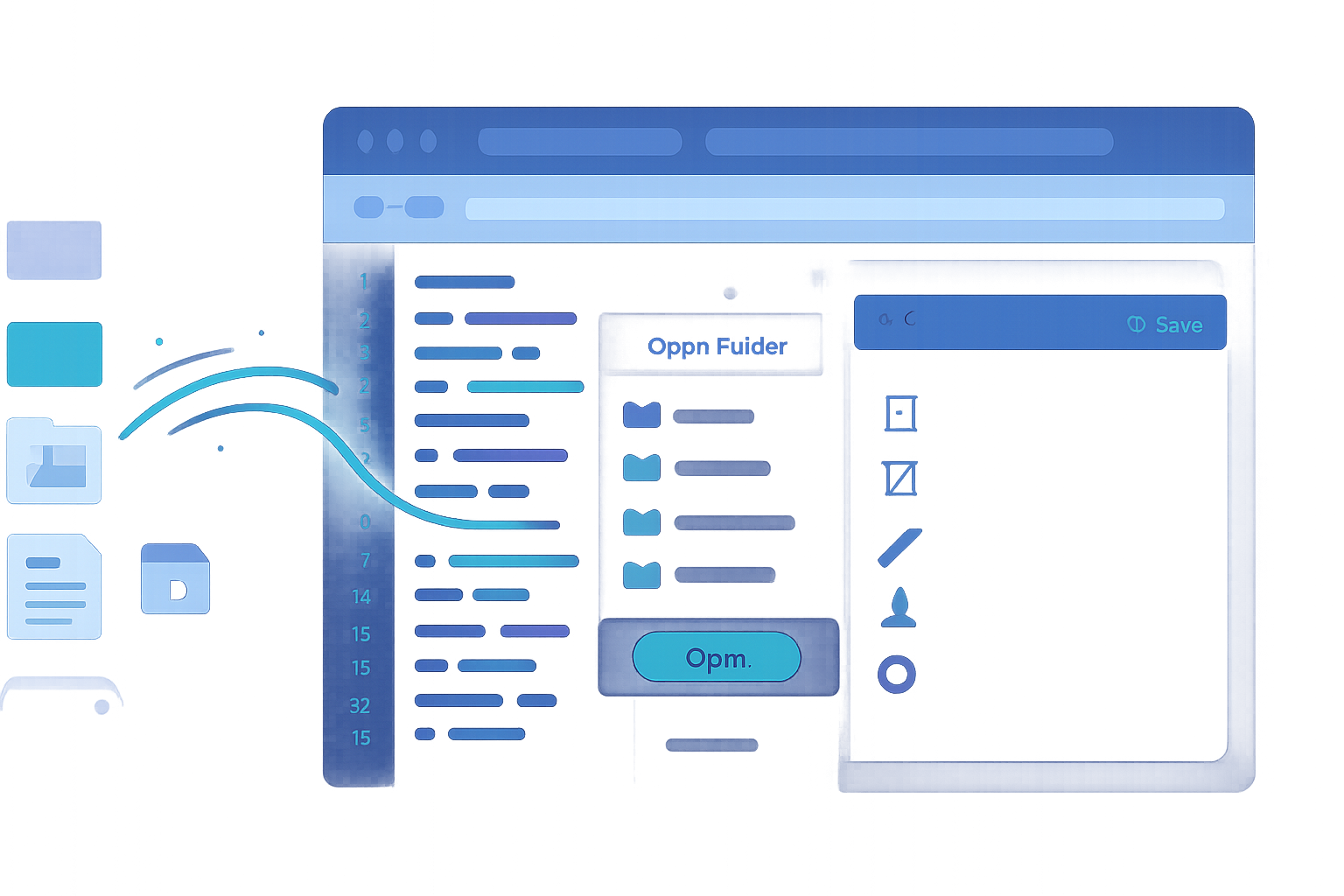
Below is a minimal UI to get started. It includes controls you’ll wire to JavaScript functions.
<!-- index.html (minimal) -->
<!doctype html>
<html>
  <head>
    <meta charset="utf-8" />
    <meta name="viewport" content="width=device-width,initial-scale=1" />
  </head>
  <body>
    <div id="app">
      <header>
        <button id="open-dir">Open Folder</button>
        <button id="open-file">Open File</button>
        <button id="save-as">Save As</button>
      </header>

      <main style="display:flex; gap:16px;">
        <aside
          id="tree"
          style="width:300px; border:1px solid #ddd; padding:8px; overflow:auto;"
        ></aside>
        <section style="flex:1;">
          <textarea id="editor" style="width:100%;height:60vh"></textarea>
          <div>
            <button id="save">Save</button>
            <button id="create-file">Create File</button>
            <button id="create-folder">Create Folder</button>
            <button id="delete-entry">Delete Selected</button>
          </div>
        </section>
      </main>

      <input id="file-input" type="file" multiple style="display:none" />
    </div>

    <script type="module" src="app.js"></script>
  </body>
</html>
Feature detection and graceful fallback
Always detect support before calling API methods. If the File System Access API isn’t available, fall back to for uploads and use Blob-based downloads for saving.
function supportsFileSystemAccess() {
  return 'showOpenFilePicker' in window || 'showDirectoryPicker' in window;
}

if (!supportsFileSystemAccess()) {
  console.warn('File System Access API not available. Falling back.');
}
Core API examples (open, read, write)
Open a directory and list files (non-recursive example)
async function openDirectory() {
  try {
    const dirHandle = await window.showDirectoryPicker();
    // Keep dirHandle in app state; requires a user gesture to obtain
    window.APP = window.APP || {};
    window.APP.directoryHandle = dirHandle;
    const entries = [];

    for await (const [name, handle] of dirHandle.entries()) {
      entries.push({ name, kind: handle.kind, handle });
    }

    return entries; // array of {name, kind, handle}
  } catch (err) {
    console.error('openDirectory error', err);
    throw err;
  }
}
Recursively list a directory
async function listRecursive(dirHandle, path = '') {
  const result = [];
  for await (const [name, handle] of dirHandle.entries()) {
    const entryPath = path ? `${path}/${name}` : name;
    if (handle.kind === 'file') {
      result.push({ path: entryPath, name, handle, kind: 'file' });
    } else if (handle.kind === 'directory') {
      result.push({ path: entryPath, name, handle, kind: 'directory' });
      const children = await listRecursive(handle, entryPath);
      result.push(...children);
    }
  }
  return result;
}
Reading a file (text and binary)
// Read text file
async function readFile(fileHandle) {
  const file = await fileHandle.getFile();
  const text = await file.text();
  return { text, size: file.size, type: file.type };
}

// For streaming large file reads with progress
async function streamReadFile(fileHandle, onChunk) {
  const file = await fileHandle.getFile();
  const stream = file.stream();
  const reader = stream.getReader();
  const contentLength = file.size;
  let received = 0;

  while (true) {
    const { done, value } = await reader.read();
    if (done) break;
    received += value.byteLength;
    if (onChunk) onChunk(value, received, contentLength);
  }
}
Editing and saving files (atomic with createWritable)
// Save to an existing file handle (requires write permission)
async function saveFile(fileHandle, contents) {
  // Optionally check/ask for permission
  const permission = await fileHandle.requestPermission({ mode: 'readwrite' });
  if (permission !== 'granted') throw new Error('Permission denied');

  const writable = await fileHandle.createWritable();
  await writable.write(contents);
  await writable.close(); // commit changes atomically
}

// "Save As" (ask user where to write)
async function saveAs(filename, contents, mime = 'text/plain') {
  const opts = {
    suggestedName: filename,
    types: [
      {
        description: 'All files',
        accept: { [mime]: ['.txt', '.md', '.json'] },
      },
    ],
  };
  const handle = await window.showSaveFilePicker(opts);
  const writable = await handle.createWritable();
  await writable.write(contents);
  await writable.close();
  return handle;
}
Notes on atomicity: createWritable().close() generally commits changes atomically so partial state isn’t left if the write fails, but the precise behavior is implementation-dependent. For a stronger pattern, write to a new temporary filename and then replace the original (which requires creating new file and deleting the old one).
Create and delete entries
// Create a new file in a directory handle
async function createFileInDir(dirHandle, name, contents = '') {
  const fileHandle = await dirHandle.getFileHandle(name, { create: true });
  const writable = await fileHandle.createWritable();
  await writable.write(contents);
  await writable.close();
  return fileHandle;
}

// Create a subdirectory
async function createDirectory(dirHandle, name) {
  return await dirHandle.getDirectoryHandle(name, { create: true });
}

// Delete an entry
async function deleteEntry(dirHandle, name, options = { recursive: false }) {
  await dirHandle.removeEntry(name, options);
}
Renaming
There is no direct rename API. Rename is achieved by creating a new file with the target name, copying contents, and removing the old file. If the file is large, prefer streaming copy.
Drag-and-drop and input fallback
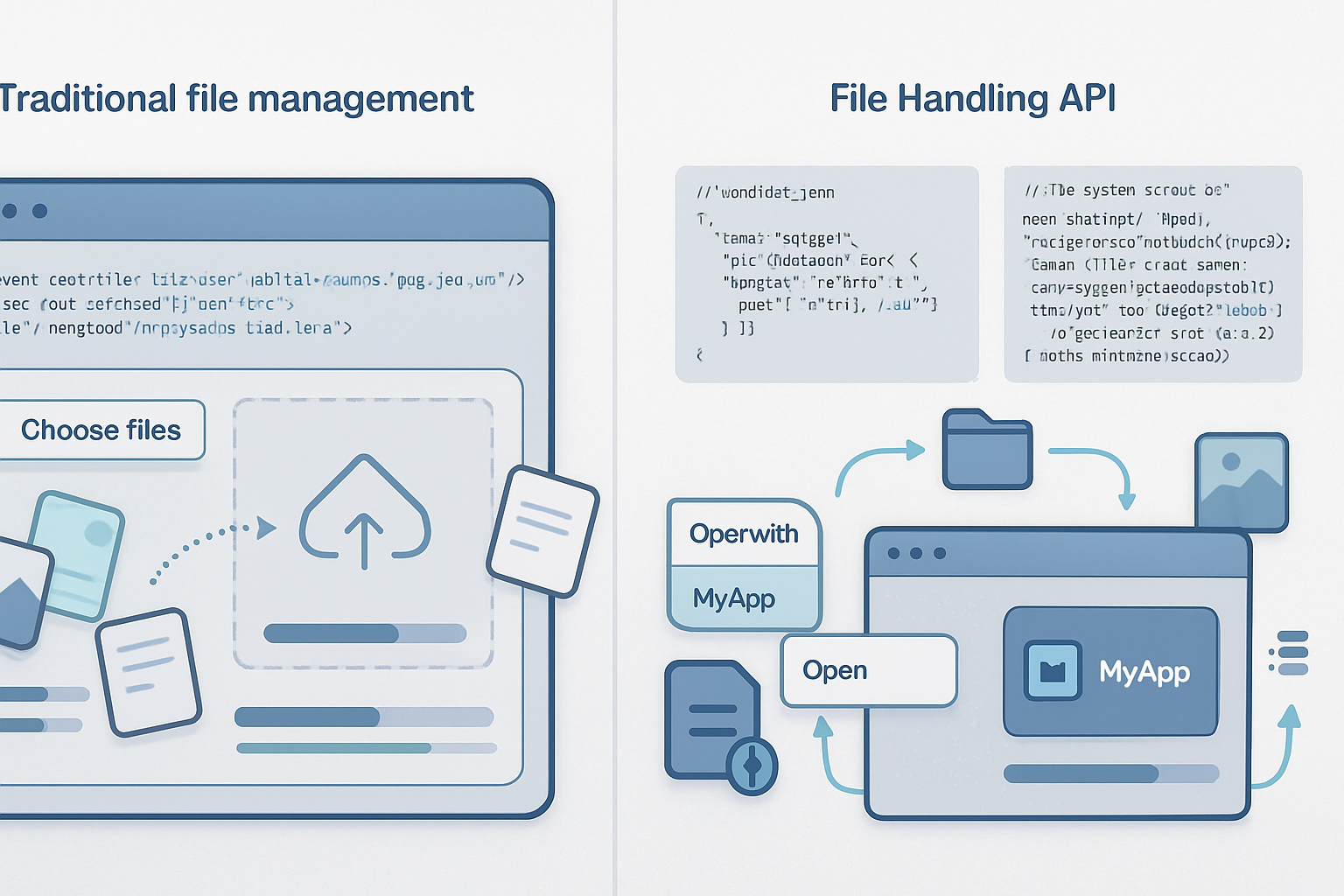
Drag-and-drop within the browser can feed File objects to your app. Those File objects are not file handles, so saving back to disk requires the File System Access API or a download flow. Use as fallback when the API is unavailable.
// Drag-and-drop target
const dropZone = document.getElementById('tree');

dropZone.addEventListener('drop', async e => {
  e.preventDefault();
  const items = e.dataTransfer.items;
  for (const item of items) {
    if (item.kind === 'file') {
      const file = item.getAsFile();
      // Use File object for reading (but can't save back without FS Access API)
    }
  }
});

// Input fallback
const fileInput = document.getElementById('file-input');
fileInput.addEventListener('change', e => {
  const files = Array.from(fileInput.files);
  // Process File objects
});
Downloading / Exporting files (when you don’t have a file handle)
If you created a new Blob or have text and want to let the user download it when the File System Access API isn’t available, create a link and trigger a click.
function downloadBlob(blob, filename) {
  const url = URL.createObjectURL(blob);
  const a = document.createElement('a');
  a.href = url;
  a.download = filename;
  a.click();
  URL.revokeObjectURL(url);
}
Streaming writes for large files (progress feedback)
// Append chunks to a writable stream
async function streamWrite(fileHandle, streamGenerator) {
  const writable = await fileHandle.createWritable();
  for await (const chunk of streamGenerator()) {
    await writable.write(chunk);
  }
  await writable.close();
}
Tips for permissions and persistence
- Directory and file handles are opaque objects that can be stored (serializable with the structured clone algorithm). Persisting them (e.g., in IndexedDB) lets your app re-use handles later, but you must request permission again or check queryPermission.
// Check and request permission
async function ensureWritePermission(handle) {
  const opts = { mode: 'readwrite' };
  if ((await handle.queryPermission(opts)) === 'granted') return true;
  if ((await handle.requestPermission(opts)) === 'granted') return true;
  return false;
}
Best practices and error handling
- Always wrap API calls in try/catch.
- Check and request permissions only when you need them (user gesture required for show*Pickers).
- Inform users why you need permissions.
- Handle quota/out-of-space errors gracefully.
- When deleting or renaming, confirm with the user.
Security and privacy
- The API is designed to require explicit user gestures to open files/folders; you cannot access arbitrary local files silently.
- Never leak file handles to third-party scripts you don’t control.
- Be careful storing sensitive content; if you persist handles in IndexedDB, they grant your app potential access to user files - follow the principle of least privilege.
Putting it together: a small app flow (wiring UI)
// app.js (partial wiring)
import {
  openDirectory,
  listRecursive,
  readFile,
  saveFile,
  createFileInDir,
  deleteEntry,
} from './fs-utils.js';

document.getElementById('open-dir').addEventListener('click', async () => {
  const entries = await openDirectory();
  // Show in tree UI
  renderTree(entries);
});

// When user selects a file in the tree
async function onSelectFile(fileHandle) {
  const { text } = await readFile(fileHandle);
  document.getElementById('editor').value = text;
  window.APP.currentFileHandle = fileHandle;
}

document.getElementById('save').addEventListener('click', async () => {
  const contents = document.getElementById('editor').value;
  const fh = window.APP.currentFileHandle;
  if (!fh) return alert('No file selected');
  await saveFile(fh, contents);
  alert('Saved');
});
Real-world considerations
- Performance: avoid building huge DOM trees for directory listings. Virtualize long lists.
- Concurrency: prevent concurrent writes to the same handle. Use simple locking in app state.
- Undo/versioning: maintain a copy in memory or in IndexedDB before overwriting the file so the user can roll back.
- Logging: for a production app, surface errors with meaningful messages and a link to recovery instructions.
Testing and deployment
- Test in Chromium-based browsers. Use feature-detection for fallbacks.
- Host over HTTPS (required for secure contexts). Localhost is usually okay for dev.
- Consider packaging as an Electron or PWABuilder app for a native-like distribution if needed.
References
- File System Access API (MDN): https://developer.mozilla.org/en-US/docs/Web/API/File_System_Access_API
- Web.Dev guide: https://web.dev/file-system-access/
- Can I use: https://caniuse.com/?search=file%20system%20access
- Google samples (File System Access examples): https://github.com/GoogleChrome/samples/tree/gh-pages/file-system-access
Example repo idea
- Organize code into small modules: fs-utils.js (all API calls), ui.js (tree rendering and events), app.js (wiring).
- Add tests for read/write flows using mocks.
Wrap-up
You now have the building blocks to create a capable file manager using the File System Access API. Start with the small examples above, add UI polish, and extend features like search, bulk operations, or offline caching. The API gives a powerful bridge between web apps and local files - use it responsibly.