· frameworks · 6 min read
Top 10 Hidden Features of Svelte You Didn't Know About
Discover 10 lesser-known Svelte features that can speed up your workflow, reduce boilerplate, and unlock powerful patterns - from reactive blocks and tick() to svelte:element, actions, and crossfade animations.
Introduction - what you’ll be able to build
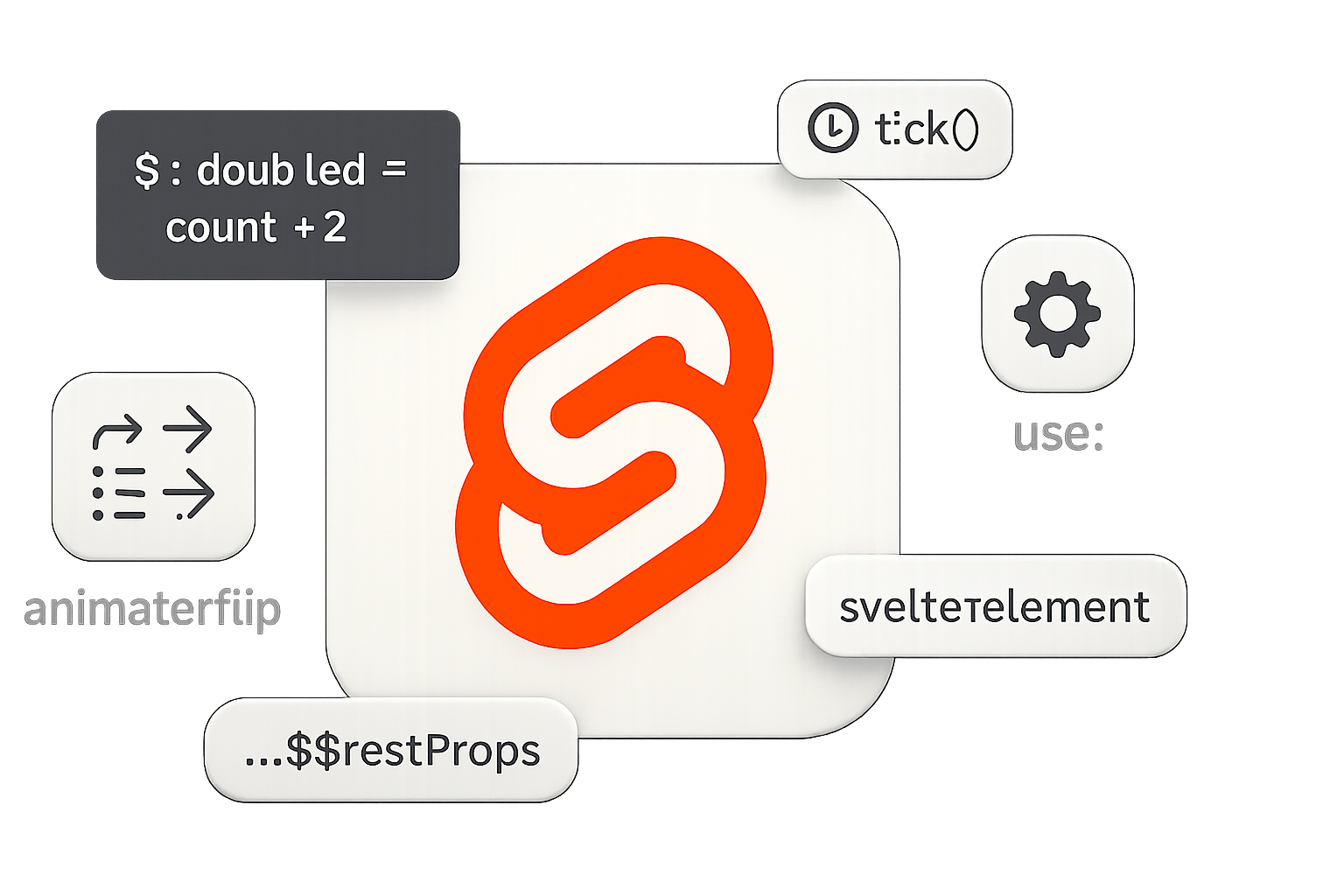
By the time you finish this article you’ll know ten small-but-powerful Svelte features that often live in the shadow of the framework’s headline claims. Use them and your components will be leaner. Your DOM updates will be smarter. Your UI will feel faster and cleaner.
Short. Practical. Immediately applicable.
Why “hidden”? Because these features are documented - but they’re rarely used to their full potential. I’ll show code samples, real-world tips, and links to the docs so you can try each trick in minutes.
1) Advanced reactive blocks: $: blocks, scoped reactive statements, and async work
The reactive declaration ($:) is the heart of Svelte reactivity. But beyond simple one-liners, you can use full scoped blocks and even async logic.
Why it helps: keep derived state, side effects, and async flows declarative and free of manual effect wiring.
Example - scoped reactive block and async fetch:
<script>
  export let id;
  let data;
  let error;

  $: if (id) {
    // scoped reactive block. Runs whenever `id` changes.
    (async () => {
      try {
        const res = await fetch(`/api/items/${id}`);
        data = await res.json();
      } catch (e) {
        error = e;
      }
    })();
  }
</script>
Tip: use $: { /_ … _/ } if you need multiple statements but want them treated as a single reactive block. See the Svelte tutorial on reactive statements: https://svelte.dev/tutorial/reactive-statements
2) Auto-subscription to stores with the $ prefix (and where you can’t use it)
Svelte stores are great - and inside component scripts and templates you can write $storeName to auto-subscribe and read the current value.
Why it helps: eliminates subscribe/unsubscribe boilerplate and keeps components reactive to external state effortlessly.
Example:
<script>
  import { writable } from 'svelte/store';
  export const theme = writable('light');

  // inside a Svelte component
  import { theme } from './stores';
  $: currentTheme = $theme; // auto-subscription
</script>

<div class={$theme}>Current: {$theme}</div>
Caveat: the $ shorthand only works in component instance scripts (not module scripts) and templates. Use manual subscribe when you need to manage the subscription lifetime or access a store outside a Svelte component.
Docs: https://svelte.dev/tutorial/writable-stores
3) tick(): wait for the DOM to catch up
Sometimes you need to wait until Svelte has flushed DOM updates (after state changes) - for example to measure an element that was just shown. Use tick() from ‘svelte’.
Why it helps: avoids race conditions when measuring or focusing elements after updates.
Example:
<script>
  import { tick } from 'svelte';
  let visible = false;
  let el;

  async function open() {
    visible = true;
    await tick(); // DOM is updated now
    el.focus();
  }
</script>

{#if visible}
  <input bind:this={el} />
{/if}
Docs: https://svelte.dev/docs#tick
4) svelte:element - dynamically render arbitrary HTML tags
You know <svelte:component this={Component}/> for dynamic components. But when you need a dynamic HTML tag (div, button, a, h1…), use svelte:element.
Why it helps: build highly generic components (like polymorphic Button components) without conditionals.
Example - polymorphic button:
<script>
  export let tag = 'button';
  export let href;
  export let $$restProps = {};
</script>

<svelte:element this={tag} {...$$restProps} href={href}>
  <slot />
</svelte:element>
Now your Button can be used as or as a regular button.
Docs: https://svelte.dev/docs#svelte_element
5) $$restProps and attribute forwarding
When writing wrapper components, you often want to forward arbitrary HTML attributes (class, aria-, data-, etc.). Use {…$$restProps} to spread unknown props onto an inner element.
Why it helps: maintain native attribute behavior and reduce prop-list boilerplate.
Example:
<script>
  export let label;
  export let $$restProps; // collects props not explicitly declared
</script>

<button {...$$restProps}>{label}</button>
This forwards class, id, and any event handlers to the